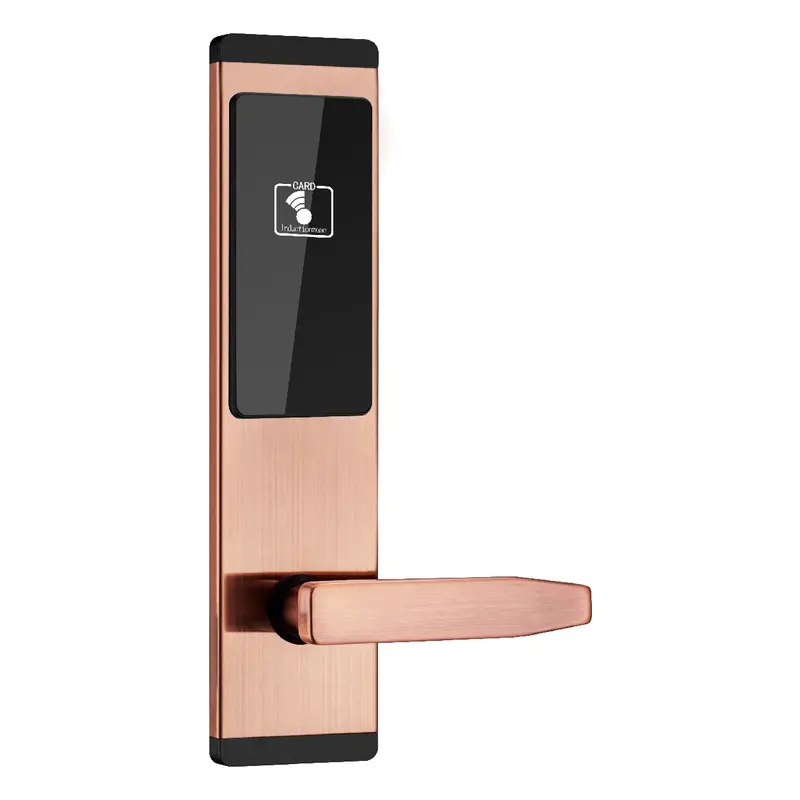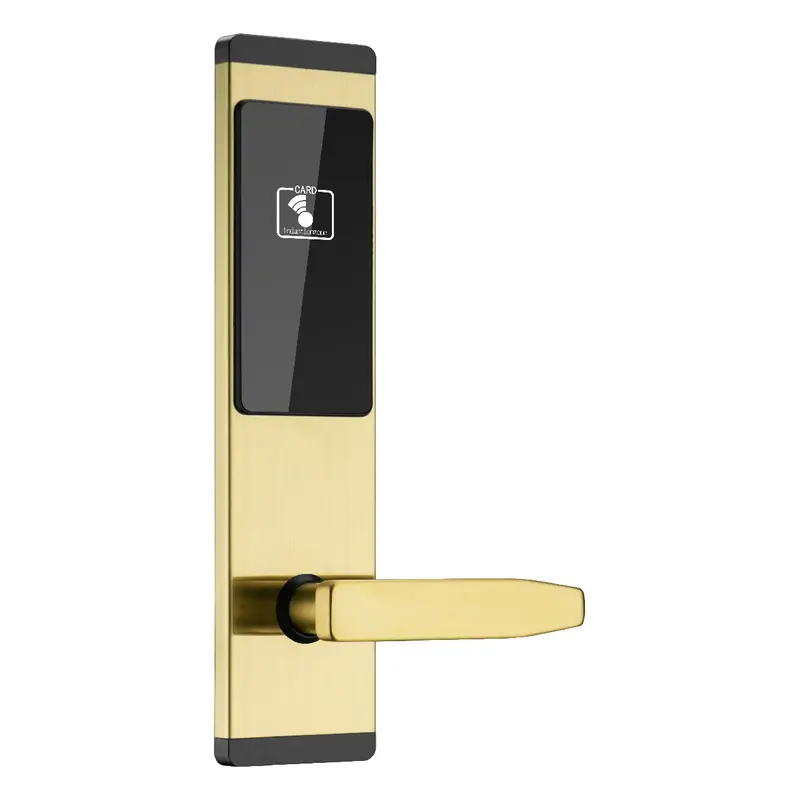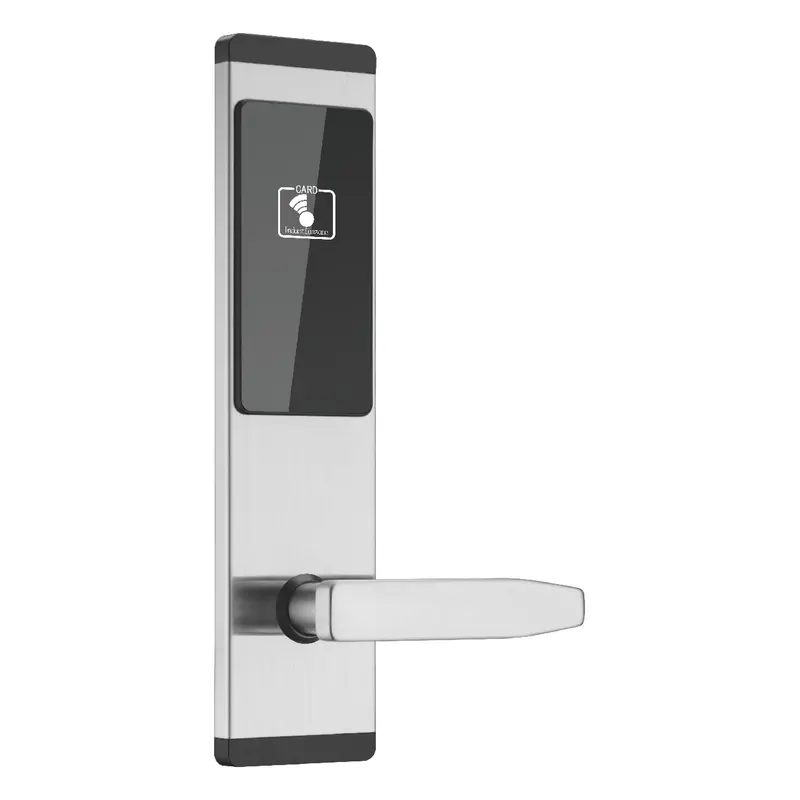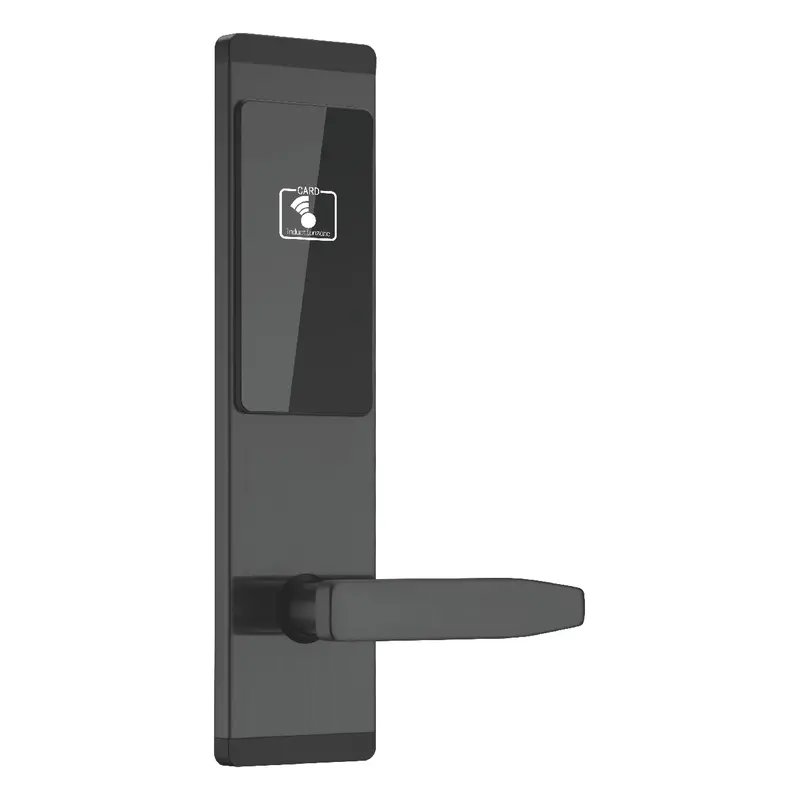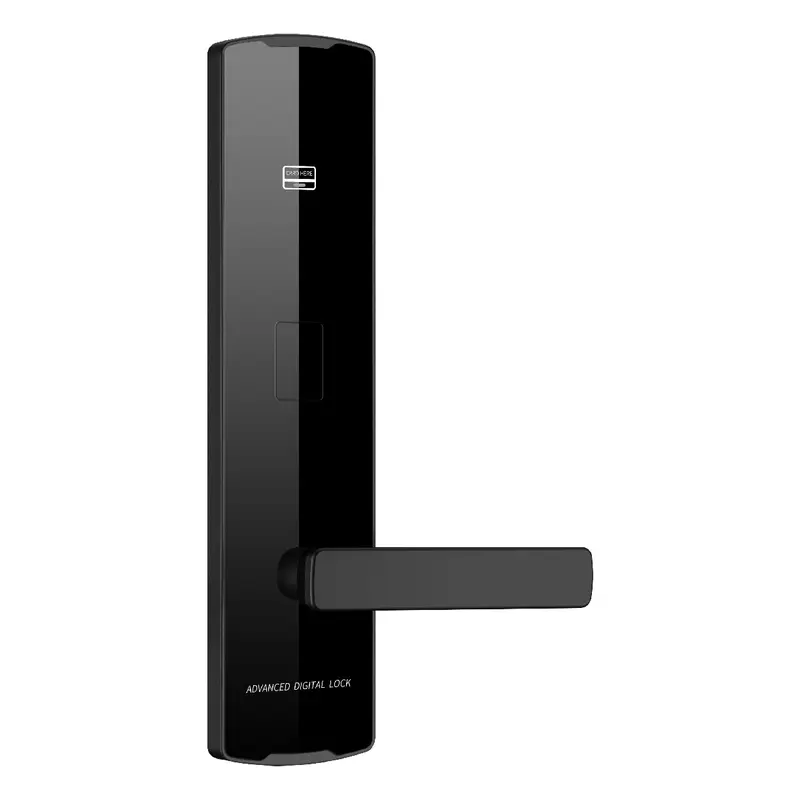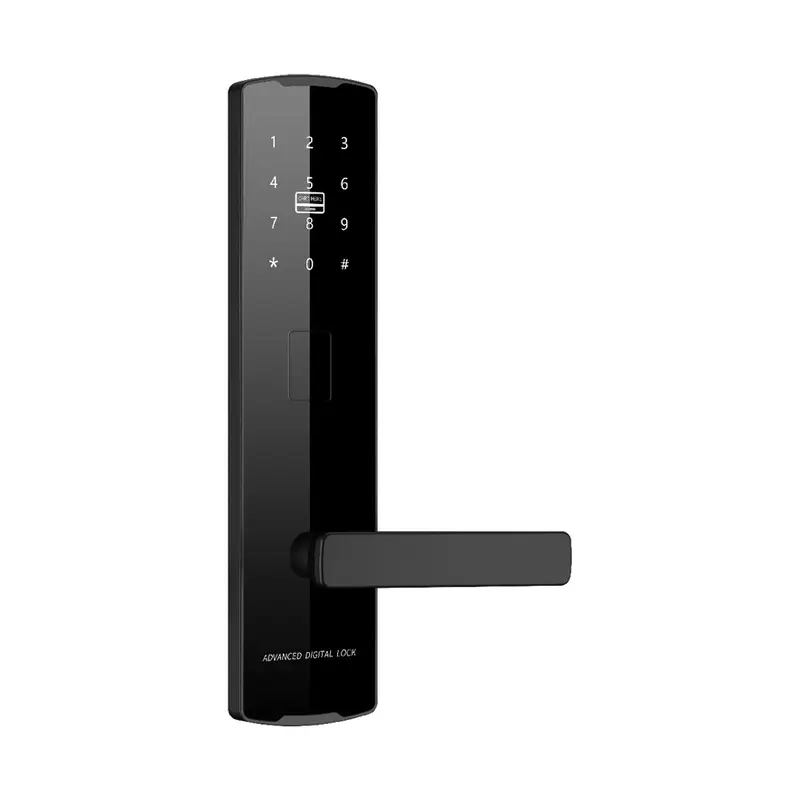
2112 Black Password Lock
Dimensions: 300x75x12mm Color: Black Material: Aluminum Oxide Profile Process: Anodized
Read More
How To Connect Tuya Smart Lock To Wifi Sourcing | Guangdong Haolock Intelligent Technology Co., LTD
This page is built for procurement managers evaluating Tuya smart lock WiFi connectivity as part of an OEM project. It brings together product matches, sourcing checks, and technical context so your supplier conversations start with precision rather than guesswork.
If customization scope and sample approval are your decision priorities, use the product comparisons, buying guidance, and buyer-style feedback here to build a focused shortlist before sending your first inquiry.
Dimensions: 300x75x12mm Color: Black Material: Aluminum Oxide Profile Process: Anodized
Read More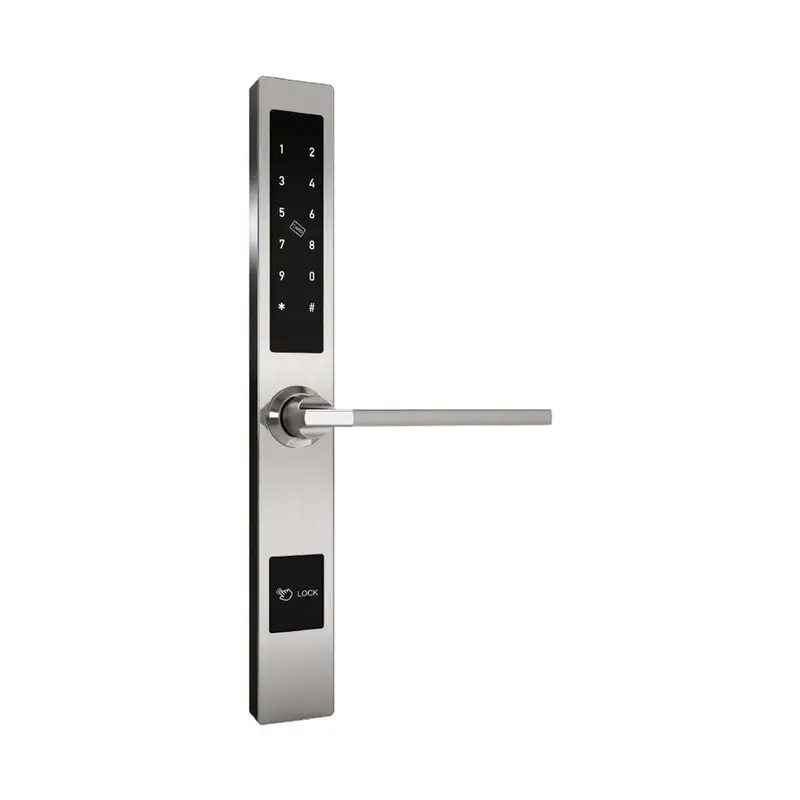
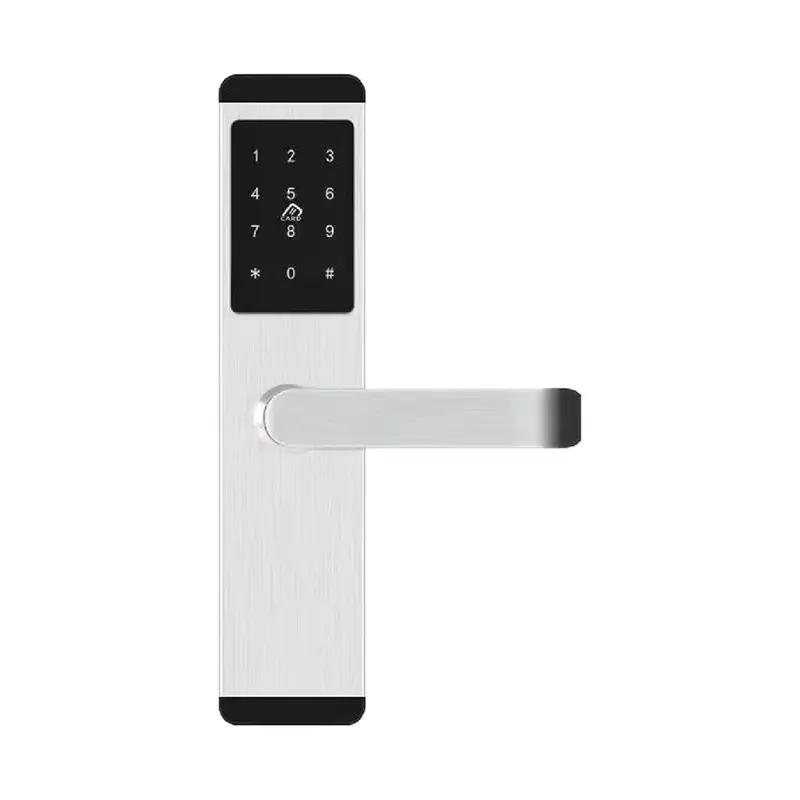
Dimensions:310x40x20mm Color:Silver Material: Aluminum alloy Process: Electroplating
Read More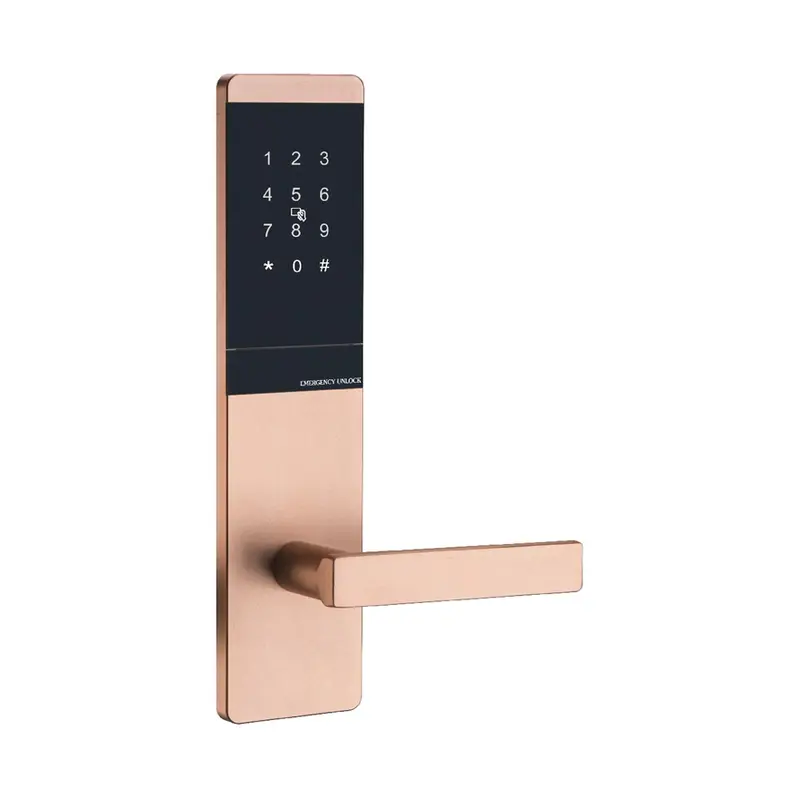
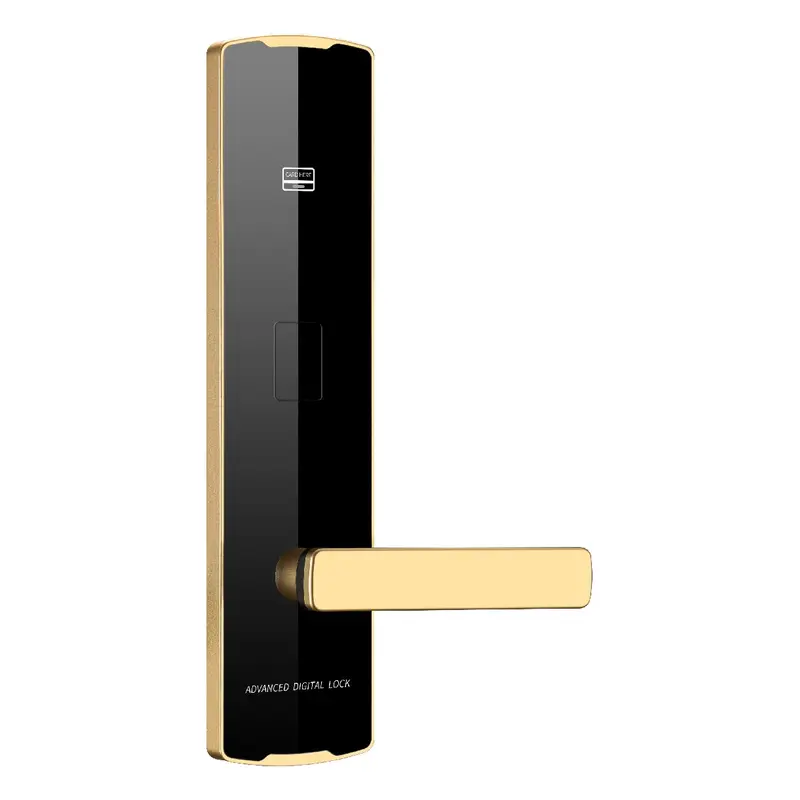
Dimensions: 300x75x10mm Color: Golden Material: Aluminum Oxide Profile Process: Anodized
Read More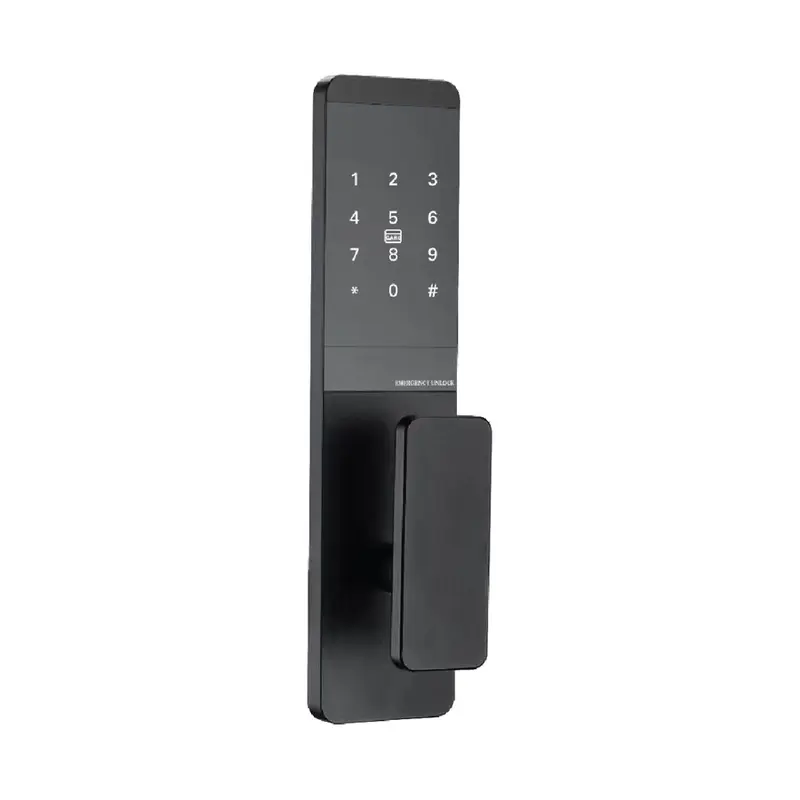
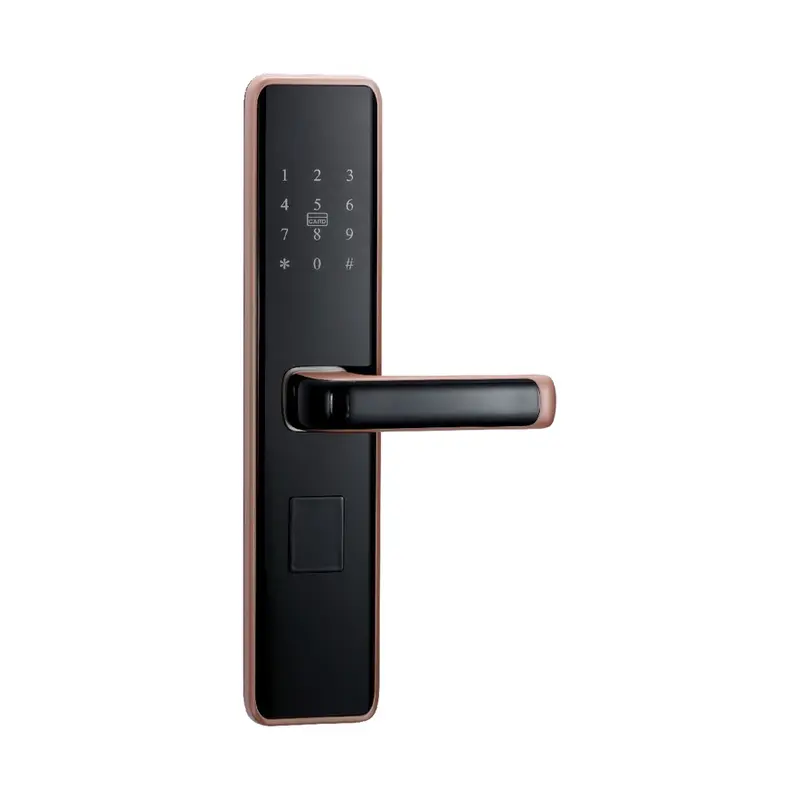
Dimensions:300x75x10mm Color:Black Material: Aluminum Oxide Profile Process: Anodizing
Read More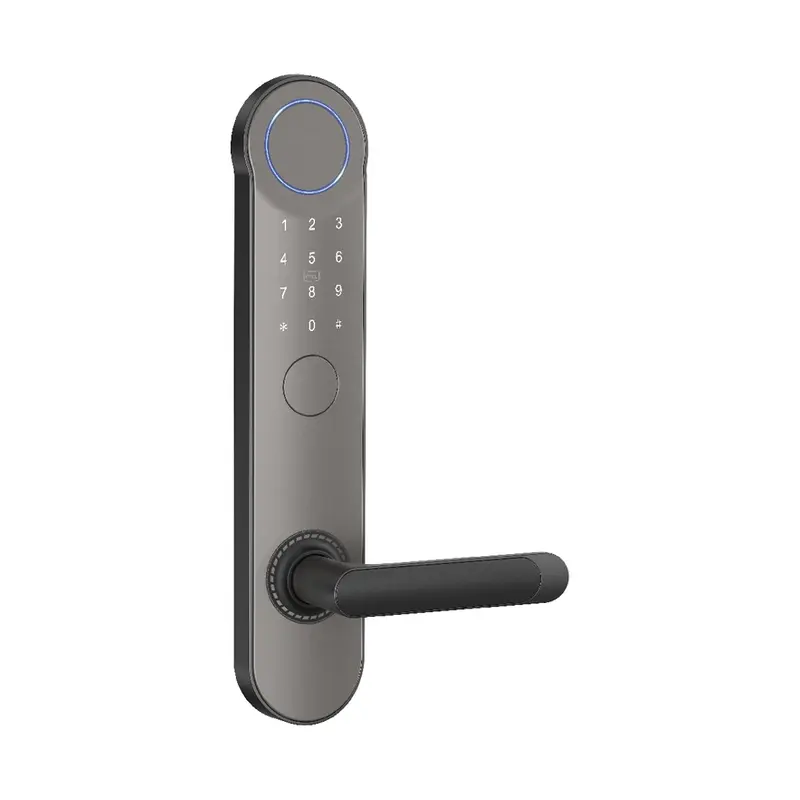
Dimensions:320x65x20mm Color: Gray Swipe card Material: Aluminum alloy Process: Spray coating
Read More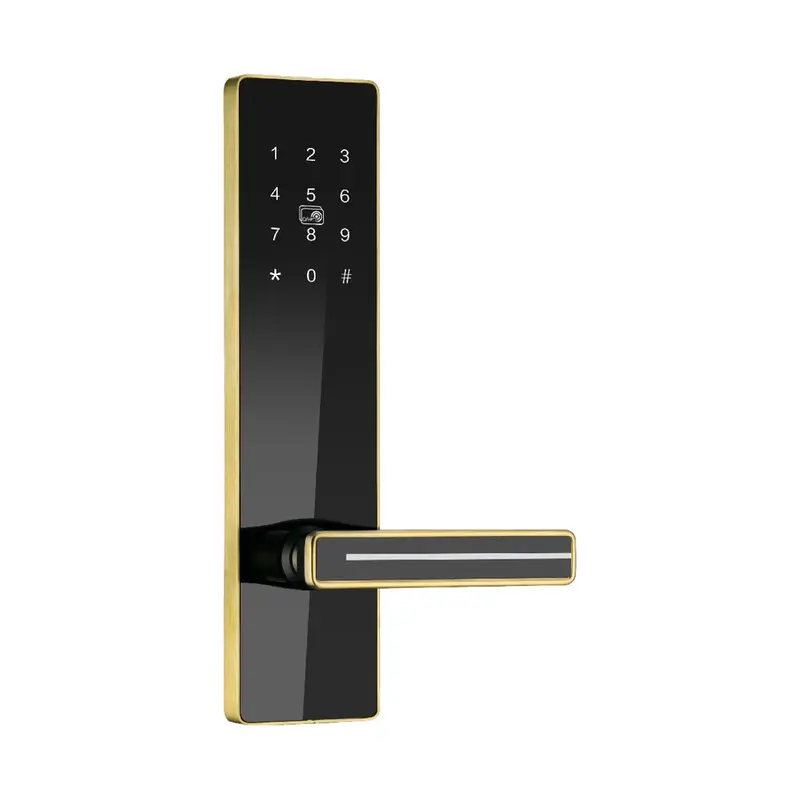
Dimensions:300x75x14.5mm Color:Golden Material: stainless steel Process: Stainless Steel Brushed Finish
Read MoreOEM Product Match Guide
The related product list helps you compare How To Connect Tuya Smart Lock To WiFi by actual product direction rather than keyword wording alone. Check whether each product supports OEM project planning, then use the table below to prepare a clearer RFQ.
| Criterion | What To Check | Why It Matters | Buyer Tip |
|---|---|---|---|
| Tuya App Compatibility | Lock firmware supports Tuya Smart or Smart Life app | OEM projects must confirm app SDK version before bulk order | Request Tuya certification docs from supplier during RFQ |
| WiFi Protocol Support | Lock supports 2.4GHz WiFi (802.11 b/g/n) | Most Tuya smart locks do not support 5GHz; mismatches cause connection failure | Confirm band spec in product datasheet before sample approval |
| Network Pairing Mode | Lock enters EZ or AP pairing mode as required | Pairing mode must match end-user router environment for reliable setup | Ask supplier for pairing mode reset instructions in OEM manual |
| OEM App Branding Option | Supplier offers white-label Tuya app customization | Procurement managers need branded app for project differentiation | Verify Tuya OEM app licensing scope during customization negotiation |
| After-Sales WiFi Support | Supplier provides remote diagnosis and firmware OTA update | WiFi connectivity issues post-deployment require vendor-side support | Include OTA update terms and response SLA in export order contract |
To connect a Tuya smart lock to WiFi, the lock must support the Tuya IoT platform and be paired through the Tuya Smart or Smart Life app. The process typically involves enabling the lock's pairing mode, selecting the correct 2.4GHz network, and completing device registration within the app. Gateway-dependent models require an additional hub step.
For OEM buyers, the more relevant question is whether the lock's WiFi module, firmware version, and Tuya certification align with your target market's connectivity requirements. Confirming these details during sample approval avoids compliance issues later in the project.
Begin by clarifying how the Tuya WiFi smart lock will be deployed in your OEM project. Identify whether the application requires direct WiFi pairing, gateway-based connection, or a hybrid setup. Note any regional frequency restrictions, app branding requirements, or platform integration needs that will affect which lock models qualify for your shortlist.
Compare candidate products across WiFi module type, supported frequency bands, Tuya certification tier, firmware update path, and compatibility with third-party smart home ecosystems. If your project involves private-label app development or custom UI, confirm early whether the supplier supports Tuya OEM app licensing and what the approval timeline looks like.
Before requesting a quotation, prepare your project context in writing: target market, expected order volume, destination country, installation environment, and any certification requirements such as CE, FCC, or RoHS. Suppliers who receive this information upfront can recommend the correct connectivity configuration and flag any component lead-time issues before samples are cut.
When reviewing supplier responses, prioritize those that address your specific connectivity scenario rather than sending a generic catalog. Ask directly how sample units will be pre-configured for WiFi testing, how firmware versions are managed across production batches, and what after-sales support covers if connectivity issues arise post-deployment. These answers reveal how well the supplier understands OEM project requirements.
| Criteria | Importance | Description | Example Options |
|---|---|---|---|
| WiFi Standard | Critical | Determines network compatibility across deployment sites | 2.4GHz 802.11 b/g/n via Tuya module |
| OEM App Customization | High | Allows branded app experience for end-client projects | Custom app name, logo, and UI on Tuya platform |
| Firmware Update Method | High | Affects long-term maintenance and security patching | OTA updates pushed via Tuya cloud remotely |
| Sample Pairing Validation | Medium | Confirms WiFi connectivity before bulk order commitment | App pairing test included in sample approval process |
| After-Sales WiFi Support | Medium | Ensures post-shipment troubleshooting coverage for buyers | Module replacement and reconnection guidance per order terms |
Recommended Products
Top product matches should be reviewed by fit, specification clarity, customization readiness, and how well they support application matching. Use these factors to shortlist practical options before contacting the supplier.
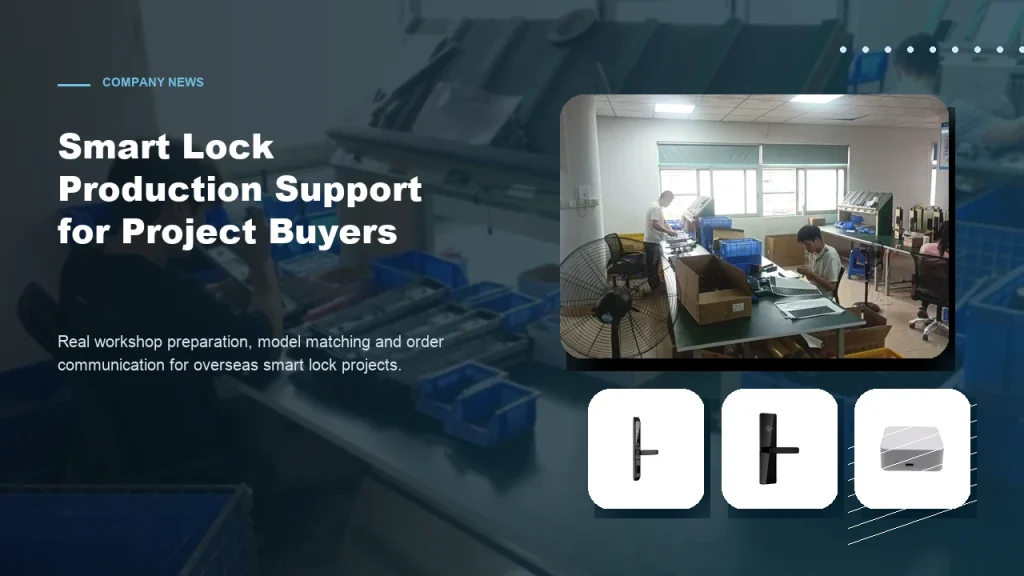
Subtitle: From workshop preparation to model selection, practical factory support helps overseas buyers order smart locks with more confidence. Introduction For overseas B2B buyers, choosing a smart lock supplier is not only about product appearance. Contractors, distributors and project buyers also care about whether the factory can support practical order preparation, model matching, packaging details […]
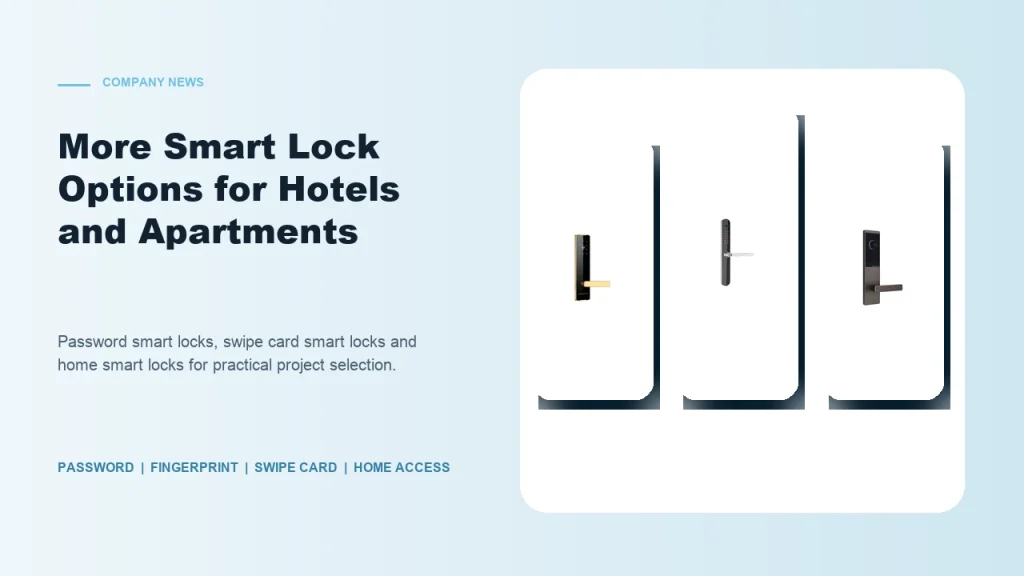
Subtitle: Password smart locks, fingerprint smart locks, swipe card locks and home smart locks help buyers match different project requirements. Introduction Smart lock buyers are no longer looking for one universal product. Hotels, apartments, schools, guesthouses, homestays and residential buildings all have different access habits and management requirements. Some projects need simple card operation. Some […]

Subtitle: Clear communication helps contractors, distributors and project buyers reduce risk when sourcing smart locks from China. Introduction For global smart lock buyers, export purchasing can be challenging when product details are unclear. A buyer may see many similar lock models online, but the real project requires more information: What unlocking method is suitable? Which […]
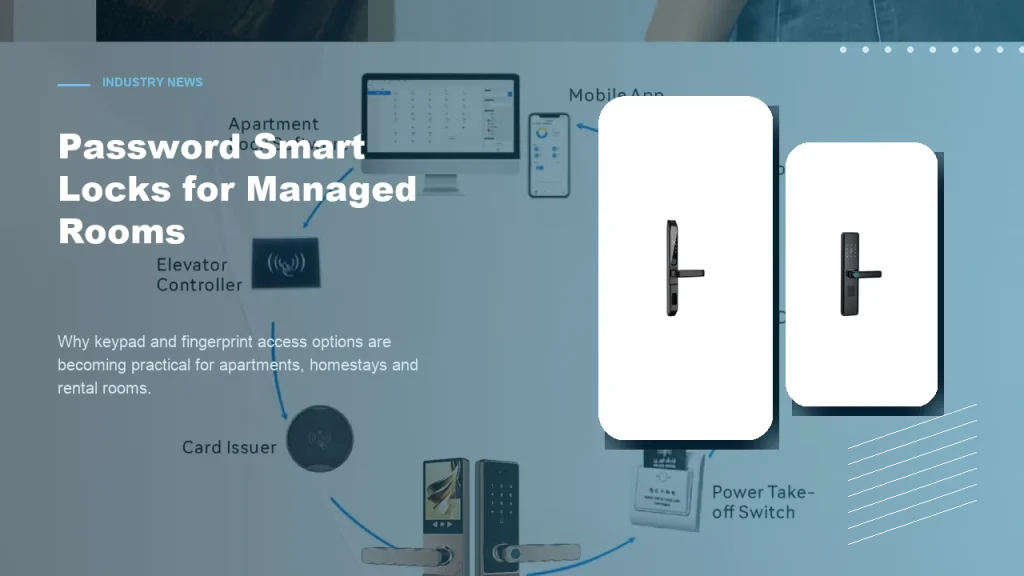
Subtitle: Keypad and fingerprint access options help apartments, homestays and rental rooms improve daily access convenience. Introduction Password smart locks are becoming a practical choice for many managed room projects. Apartments, homestays, rental rooms and small accommodation operators often need convenient access without relying only on mechanical keys. For B2B buyers, password smart locks and […]
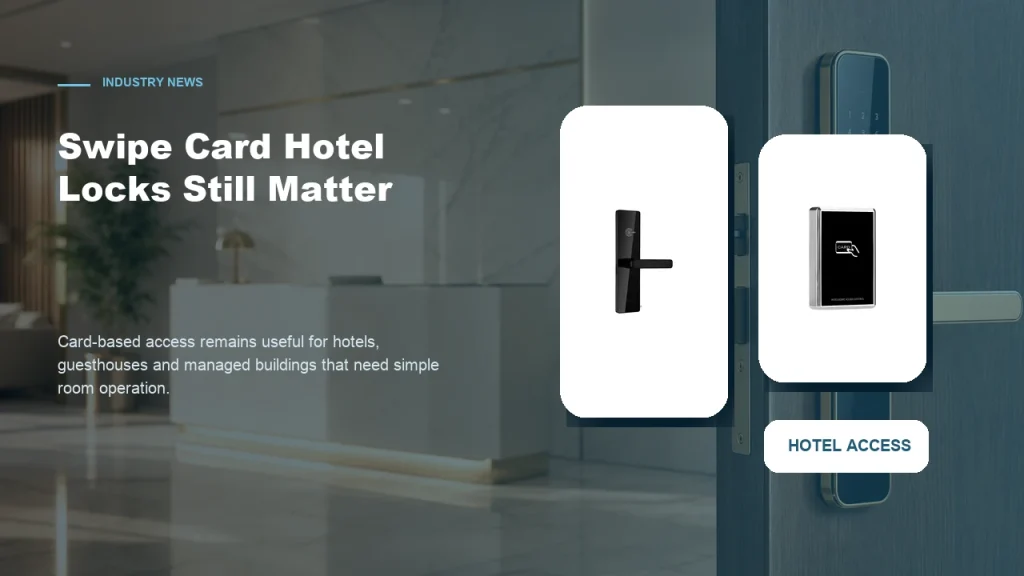
Subtitle: Card-based access remains a practical choice for properties that need simple room operation and familiar management workflows. Introduction While mobile access and password smart locks receive more attention, swipe card smart locks still have a strong role in hotel and guesthouse projects. Many accommodation operators prefer card-based access because it is familiar to staff, […]
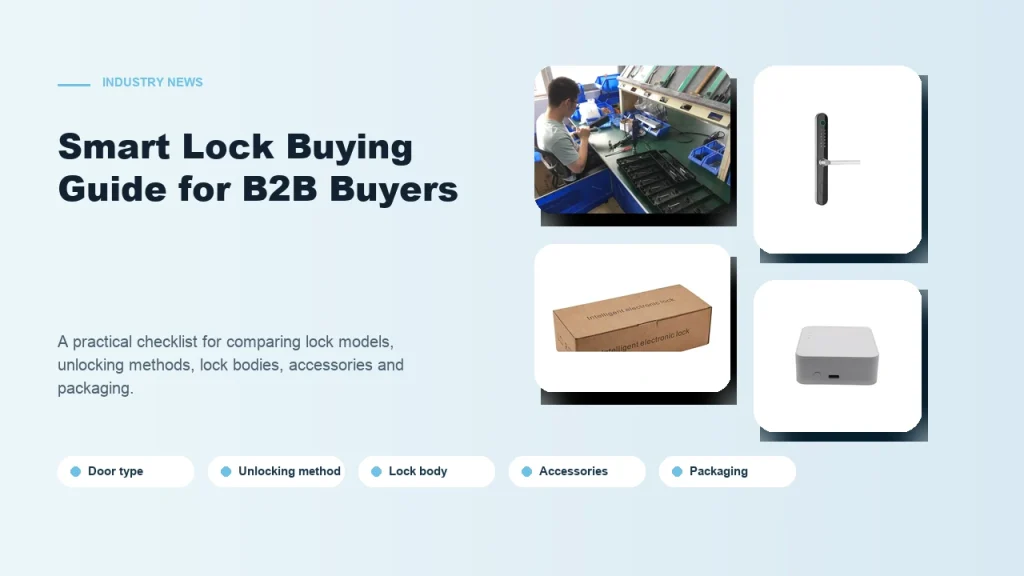
Subtitle: A practical checklist for comparing smart lock models, unlocking methods, lock bodies, accessories and packaging. Introduction Buying smart locks for a B2B project is different from buying one lock for personal use. Contractors, distributors and project buyers need to consider installation conditions, user habits, room management needs and long-term cooperation with the supplier. A […]
The feedback below reflects procurement managers and OEM buyers who reviewed these products while checking specifications, comparing supplier options, or preparing an RFQ for Tuya WiFi smart lock projects.
The step-by-step breakdown on connecting a Tuya smart lock to WiFi saved me from guessing which app settings to configure before contacting the supplier.
I had no idea the Tuya Smart Life app required a specific network band, and this page explained the 2.4GHz requirement clearly before I placed my bulk inquiry.
Reading through the WiFi pairing instructions helped me identify which Tuya lock models supported remote access, making my sourcing shortlist much more focused.
This page gave me enough technical context about Tuya WiFi pairing modes that I could ask the manufacturer smarter questions during our first product discussion.
Yes, Haolock's Tuya-enabled locks connect via 2.4GHz WiFi using the Tuya Smart app. OEM buyers can request custom app branding while retaining full remote unlock, monitoring, and access-log features.
Power the lock, open the Tuya Smart app, select 'Add Device,' choose the lock model, enter your 2.4GHz credentials, and complete pairing. Sample units ship pre-configured for straightforward procurement manager evaluation.
Haolock supports OEM firmware customization on Tuya modules, including TLS encryption settings and network protocol adjustments. Buyers should specify security requirements during RFQ submission for technical feasibility review.
Haolock provides after-sales support covering WiFi pairing troubleshooting, OTA firmware updates via Tuya cloud, and replacement module supply. Support terms and response commitments are defined per export order agreement.
Each sample undergoes WiFi signal stability testing, app pairing verification, remote command response checks, and connectivity drop-reconnect validation to ensure reliable performance before procurement manager approval.
Haolock's mortise-style and cylindrical Tuya WiFi lock models suit commercial OEM applications. Buyers can shortlist models by door type, credential options, and connectivity requirements during the RFQ comparison stage.
Use the inquiry form to share your project context, including application environment, target market, customization requirements, and expected volume. A specific inquiry helps our team recommend the right Tuya WiFi lock configuration and initiate sample approval efficiently.