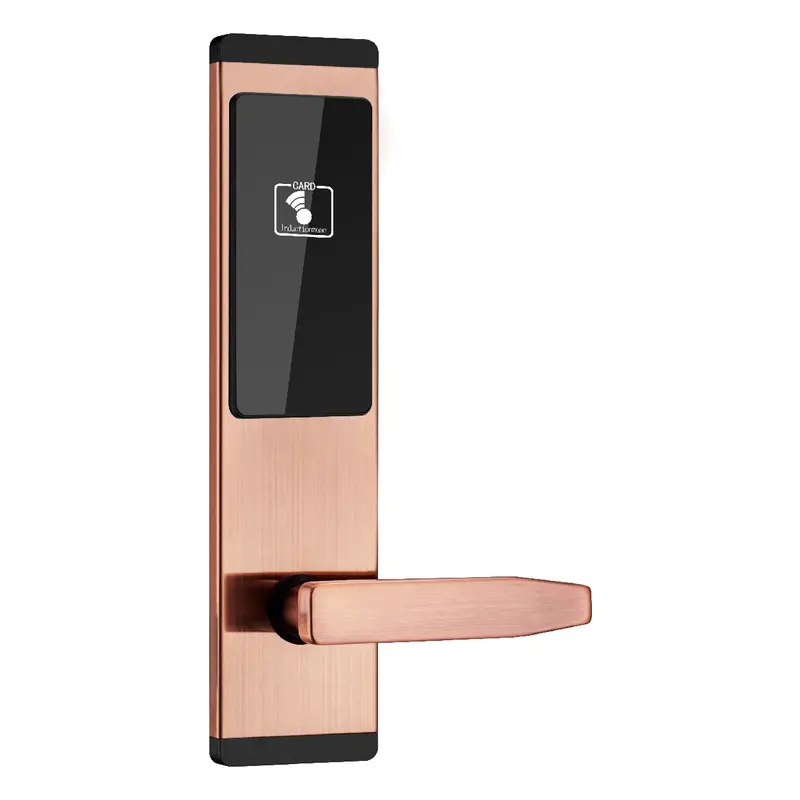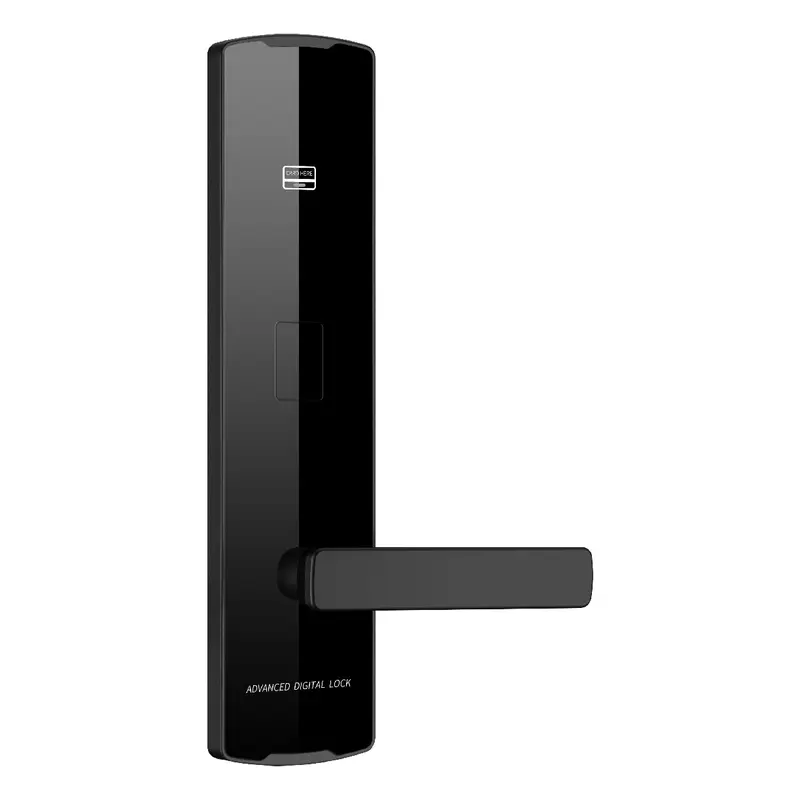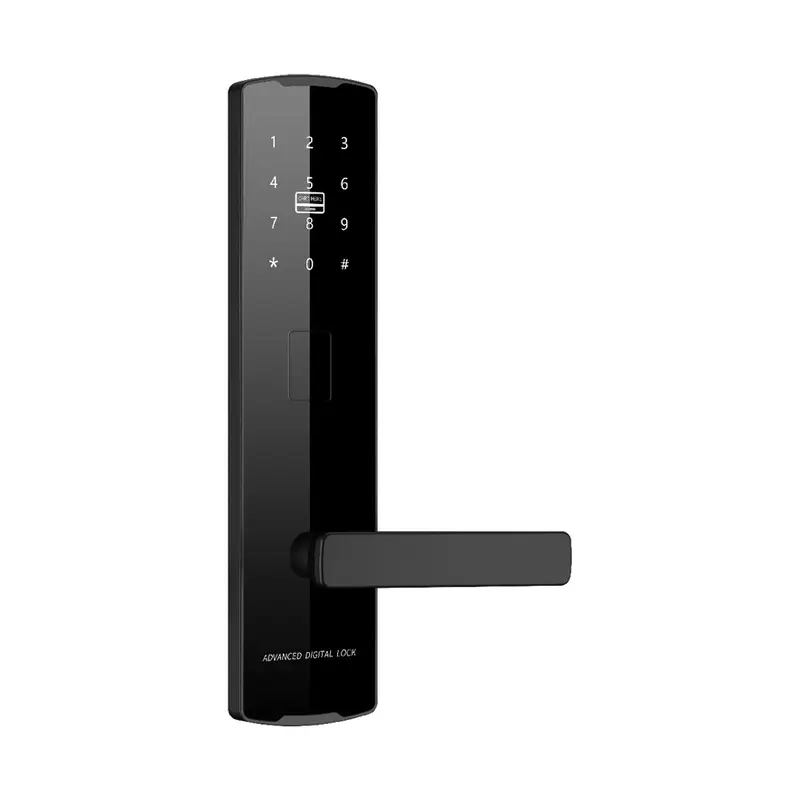
2112 Black Password Lock
Dimensions: 300x75x12mm Color: Black Material: Aluminum Oxide Profile Process: Anodized
Read More
How To Connect Smart Lock To Tuya App Sourcing | Guangdong Haolock Intelligent Technology Co., LTD
Use this page to evaluate How To Connect Smart Lock To Tuya App from the perspective of new product line development. It brings together related products, practical selection checks, and buyer questions so your inquiry can be more specific from the beginning.
For a product development team, the most useful starting point is quality inspection points and documentation. Review the product matches, comparison notes, FAQs, and recent buyer-style feedback before sending final requirements.
Dimensions: 300x75x12mm Color: Black Material: Aluminum Oxide Profile Process: Anodized
Read More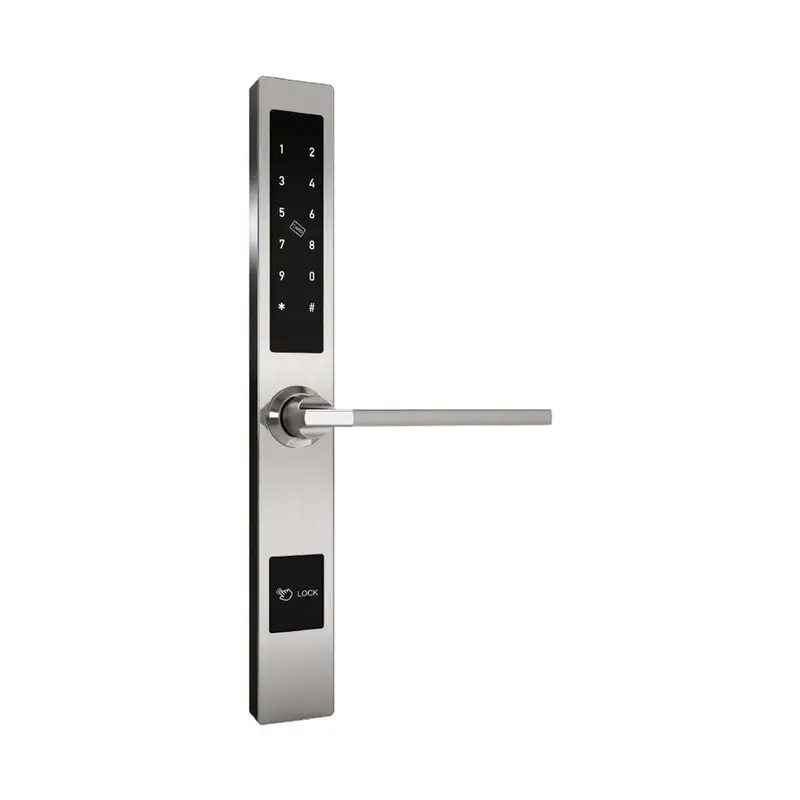
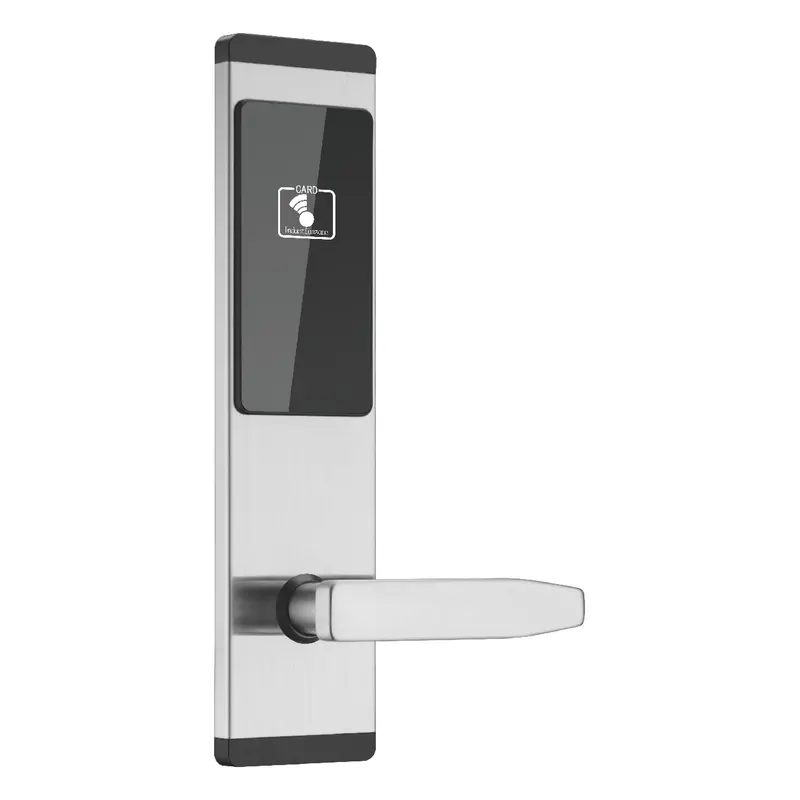
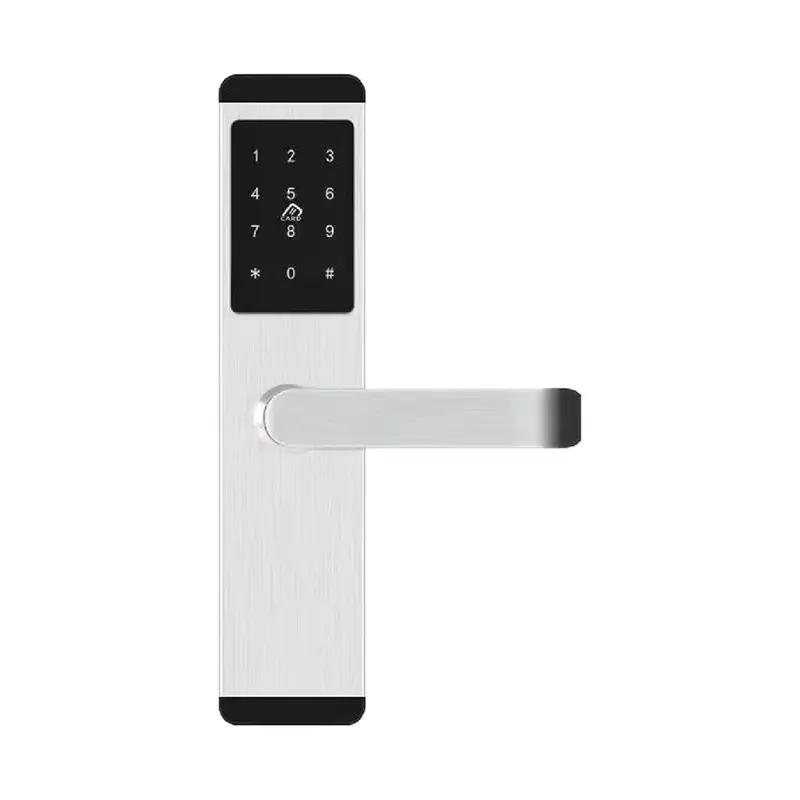
Dimensions:310x40x20mm Color:Silver Material: Aluminum alloy Process: Electroplating
Read More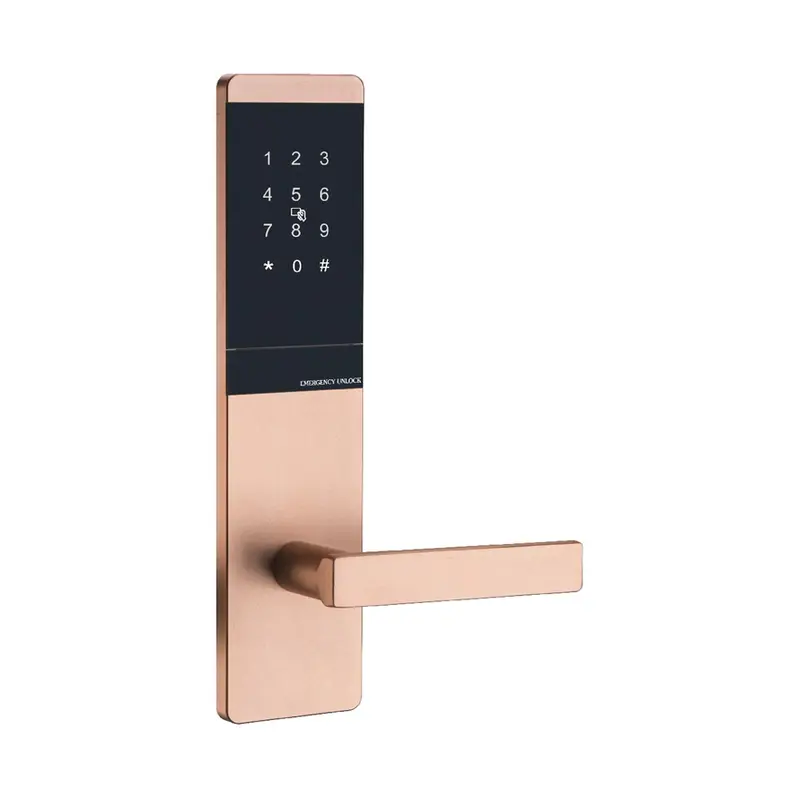
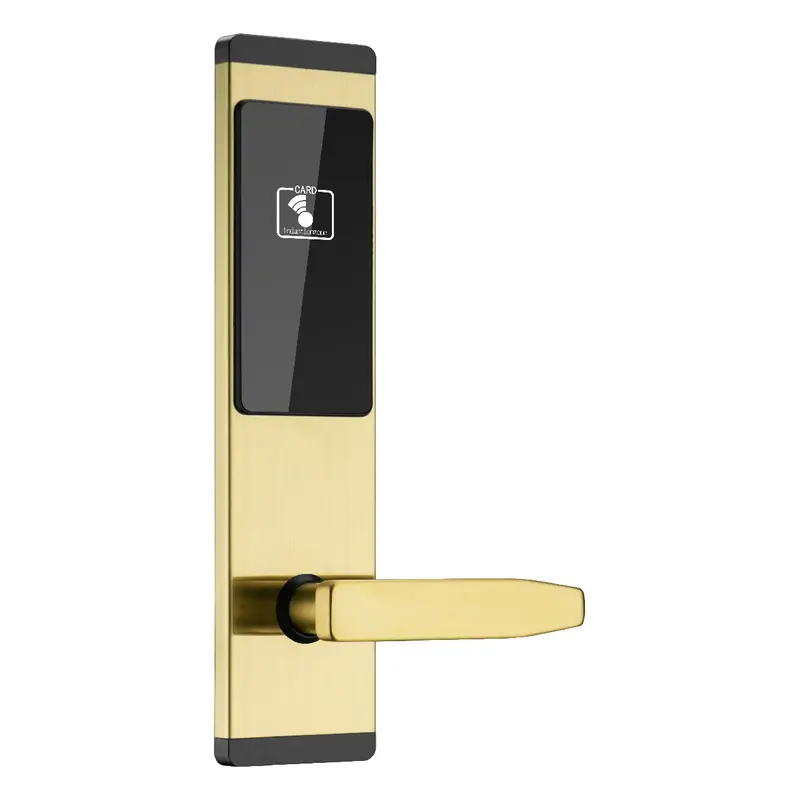
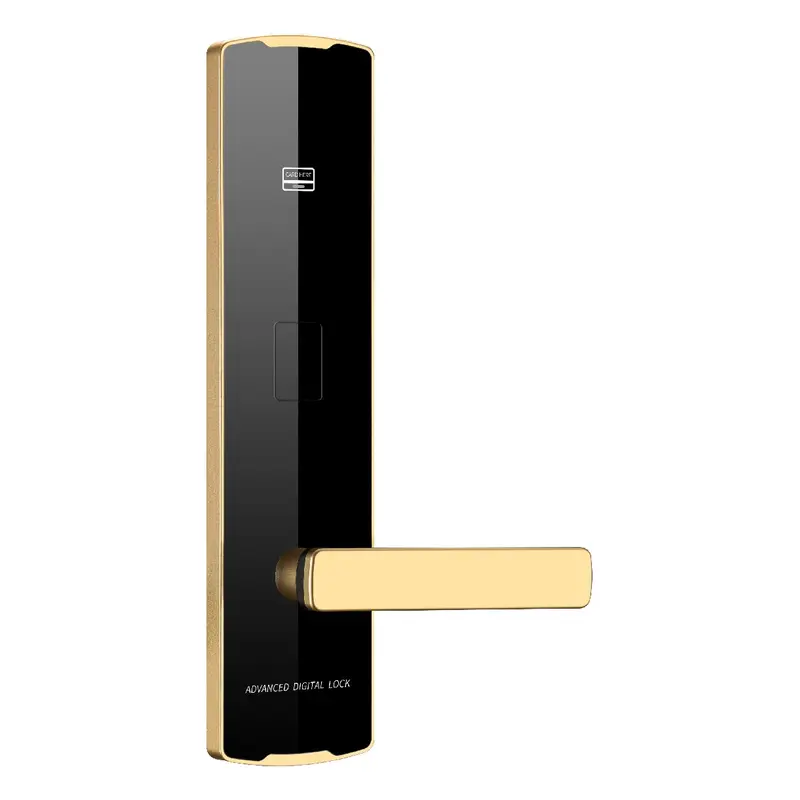
Dimensions: 300x75x10mm Color: Golden Material: Aluminum Oxide Profile Process: Anodized
Read More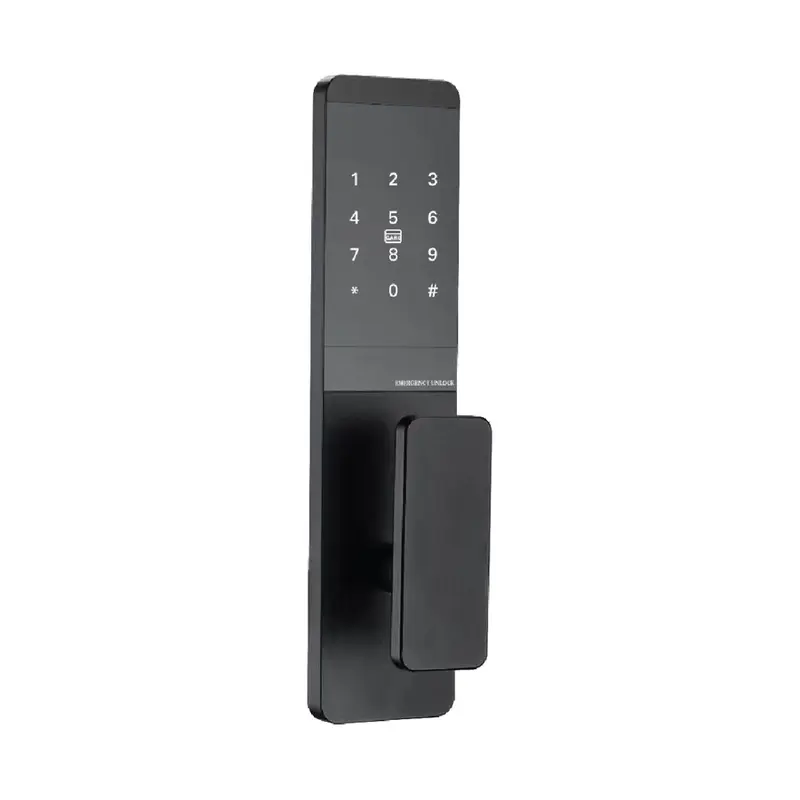
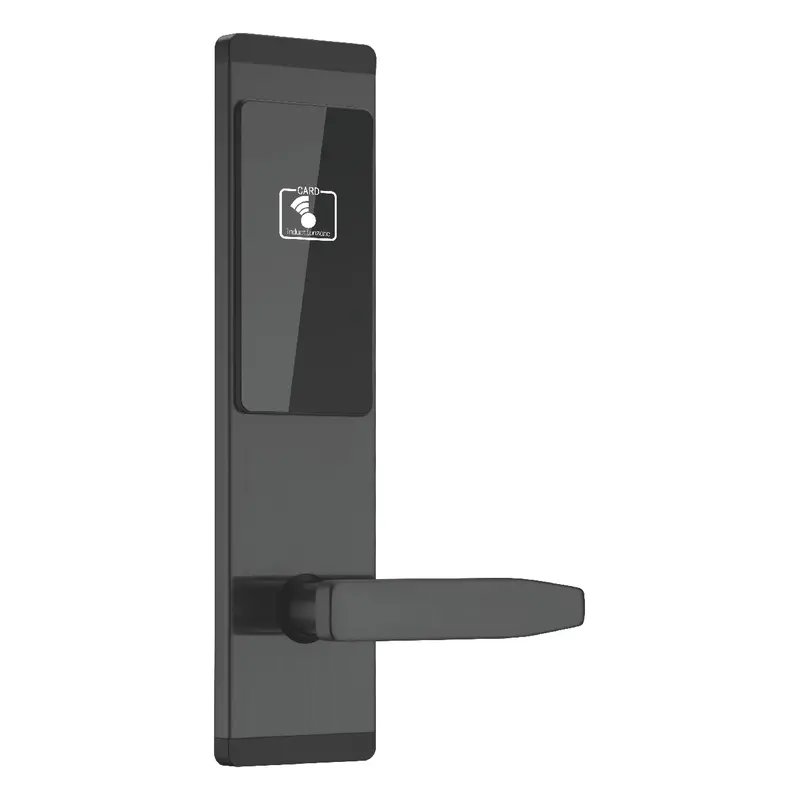
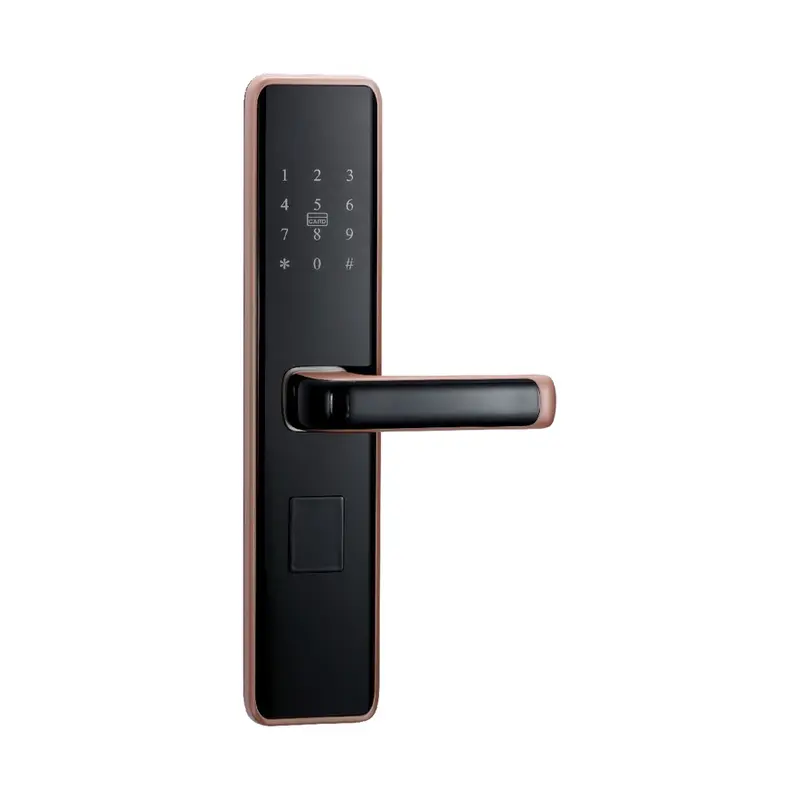
Dimensions:300x75x10mm Color:Black Material: Aluminum Oxide Profile Process: Anodizing
Read More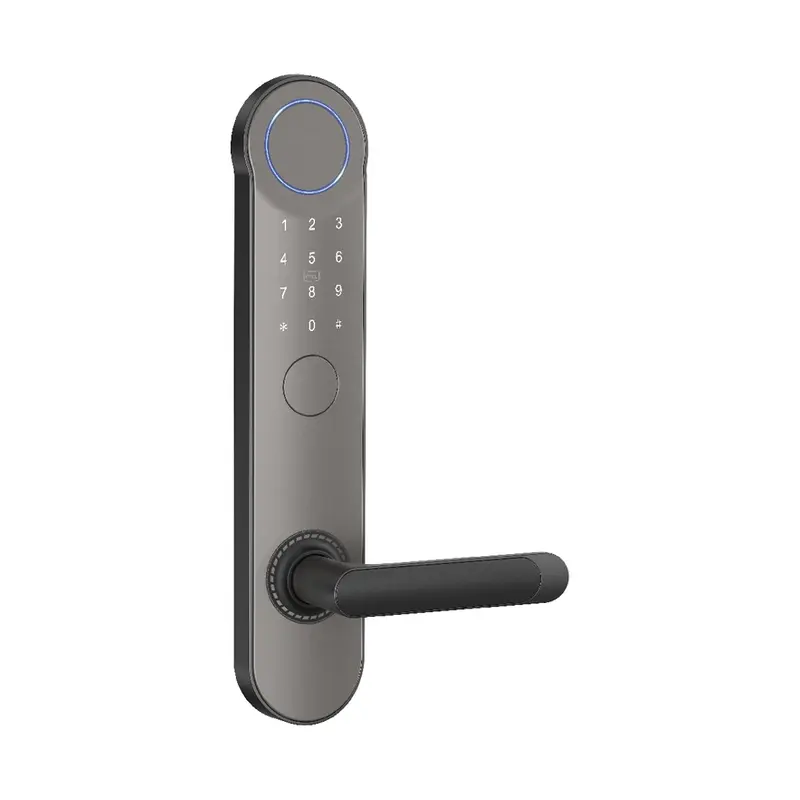
Dimensions:320x65x20mm Color: Gray Swipe card Material: Aluminum alloy Process: Spray coating
Read More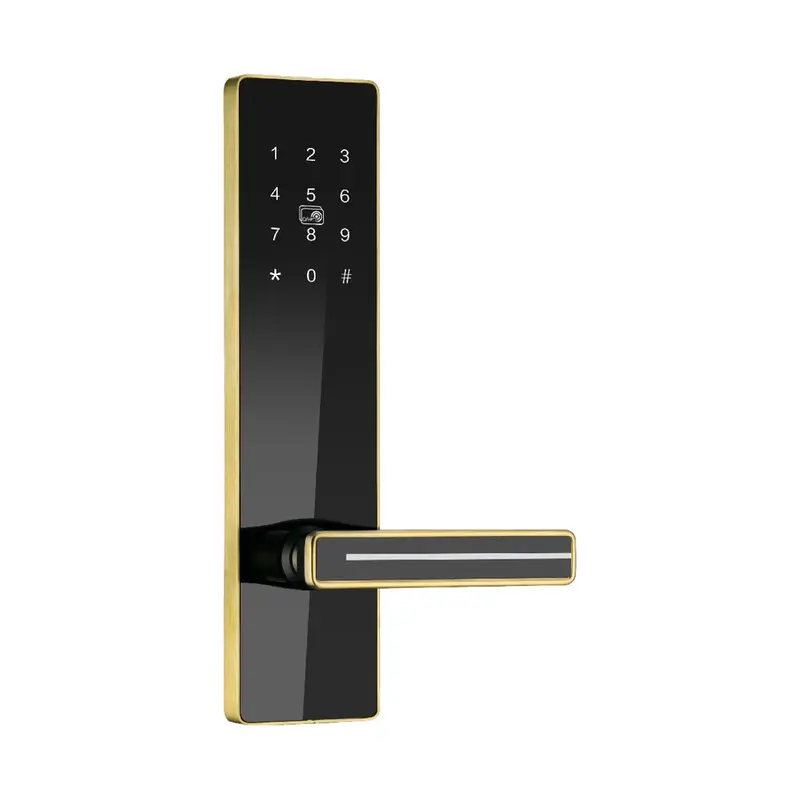
Dimensions:300x75x14.5mm Color:Golden Material: stainless steel Process: Stainless Steel Brushed Finish
Read MoreSmart Lock Models Supporting Tuya App Integration
The products listed on this page are relevant to How To Connect Smart Lock To Tuya App and have been selected to support product development teams comparing options across connectivity type, lock mechanism, finish, and customization scope. Use the specification details and product notes to identify which models align with your project requirements before preparing a formal inquiry.
| Criterion | What To Check | Why It Matters | Buyer Tip |
|---|---|---|---|
| Tuya Protocol Compatibility | Confirm lock uses Tuya Wi-Fi, Zigbee, or BLE module | Non-Tuya chipsets cannot pair with the Tuya Smart app | Request module model number (e.g., WB3S, BK7231) from supplier before RFQ |
| App Pairing Mode Support | Verify lock supports EZ or AP pairing mode | Missing pairing mode causes connection failure during QC testing | Ask supplier for pairing mode spec sheet and test protocol documentation |
| Firmware Version | Confirm factory firmware is Tuya-certified and up to date | Outdated firmware may block app recognition or feature sync | Include firmware version requirement in product specification checklist |
| Network Frequency Band | Check lock supports 2.4GHz Wi-Fi (not 5GHz only) | Tuya Wi-Fi locks require 2.4GHz; 5GHz causes pairing failure | Add network band confirmation to incoming inspection criteria |
| OEM App Customization Scope | Clarify if white-label Tuya app is included or requires separate licensing | Product line development may need branded app, affecting lead time and cost | Request Tuya OEM app authorization documents during supplier evaluation |
To connect a smart lock to the Tuya app, the lock must support Tuya's protocol — typically via Wi-Fi, Bluetooth, or Zigbee. After powering the lock, open the Tuya Smart or Smart Life app, add a new device, and follow the pairing steps for your specific lock model. Bluetooth pairing is usually faster for initial setup; Wi-Fi enables remote access.
For product development teams, the more relevant question is whether a supplier's lock firmware is certified on the Tuya IoT platform and whether SDK documentation, OEM app options, and integration support are included in the product package.
Begin by confirming that the smart lock model you are evaluating is officially listed on the Tuya IoT Development Platform. Tuya-certified devices come with verified firmware, which reduces integration risk during product development. Ask the supplier for the Tuya Product ID, certification documentation, and any available SDK or API references before comparing models.
Next, review connectivity options — Bluetooth, Wi-Fi, Zigbee, or a combination — and match them to your target application. Locks intended for residential projects often use Bluetooth for local control and Wi-Fi for remote access. Commercial or multi-unit deployments may require Zigbee gateway support. Clarify which connectivity modules are included and whether they can be customized for your product line.
When preparing your RFQ, include expected order quantity, destination market, required certifications (CE, FCC, RoHS), and any branding or packaging requirements. If you need a private-label app or custom Tuya panel configuration, state this clearly. Suppliers with Tuya ODM experience can often provide white-label app setup as part of the project scope.
Evaluate supplier replies based on the quality of their technical documentation — pairing guides, firmware version records, inspection reports, and after-sale support terms. A supplier that provides structured onboarding materials for Tuya connectivity is generally better positioned to support new product line development than one offering only a product catalog.
| Criteria | Importance | Description | Example Options |
|---|---|---|---|
| Connectivity Protocol | High | Determines Tuya app pairing method and remote access capability | Wi-Fi vs Bluetooth vs Zigbee modules |
| Tuya Integration Depth | High | Defines available app features like automation, sharing, and alerts | Full Tuya SDK vs basic pairing only |
| OEM Customization Support | Medium | Ability to white-label app interface for branded product lines | Custom app name, logo, and color scheme |
| Pairing Documentation Quality | Medium | Clarity of technical guides provided for QC and end-user packaging | Multilingual PDF guides and QR code cards |
| Bulk Order MOQ Flexibility | Medium | Minimum order quantity alignment with new product line development scale | Sample units available before full RFQ commitment |
Recommended Products
These top product matches reflect common sourcing priorities for teams developing Tuya-compatible smart lock lines — including Bluetooth deadbolts, Wi-Fi fingerprint locks, and gateway-ready models suitable for multi-unit or commercial applications. Review each listing for connectivity specs, available documentation, and customization options before shortlisting.
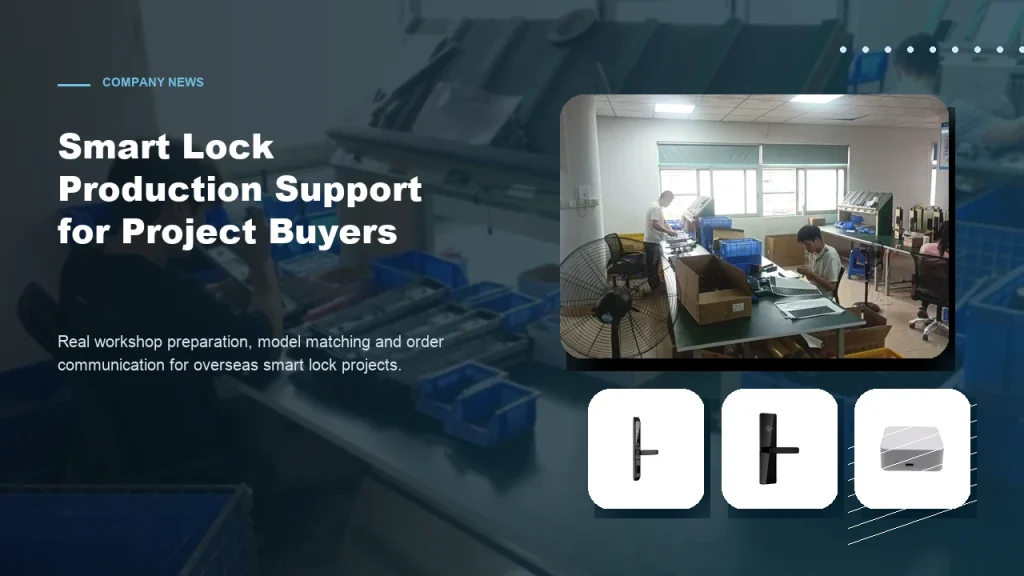
Subtitle: From workshop preparation to model selection, practical factory support helps overseas buyers order smart locks with more confidence. Introduction For overseas B2B buyers, choosing a smart lock supplier is not only about product appearance. Contractors, distributors and project buyers also care about whether the factory can support practical order preparation, model matching, packaging details […]
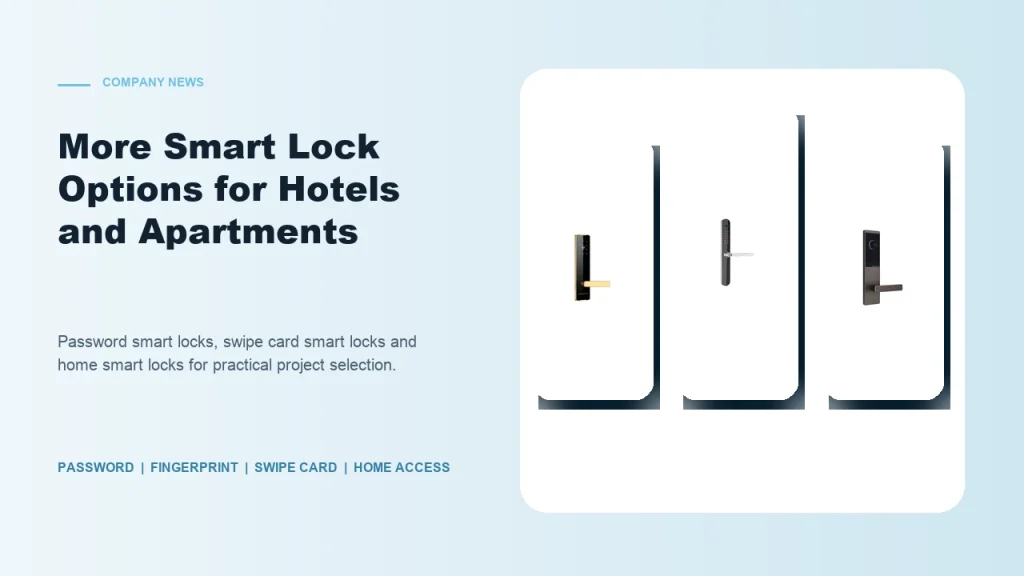
Subtitle: Password smart locks, fingerprint smart locks, swipe card locks and home smart locks help buyers match different project requirements. Introduction Smart lock buyers are no longer looking for one universal product. Hotels, apartments, schools, guesthouses, homestays and residential buildings all have different access habits and management requirements. Some projects need simple card operation. Some […]
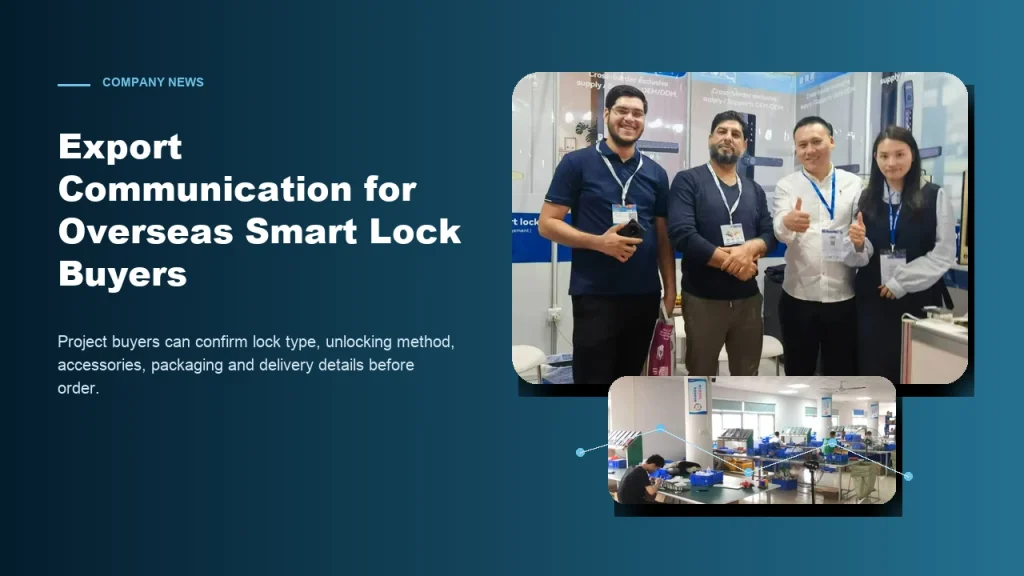
Subtitle: Clear communication helps contractors, distributors and project buyers reduce risk when sourcing smart locks from China. Introduction For global smart lock buyers, export purchasing can be challenging when product details are unclear. A buyer may see many similar lock models online, but the real project requires more information: What unlocking method is suitable? Which […]
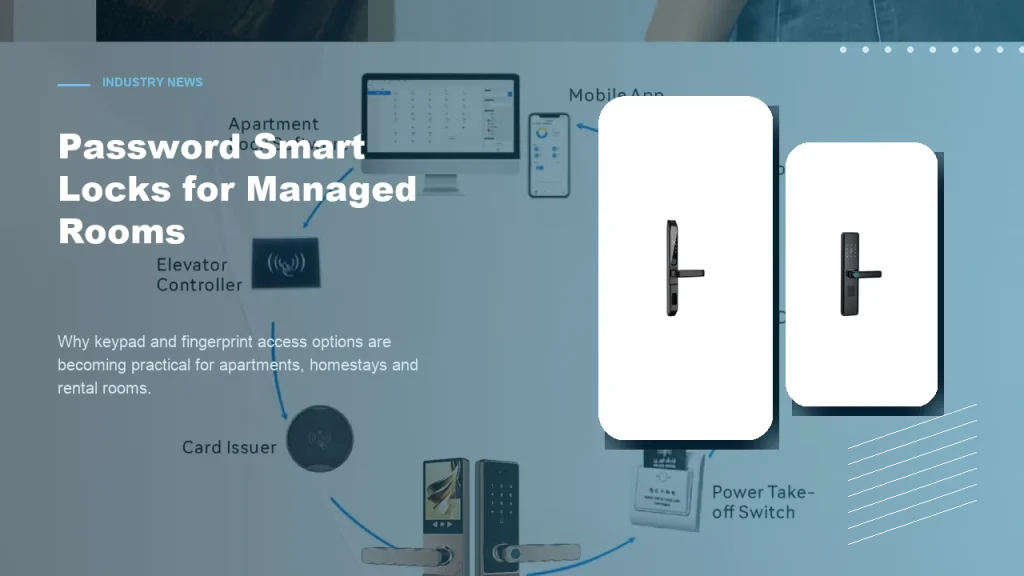
Subtitle: Keypad and fingerprint access options help apartments, homestays and rental rooms improve daily access convenience. Introduction Password smart locks are becoming a practical choice for many managed room projects. Apartments, homestays, rental rooms and small accommodation operators often need convenient access without relying only on mechanical keys. For B2B buyers, password smart locks and […]
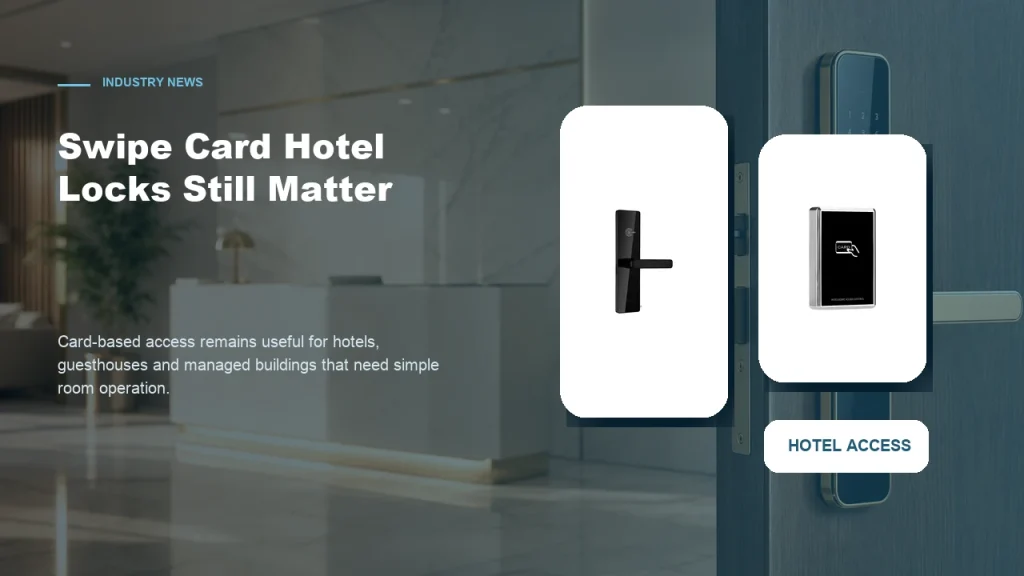
Subtitle: Card-based access remains a practical choice for properties that need simple room operation and familiar management workflows. Introduction While mobile access and password smart locks receive more attention, swipe card smart locks still have a strong role in hotel and guesthouse projects. Many accommodation operators prefer card-based access because it is familiar to staff, […]
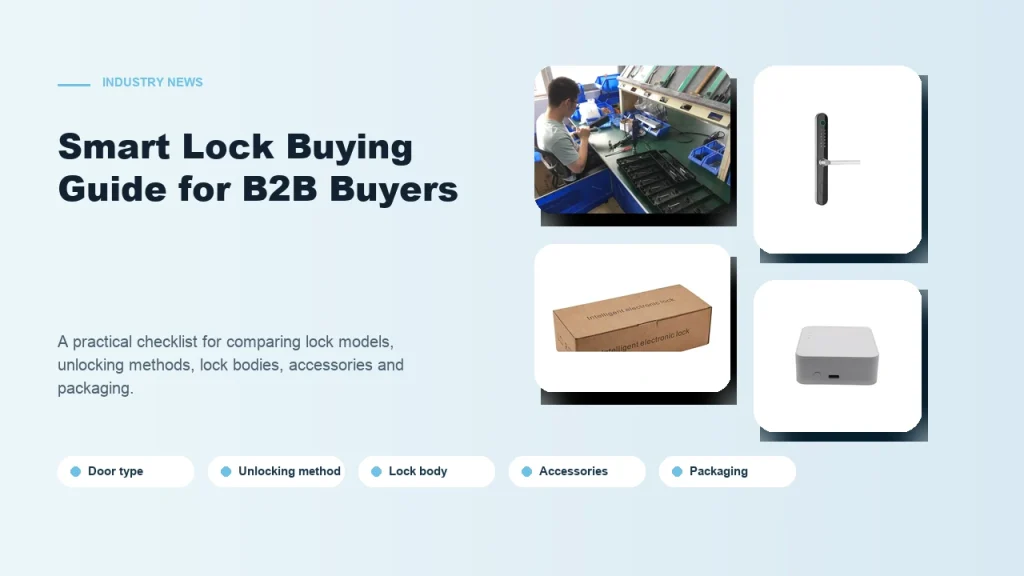
Subtitle: A practical checklist for comparing smart lock models, unlocking methods, lock bodies, accessories and packaging. Introduction Buying smart locks for a B2B project is different from buying one lock for personal use. Contractors, distributors and project buyers need to consider installation conditions, user habits, room management needs and long-term cooperation with the supplier. A […]
The buyer feedback below reflects real sourcing situations — teams shortlisting Tuya-compatible locks, checking pairing documentation, comparing supplier responsiveness, and planning custom product lines. Use these notes to calibrate your own evaluation criteria before sending an inquiry.
The page broke down the Tuya app pairing steps clearly enough that I could confirm whether the smart lock model I was sourcing would work without extra hardware.
I had been unsure whether Bluetooth or Wi-Fi mode was needed to connect this smart lock to Tuya, and the content here answered that before I contacted the supplier.
Understanding the Tuya app connection process helped me build a better checklist when preparing an RFQ for multiple smart lock units across different property sites.
This page gave me enough detail on the Tuya smart lock connection flow that I could ask the supplier more specific integration questions during our first call.
The Tuya Smart or Smart Life app version 3.0 and above is recommended. Product development teams should verify app compatibility during prototype validation to ensure consistent connectivity across target market regions.
Yes, Haolock supplies technical datasheets and Tuya pairing guides upon RFQ submission. These documents support product development teams in evaluating integration requirements before committing to bulk order specifications.
A stable 2.4GHz Wi-Fi network is required during pairing. Quality inspection teams should confirm router compatibility and signal strength at installation points to avoid connectivity failures during inspection protocols.
Haolock supports OEM customization including branded Tuya-based app integration. Development teams planning custom product lines should specify branding requirements during initial supplier communication and RFQ preparation stages.
Bulk orders should include multilingual quick-start guides, QR code pairing cards, and Tuya app download instructions. Development teams should confirm packaging documentation requirements when finalizing bulk order specifications with Haolock.
Wi-Fi models offer remote access via Tuya app globally, while Bluetooth models require proximity pairing. Product development teams should compare both options against target use cases before shortlisting models for new product line development.
Use this form to submit a specific inquiry about How To Connect Smart Lock To Tuya App. Include your target quantity, destination market, connectivity requirements, and any documentation or certification needs. A more detailed request helps the team respond with relevant product matches and accurate lead-time information.