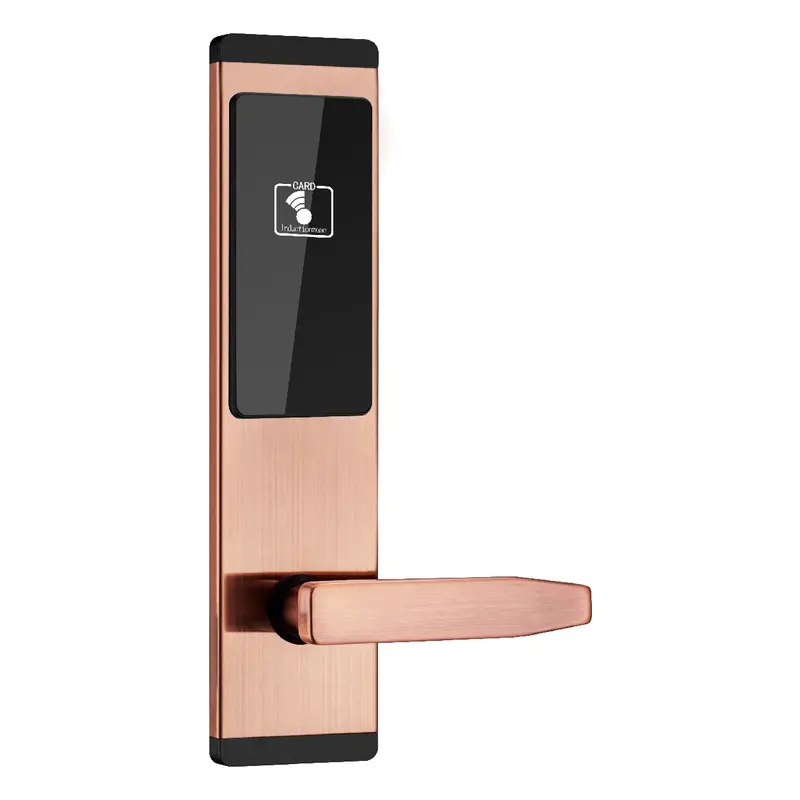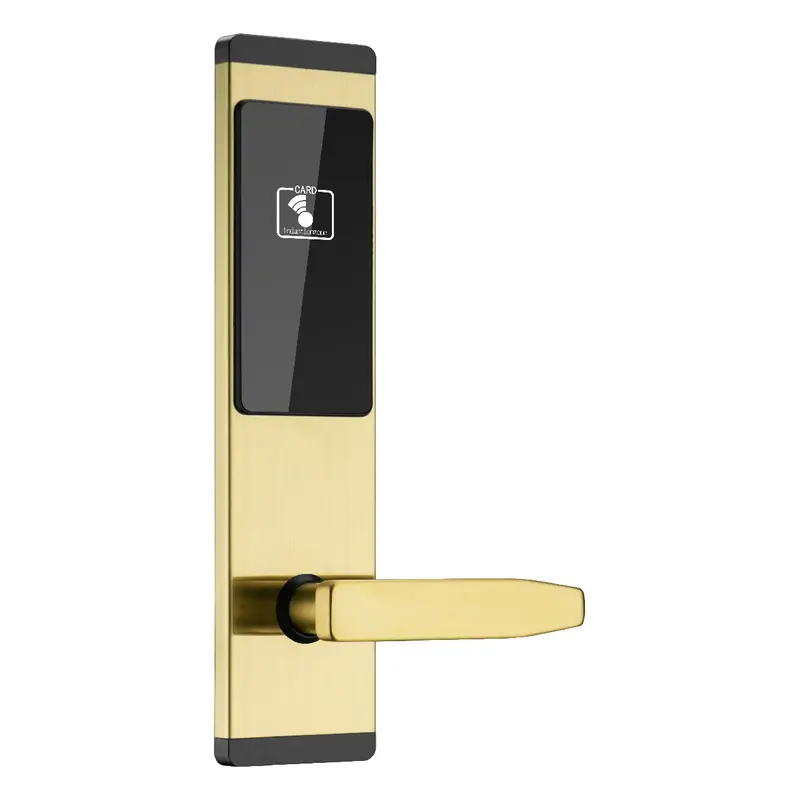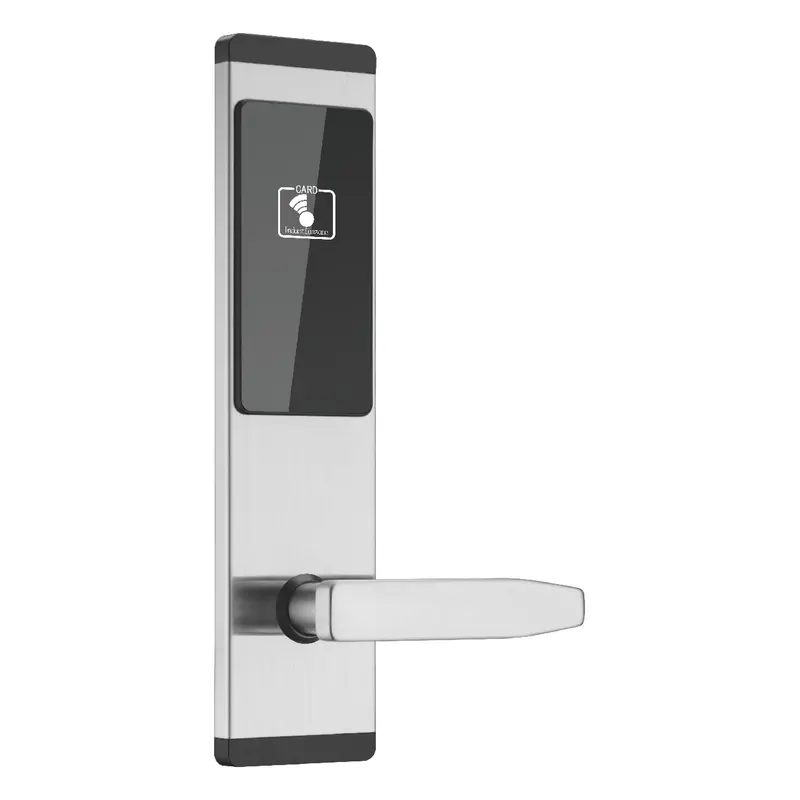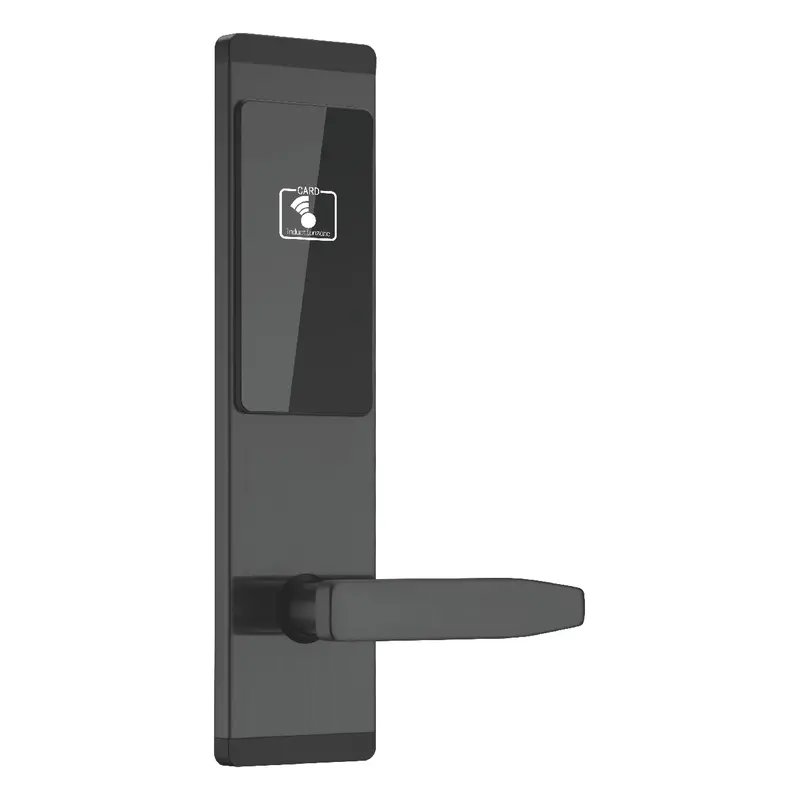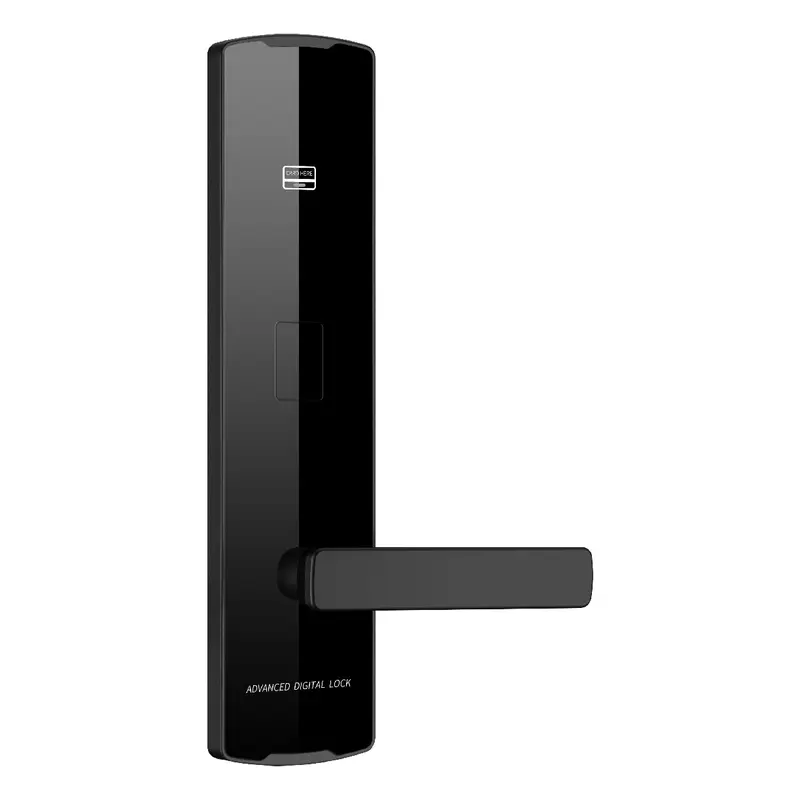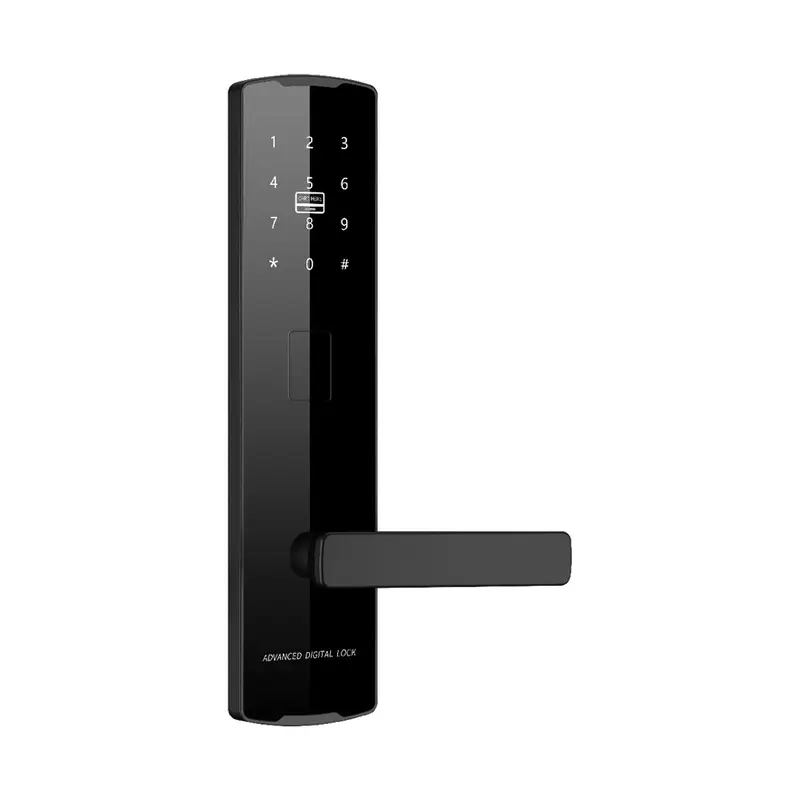
2112 Black Password Lock
Dimensions: 300x75x12mm Color: Black Material: Aluminum Oxide Profile Process: Anodized
Read More
How To Reset Tuya Smart Door Lock Sourcing | Guangdong Haolock Intelligent Technology Co., LTD
This page is built for private-label brand owners sourcing replacement smart lock solutions and evaluating how to reset Tuya smart door lock across compatible product lines. Use it to build a focused shortlist before reaching out to suppliers.
The content here prioritizes supplier communication and quotation speed. Review product matches, specification notes, and buyer-style comparisons so your first inquiry arrives with enough detail to generate a useful response.
Dimensions: 300x75x12mm Color: Black Material: Aluminum Oxide Profile Process: Anodized
Read More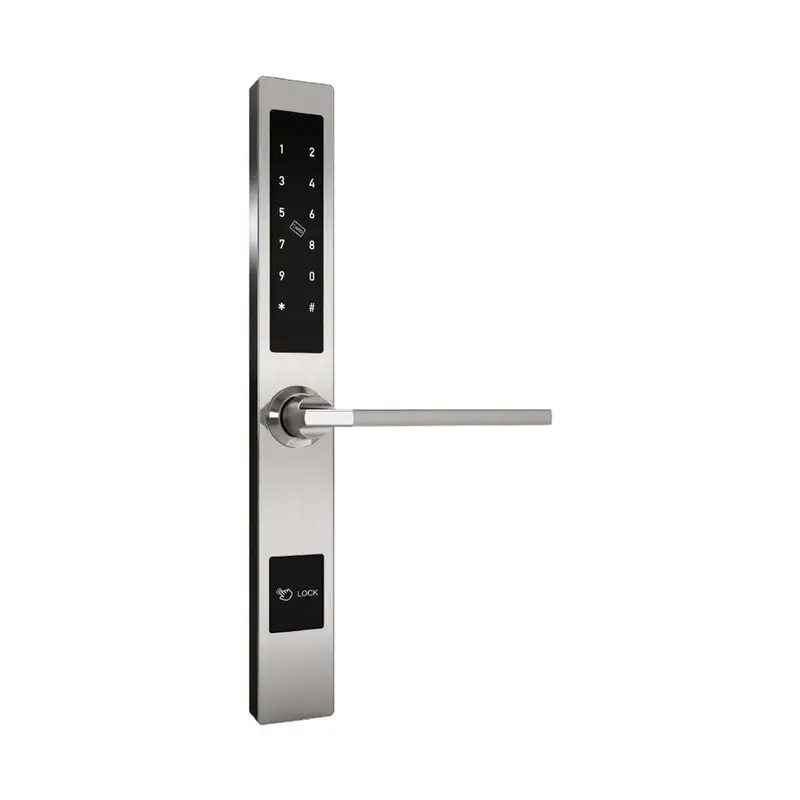
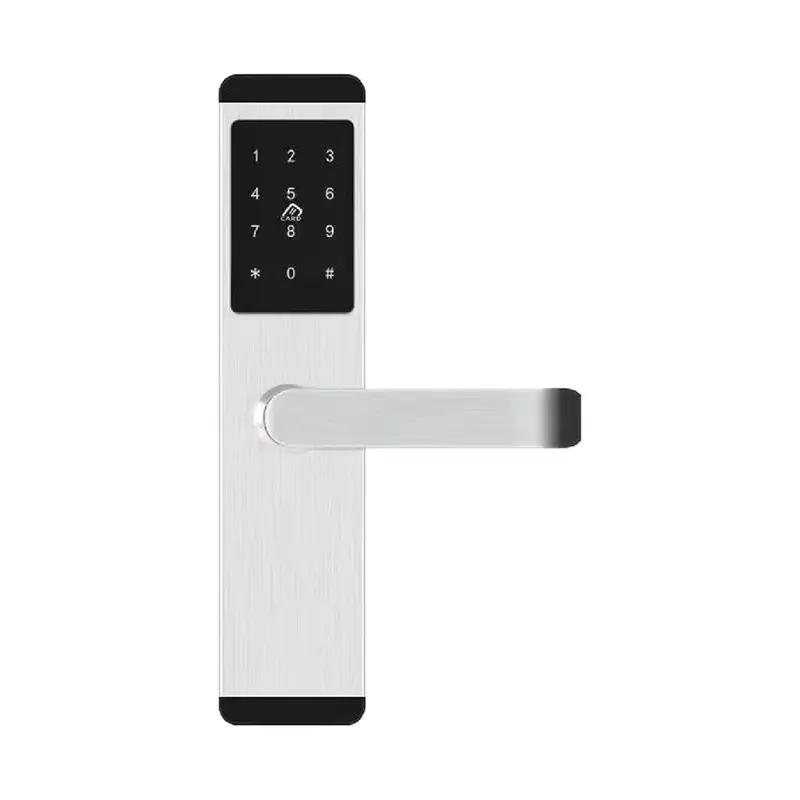
Dimensions:310x40x20mm Color:Silver Material: Aluminum alloy Process: Electroplating
Read More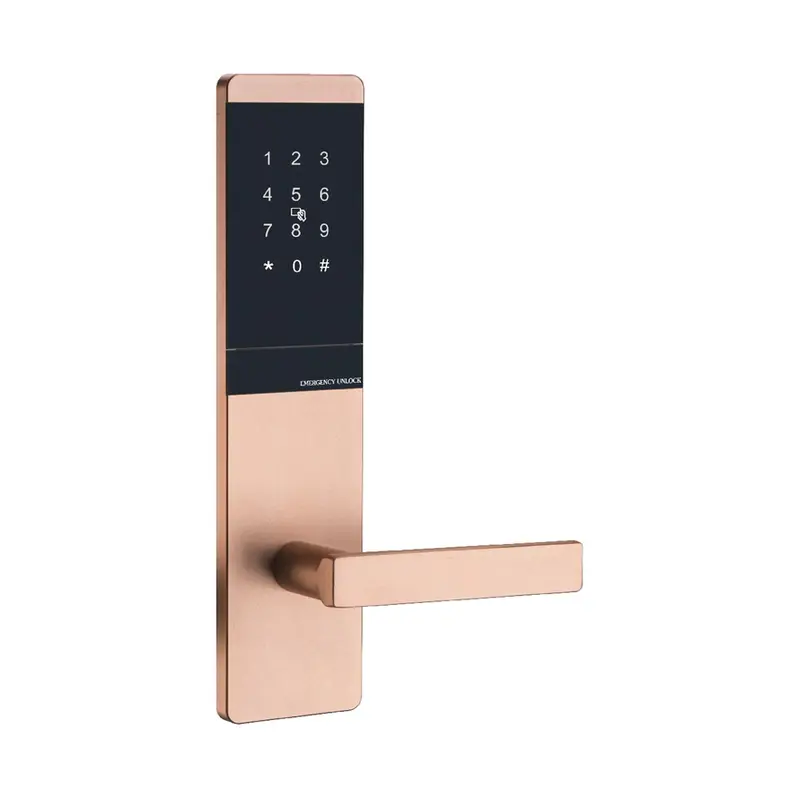
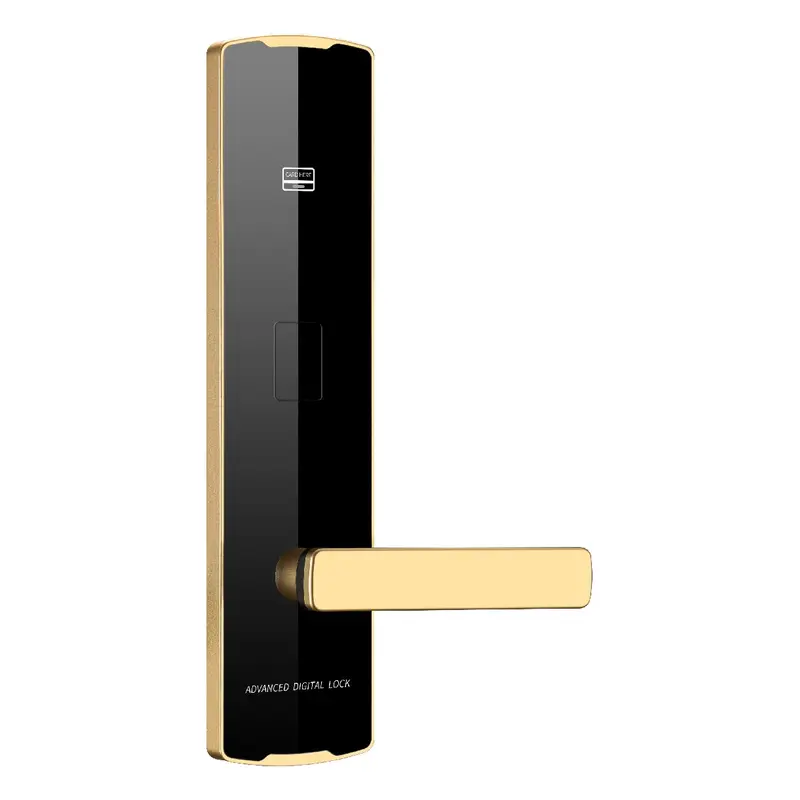
Dimensions: 300x75x10mm Color: Golden Material: Aluminum Oxide Profile Process: Anodized
Read More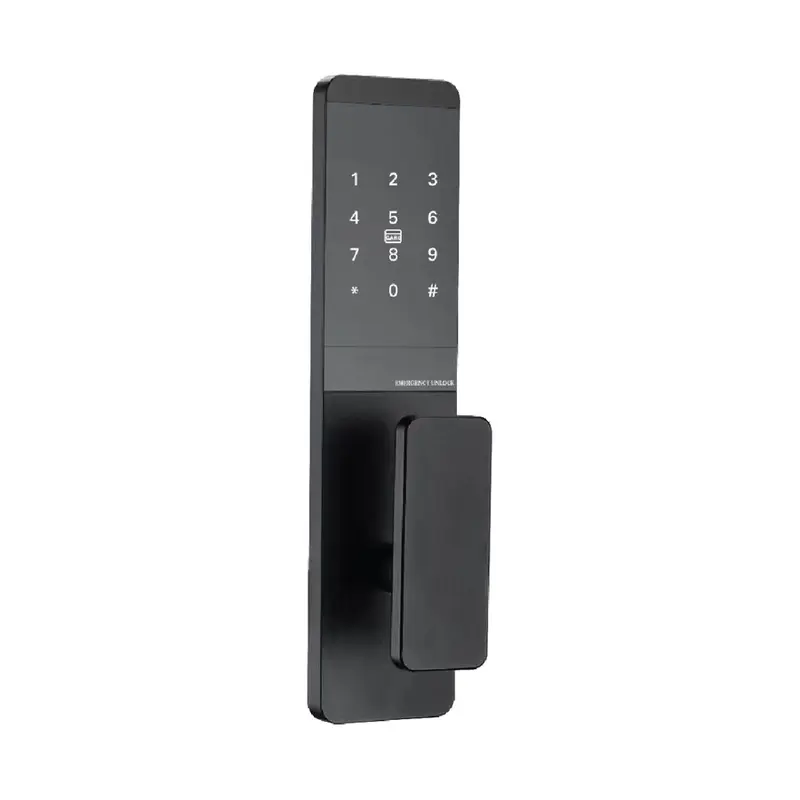
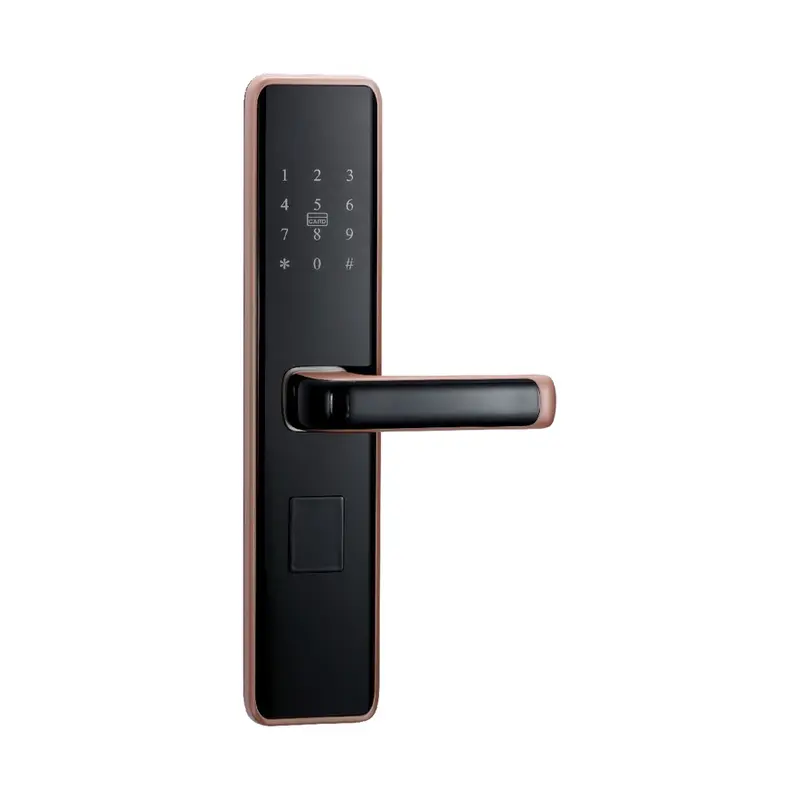
Dimensions:300x75x10mm Color:Black Material: Aluminum Oxide Profile Process: Anodizing
Read More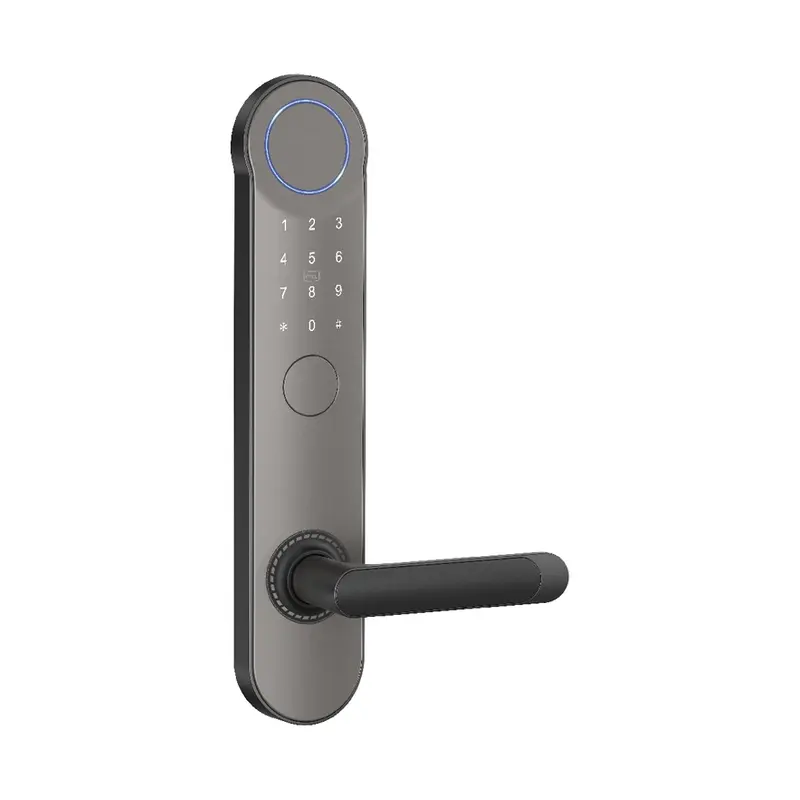
Dimensions:320x65x20mm Color: Gray Swipe card Material: Aluminum alloy Process: Spray coating
Read More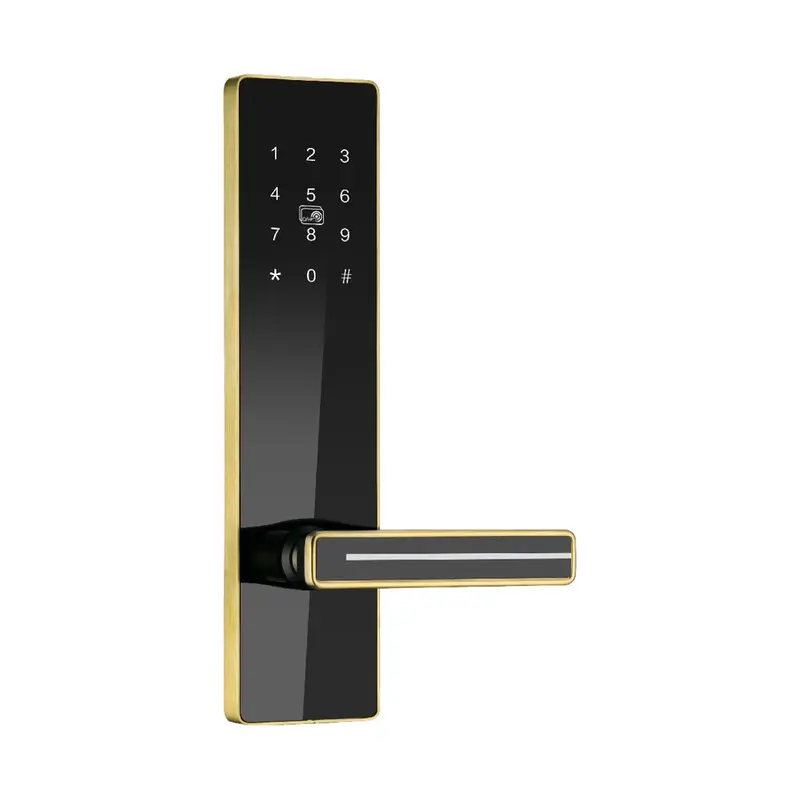
Dimensions:300x75x14.5mm Color:Golden Material: stainless steel Process: Stainless Steel Brushed Finish
Read MoreTuya Smart Door Lock Product Comparison
The related product list helps you compare How To Reset Tuya Smart Door Lock by actual product direction rather than keyword wording alone. Check whether each product supports replacement sourcing, then use the table below to prepare a clearer RFQ.
| Criterion | What To Check | Why It Matters | Buyer Tip |
|---|---|---|---|
| Reset Method Compatibility | Confirm lock supports Tuya app-based or physical reset | Some OEM locks only allow factory reset via hidden button, not app | Request reset procedure documentation before finalizing supplier |
| Admin Code Recovery | Verify supplier provides default admin code reset flow | Private-label rebranding may strip standard Tuya reset instructions | Ask for reset SOP in English during sample confirmation stage |
| Tuya App Pairing Post-Reset | Test re-pairing to Tuya Smart app after factory reset | Reset must fully clear previous user binding for end-user resale | Include re-pairing test in your sample QC checklist |
| Custom Firmware Reset Behavior | Clarify if custom firmware alters standard Tuya reset sequence | White-label firmware may disable or remap reset button function | Specify reset behavior requirements in your tech spec sheet to supplier |
| Packaging Reset Instructions | Confirm reset guide is included or printable for custom packaging | End users need clear reset steps; missing docs increase return rates | Request editable reset instruction insert as part of OEM package deal |
To reset a Tuya smart door lock, most models require holding the reset button inside the battery compartment for five to ten seconds until the indicator light flashes or an audio prompt confirms the reset. The exact sequence varies by model, so confirming the procedure with your supplier during sample review is recommended.
For private-label brand owners, understanding the reset process matters during replacement sourcing because it affects end-user documentation, packaging inserts, and after-sales support planning. Confirming this detail early keeps your product shortlist accurate and your supplier conversations more specific.
Begin your sourcing review by identifying which Tuya-compatible lock models align with your replacement application. Note whether the reset method is button-based, app-triggered, or requires a physical key override, as this affects how you brief your packaging and instruction teams. Suppliers should be able to confirm the reset flow for each SKU before sampling begins.
When comparing products, document finish options, battery type, connectivity protocol, and whether the Tuya module is integrated or modular. For replacement sourcing, a modular Tuya module is often easier to service and document. Ask suppliers to share spec sheets that include reset procedure details alongside standard dimensions and certifications.
Before requesting a quotation, prepare your target quantity range, destination market, required certifications, and any private-label packaging requirements. If you need branded instruction manuals that include the reset procedure, confirm whether the supplier supports custom insert printing or expects you to manage that separately.
When evaluating supplier replies, prioritize those that address your application context directly rather than sending a general catalog. A supplier who confirms reset compatibility, sample lead time, and packaging scope in the first response is a stronger candidate for shortlisting than one who requires multiple follow-up rounds to reach the same information.
| Criteria | Importance | Description | Example Options |
|---|---|---|---|
| Reset Method | High | Physical button, pinhole, or app-only reset affects end-user serviceability and support costs. | Pinhole reset suits commercial deployments; button combo suits residential private-label products. |
| Firmware Customization | High | OEM buyers can modify reset prompts, LED sequences, and voice feedback via custom firmware. | Branded voice alert saying 'Reset successful' instead of default Tuya prompt. |
| Reset Documentation | Medium | Supplier-provided manuals, multilingual cards, and QR-linked guides included in packaging. | EN/ES/FR reset instruction card inserted inside private-label box. |
| QC Reset Testing | High | Factory reset cycle pass/fail testing performed pre-shipment with available test reports. | 100% reset cycle verification with admin re-enrollment success rate documented. |
| Quotation Speed | Medium | Supplier response time for reset-spec RFQs impacts shortlisting and project timelines. | Detailed reset spec RFQ receives faster, more accurate quotes than generic inquiries. |
Recommended Products
Top product matches should be reviewed by fit, specification clarity, customization readiness, and how well they support product shortlist building. Use these factors to shortlist practical options before contacting the supplier.
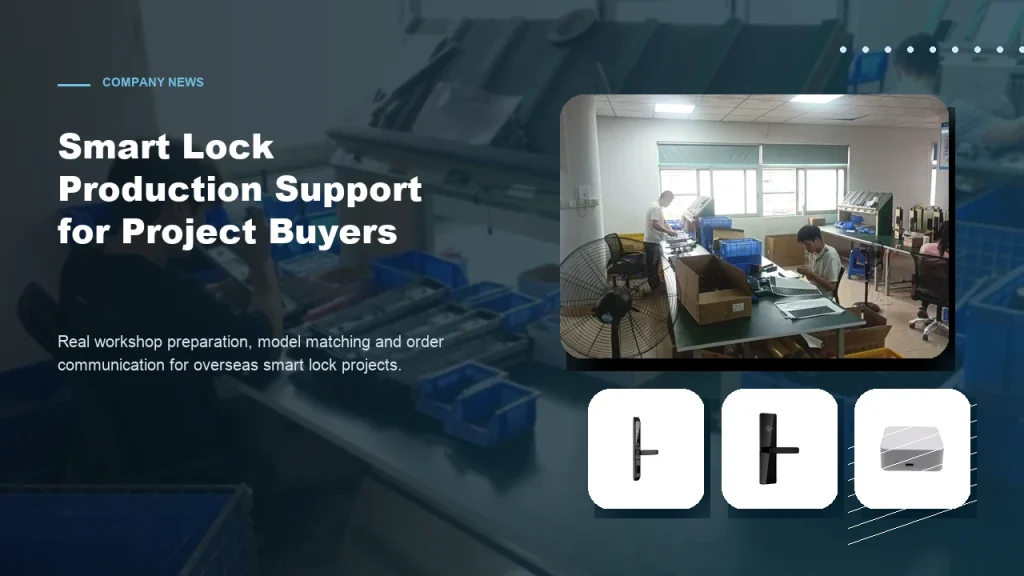
Subtitle: From workshop preparation to model selection, practical factory support helps overseas buyers order smart locks with more confidence. Introduction For overseas B2B buyers, choosing a smart lock supplier is not only about product appearance. Contractors, distributors and project buyers also care about whether the factory can support practical order preparation, model matching, packaging details […]
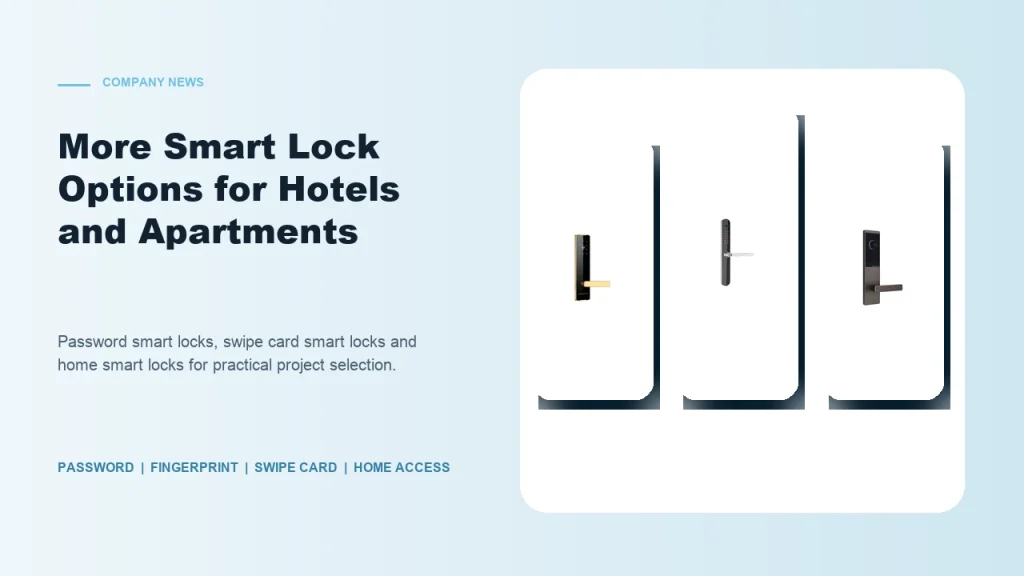
Subtitle: Password smart locks, fingerprint smart locks, swipe card locks and home smart locks help buyers match different project requirements. Introduction Smart lock buyers are no longer looking for one universal product. Hotels, apartments, schools, guesthouses, homestays and residential buildings all have different access habits and management requirements. Some projects need simple card operation. Some […]
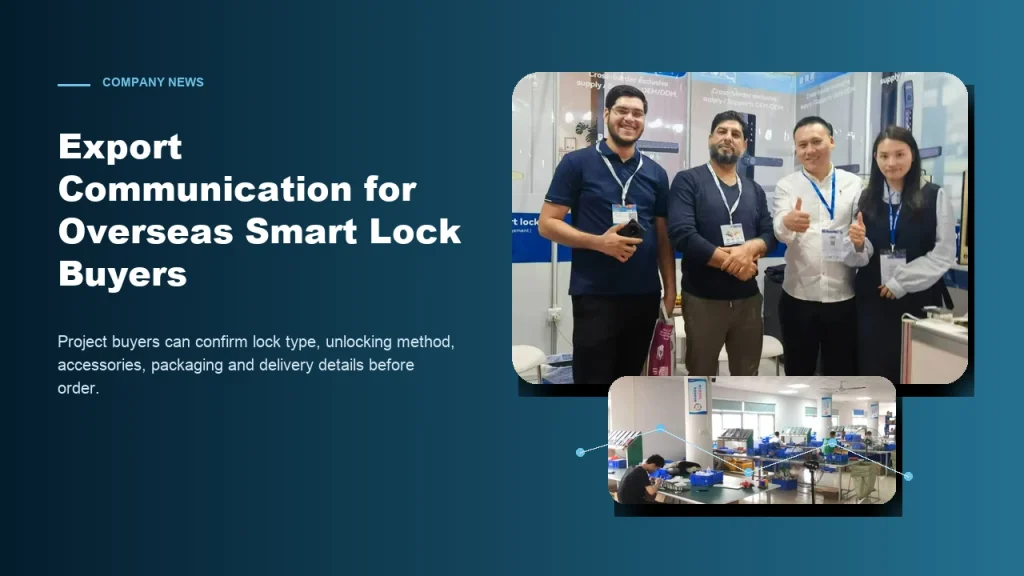
Subtitle: Clear communication helps contractors, distributors and project buyers reduce risk when sourcing smart locks from China. Introduction For global smart lock buyers, export purchasing can be challenging when product details are unclear. A buyer may see many similar lock models online, but the real project requires more information: What unlocking method is suitable? Which […]
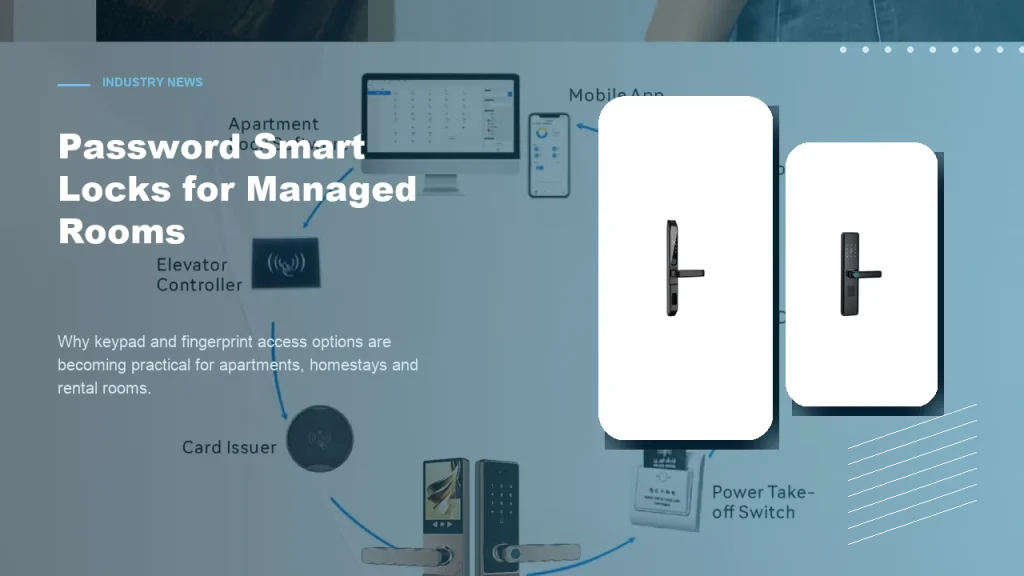
Subtitle: Keypad and fingerprint access options help apartments, homestays and rental rooms improve daily access convenience. Introduction Password smart locks are becoming a practical choice for many managed room projects. Apartments, homestays, rental rooms and small accommodation operators often need convenient access without relying only on mechanical keys. For B2B buyers, password smart locks and […]
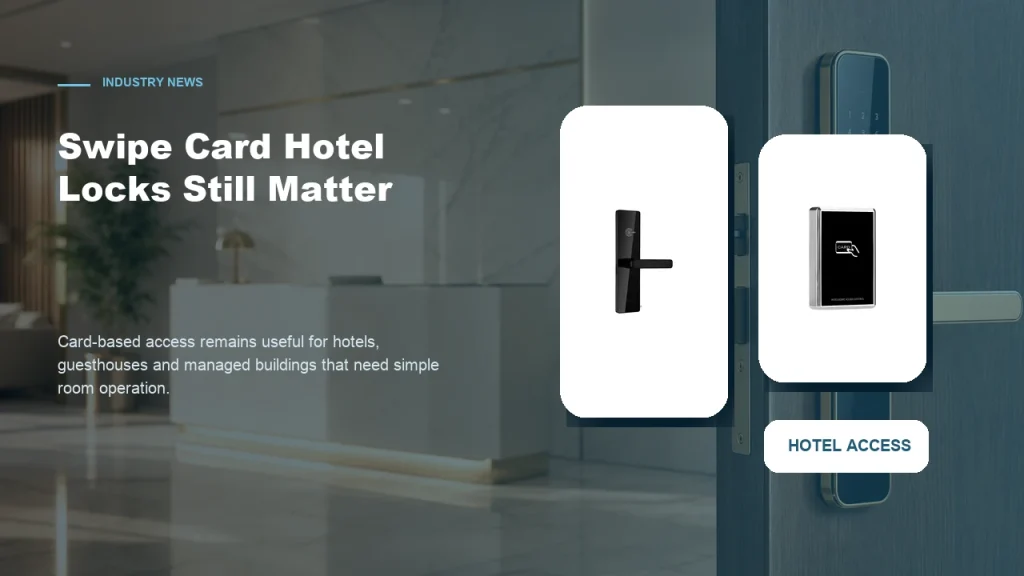
Subtitle: Card-based access remains a practical choice for properties that need simple room operation and familiar management workflows. Introduction While mobile access and password smart locks receive more attention, swipe card smart locks still have a strong role in hotel and guesthouse projects. Many accommodation operators prefer card-based access because it is familiar to staff, […]
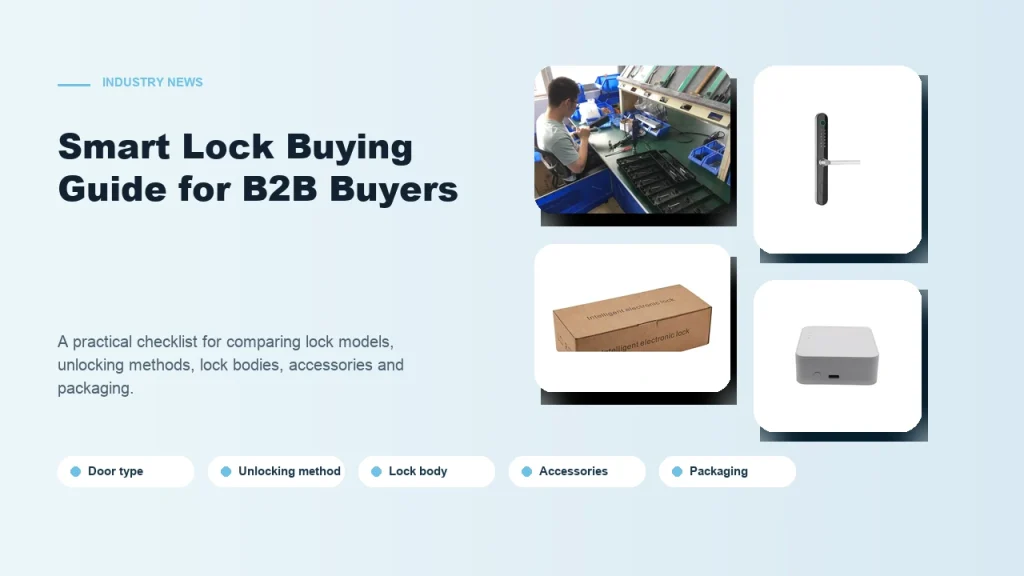
Subtitle: A practical checklist for comparing smart lock models, unlocking methods, lock bodies, accessories and packaging. Introduction Buying smart locks for a B2B project is different from buying one lock for personal use. Contractors, distributors and project buyers need to consider installation conditions, user habits, room management needs and long-term cooperation with the supplier. A […]
The buyer feedback below reflects common situations including confirming reset procedure details, shortlisting compatible models, planning custom private-label projects, and checking specifications before finalizing a supplier. Use these notes to anticipate questions your own team may raise during evaluation.
I finally understood the factory reset process for my Tuya smart door lock after browsing this page and felt confident contacting the supplier directly.
The articles here explained exactly how to reset a Tuya smart door lock without voiding anything, which helped me ask much more specific technical questions.
Before placing a bulk inquiry, I used this page to confirm the Tuya reset workflow so our facilities team could approve the lock model faster.
Our IT manager needed to know the Tuya door lock reset method before we committed to a supplier, and this tag page gave us exactly that clarity.
Yes, Haolock provides OEM technical manuals detailing button-sequence factory resets independent of the Tuya app. Private-label buyers receive branded documentation packages covering reset procedures, wiring diagrams, and end-user troubleshooting guides.
Confirm reset trigger method (pinhole, button combo, or app-only), reset recovery time, admin code restoration behavior, and whether firmware version affects reset steps. Include these in your RFQ to avoid post-shipment compatibility issues.
Haolock supports custom firmware configurations that modify reset confirmation prompts, LED feedback sequences, and voice alerts. Submit your UX requirements during sample confirmation to align the reset behavior with your brand standards.
Specify language, card dimensions, QR code links, and placement inside the box during packaging briefing. Haolock accommodates multilingual reset guides and branded quick-start inserts as part of custom packaging agreements.
Each unit undergoes factory reset cycle testing as part of the outgoing quality control process. Buyers can request reset test reports and define acceptable pass criteria, including admin re-enrollment success rate, in their purchase agreement.
Models with dedicated physical reset buttons and dual-mode reset (app plus manual) are recommended for replacement sourcing. Request a shortlist comparison from Haolock's sales team specifying your installation environment and user technical level.
Ready to move from research to quotation? Submit your project details including target quantity, destination market, reset method preference, and any packaging or branding requirements. The more context you provide, the faster a relevant response can be prepared.