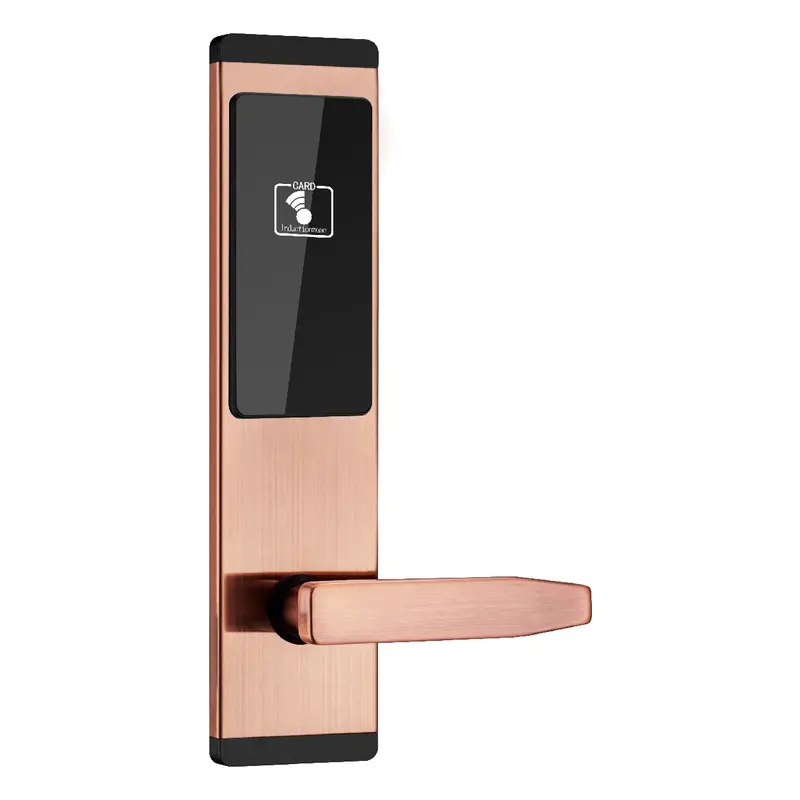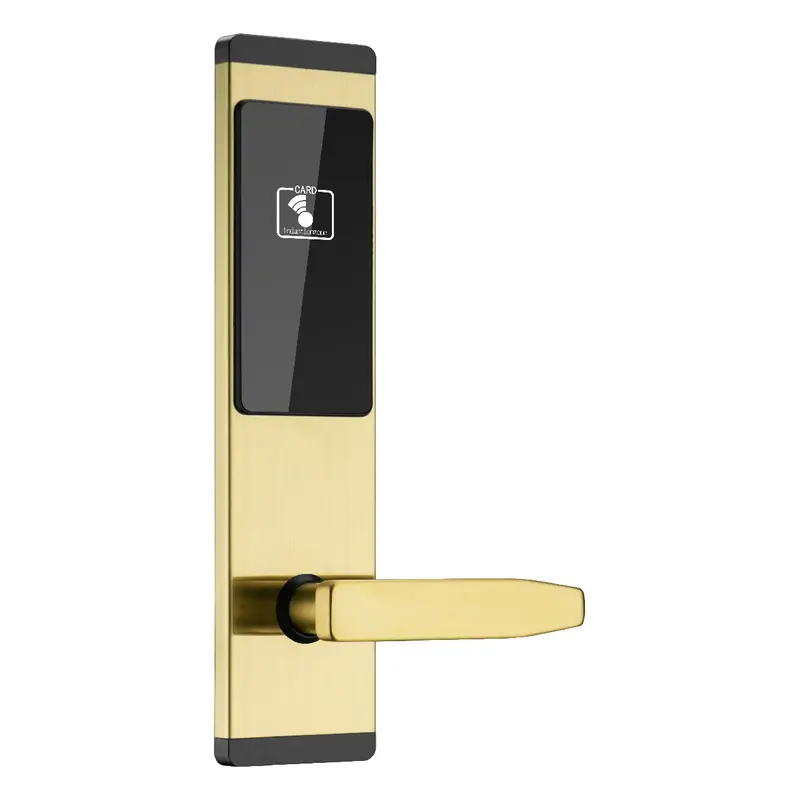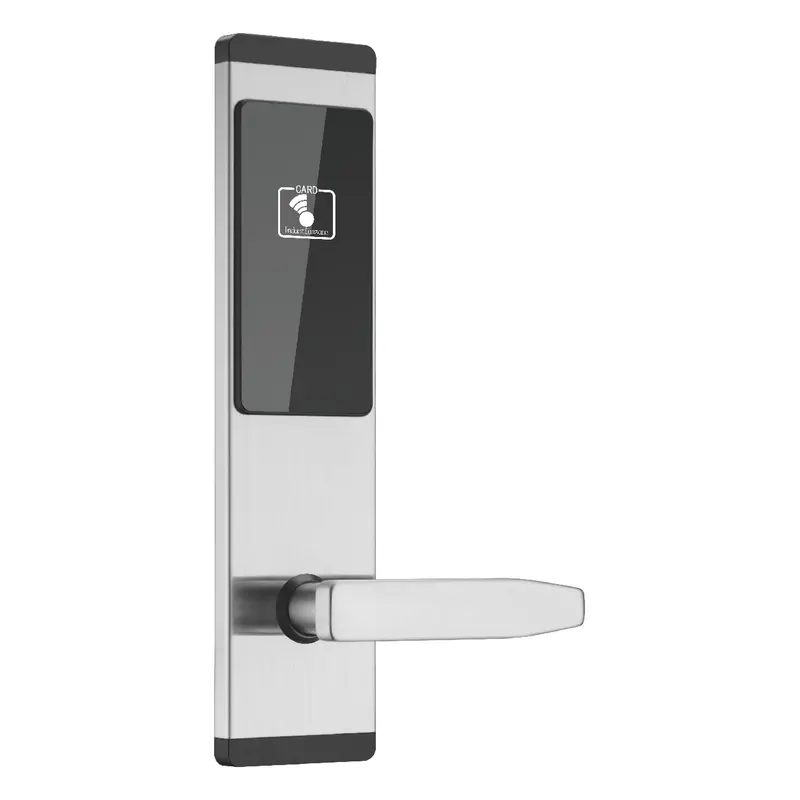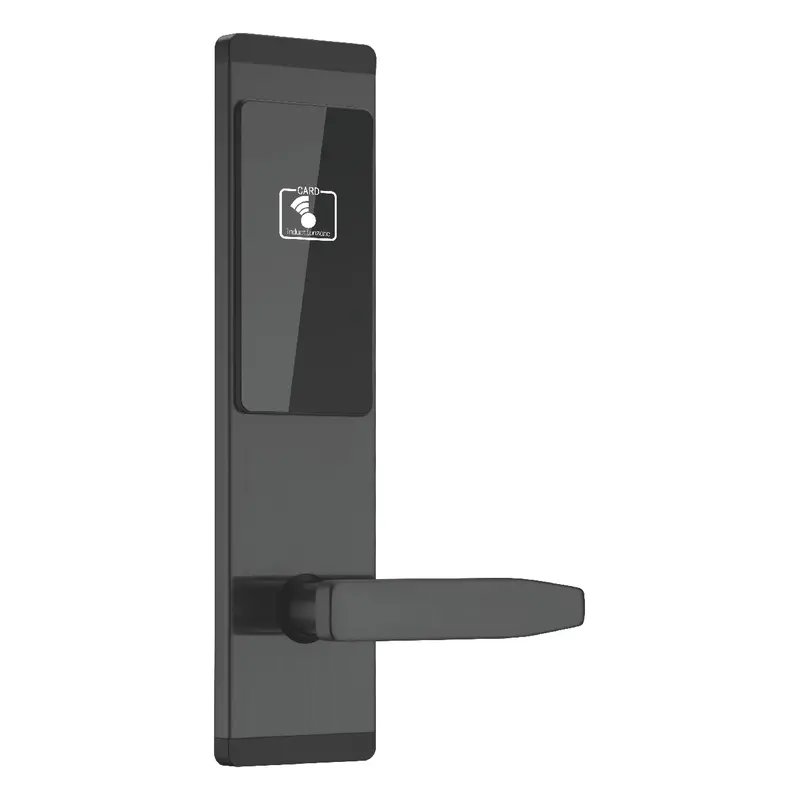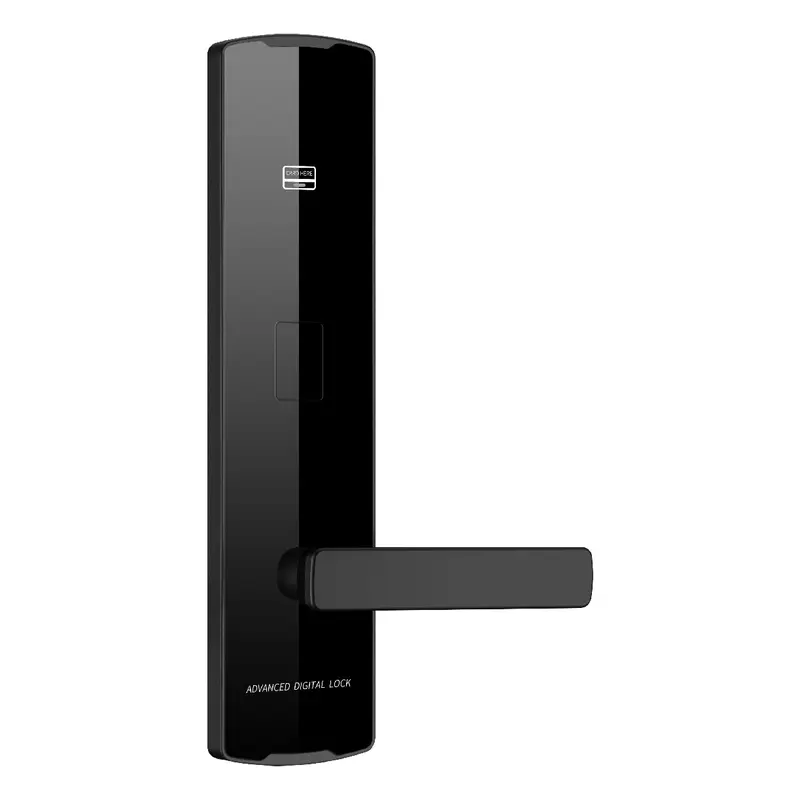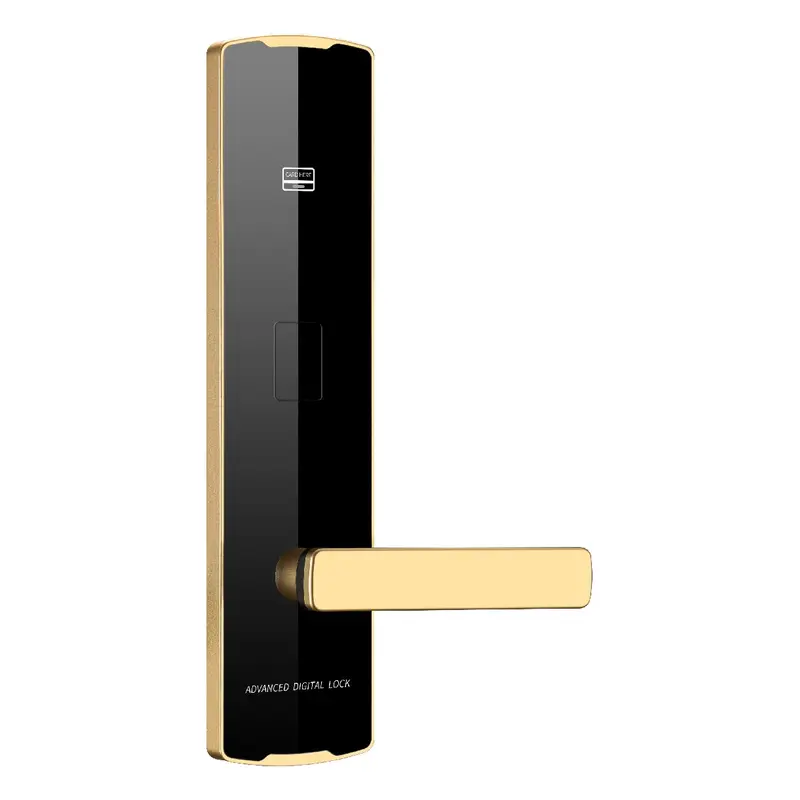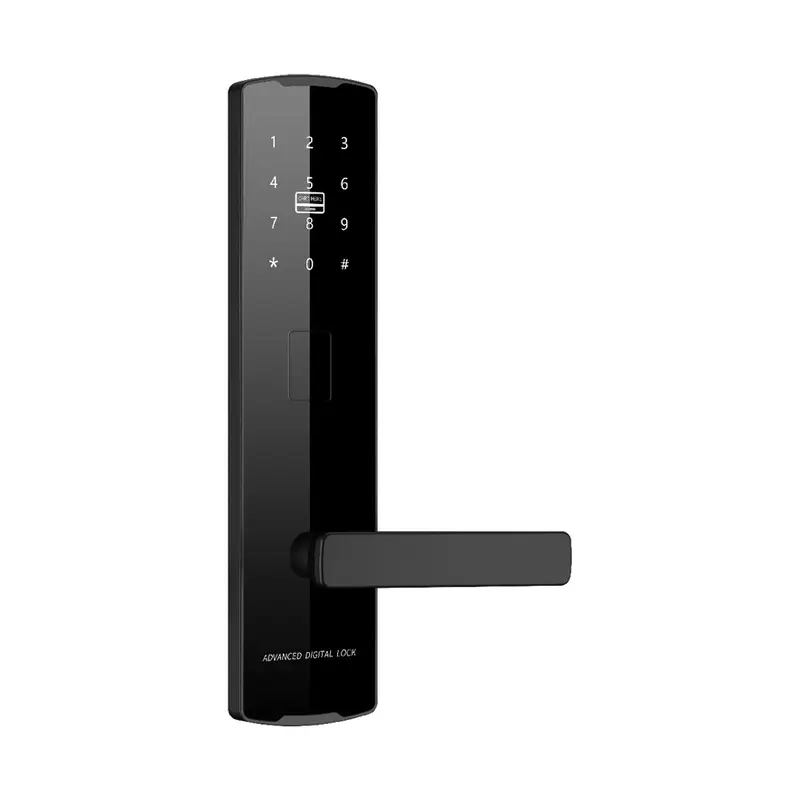
2112 Black Password Lock
Dimensions: 300x75x12mm Color: Black Material: Aluminum Oxide Profile Process: Anodized
Read More
How to Reset a Tuya Smart Lock: A Step-by-Step Guide | Guangdong Haolock Intelligent Technology Co., LTD
This page supports bulk purchasing evaluation of How To Reset Tuya Smart Lock products from Guangdong Haolock Intelligent Technology Co., LTD. It consolidates relevant product matches, specification checks, and sourcing considerations so your inquiry is precise before it reaches a supplier.
For an operations manager, the practical starting point is material, size, and configuration matching. Review the product listings, buyer notes, and FAQs below before finalizing your requirements or preparing an RFQ.
Dimensions: 300x75x12mm Color: Black Material: Aluminum Oxide Profile Process: Anodized
Read More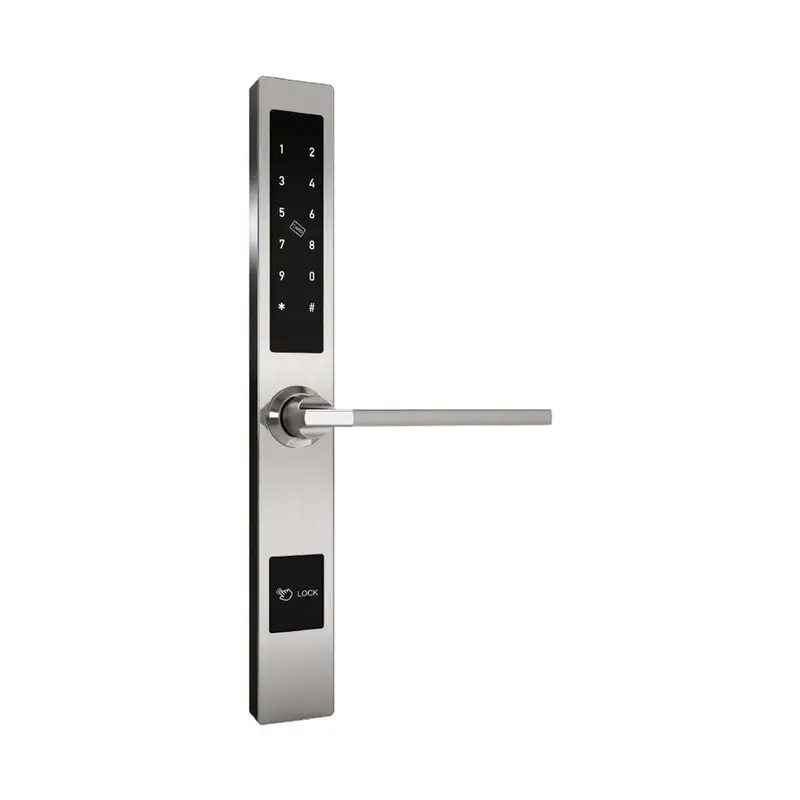
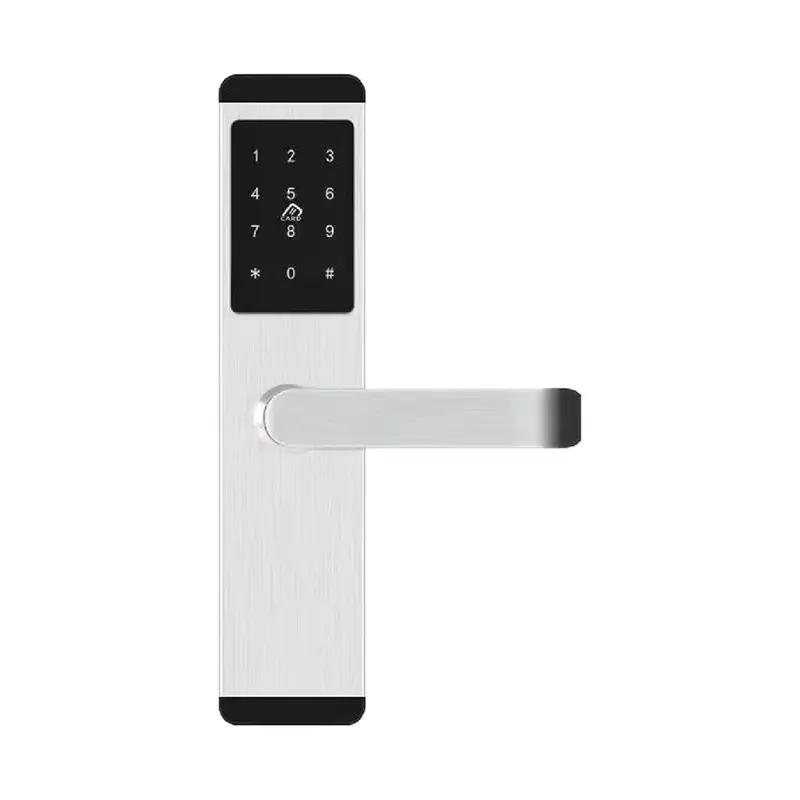
Dimensions:310x40x20mm Color:Silver Material: Aluminum alloy Process: Electroplating
Read More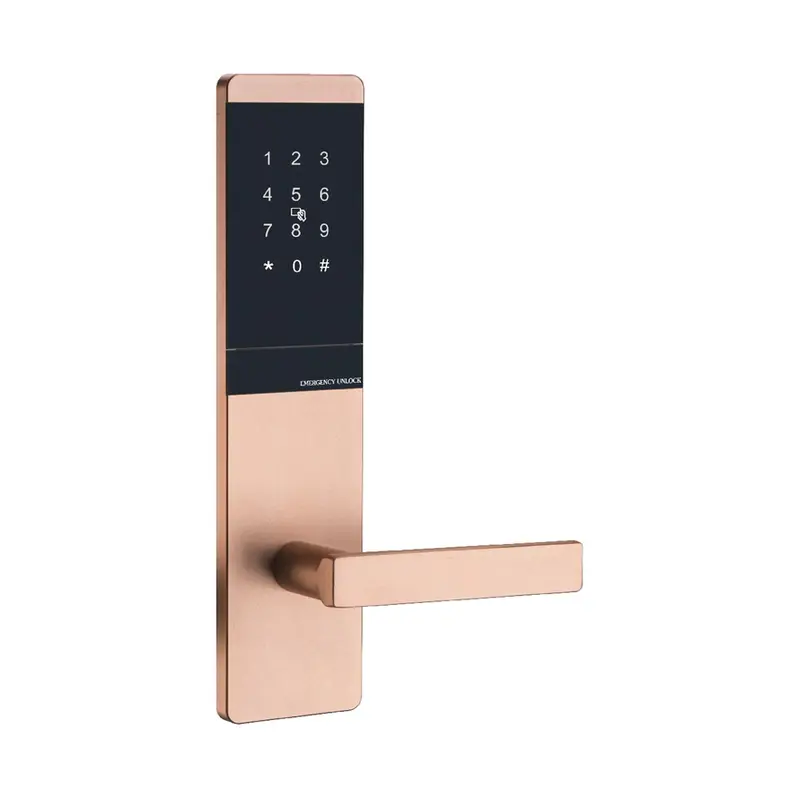
Dimensions: 300x75x10mm Color: Golden Material: Aluminum Oxide Profile Process: Anodized
Read More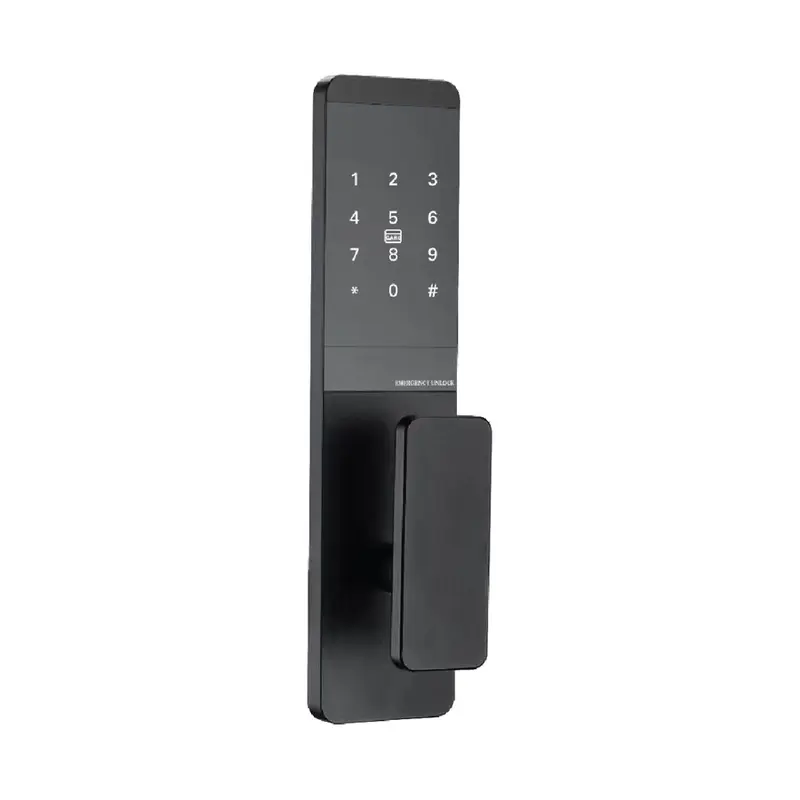
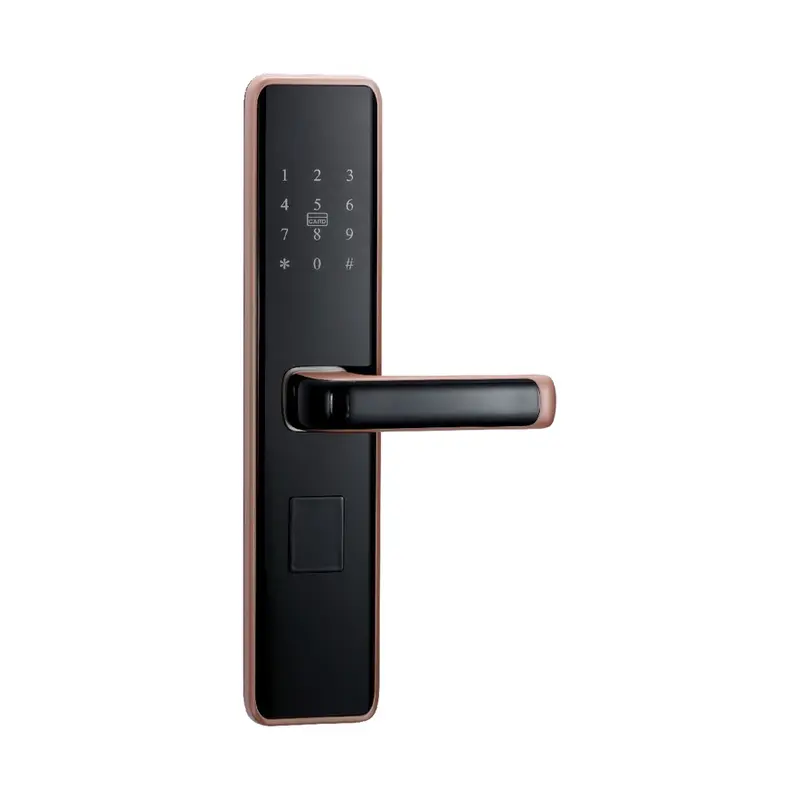
Dimensions:300x75x10mm Color:Black Material: Aluminum Oxide Profile Process: Anodizing
Read More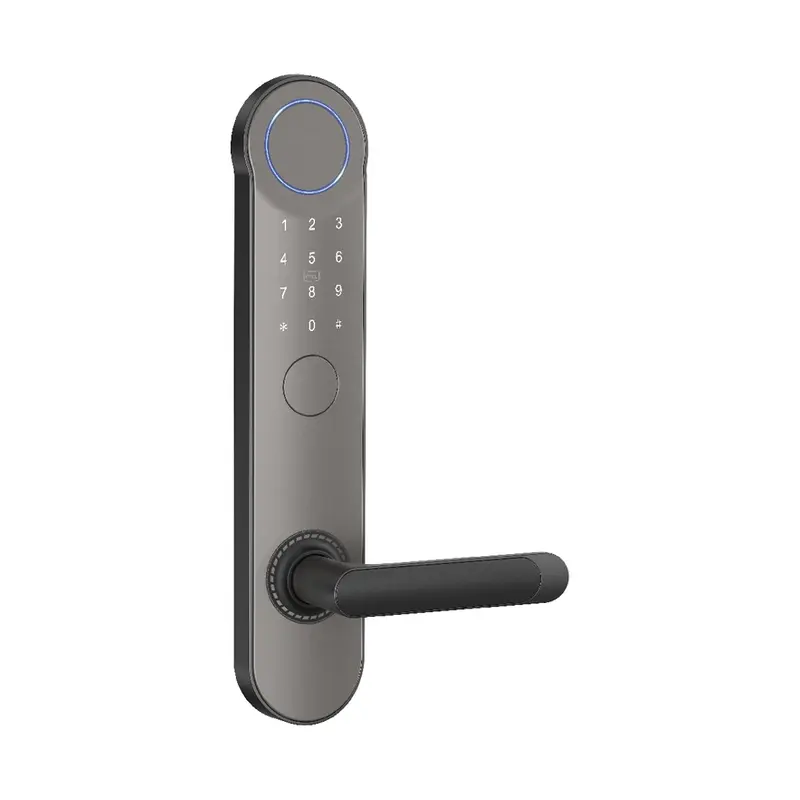
Dimensions:320x65x20mm Color: Gray Swipe card Material: Aluminum alloy Process: Spray coating
Read More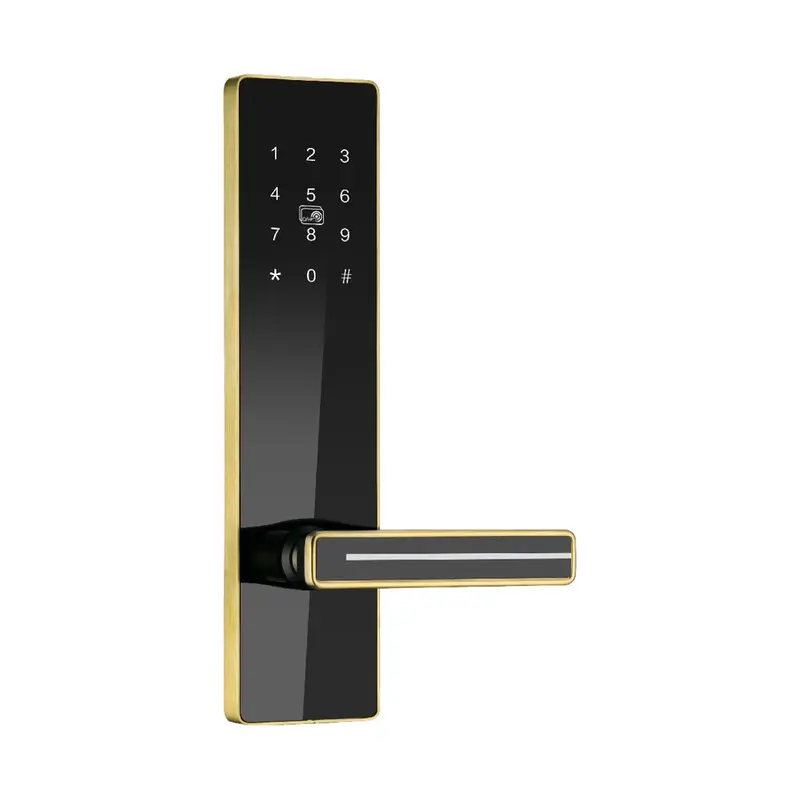
Dimensions:300x75x14.5mm Color:Golden Material: stainless steel Process: Stainless Steel Brushed Finish
Read MoreSpecification Checklist: Tuya Smart Lock Reset Models
The related product list helps you compare How To Reset Tuya Smart Lock by actual product direction rather than keyword wording alone. Check whether each product supports bulk purchasing evaluation, then use the table below to prepare a clearer RFQ.
| Criterion | What To Check | Why It Matters | Buyer Tip |
|---|---|---|---|
| Reset Method Compatibility | Confirm lock supports Tuya app factory reset | Not all Tuya locks share the same reset sequence | Request model-specific reset manual before bulk order |
| Admin Code Access | Verify default admin code is documented per SKU | Reset often requires original admin PIN entry | Ask supplier to provide per-unit default code sheets |
| Tuya App Unbinding Step | Check if device must be unbound in Tuya app first | Skipping unbind can block reassignment to new users | Include unbind protocol in your deployment SOP |
| Hardware Reset Button Location | Locate physical reset pinhole or button on unit | App reset may fail without network; hardware fallback needed | Confirm button accessibility before finalizing enclosure spec |
| Post-Reset Re-pairing Process | Confirm re-pairing steps are documented for field staff | Bulk deployments need repeatable re-pairing workflows | Request Haolock onboarding guide for Tuya re-pairing flow |
How To Reset Tuya Smart Lock covers a range of Tuya-compatible lock models that support factory reset, admin code reset, and app-based credential clearing. The correct reset method depends on the specific lock model, firmware version, and whether the unit is still paired to a Tuya account.
When evaluating suppliers for bulk orders, confirm that reset procedures are documented in the product manual, that OEM reset flows can be configured, and that after-sales technical support covers reset-related issues for your destination market.
Begin by identifying which Tuya smart lock models are relevant to your project and confirming that reset functionality—factory reset, PIN reset, and app unbinding—is fully supported and documented. For bulk purchasing evaluation, request product manuals or technical sheets that detail the reset process before committing to a sample order.
Compare specifications across models: door thickness compatibility, backset dimensions, material grade, finish options, power source, and whether the lock supports both local and cloud-based reset paths. If your project requires private-label or OEM configuration, ask whether custom reset flows or branded app integration can be arranged and what the minimum order quantity is for those options.
Before requesting a quotation, prepare your quantity range, target destination, required certifications, and expected lead time. Include any packaging requirements, carton labeling standards, or inspection preferences. Suppliers who ask follow-up questions about application context and configuration needs are generally more reliable partners for export orders than those who respond with only a general catalog.
When reviewing supplier replies, prioritize material, size, and configuration matching over price alone. Confirm how samples will be handled, whether reset testing is included in pre-shipment inspection, and how technical documentation will be provided for your end market.
| Criteria | Importance | Description | Example Options |
|---|---|---|---|
| Reset Method Type | High | Determines how locks are reset on-site; button vs. app reset affects staff training needs. | Hold reset button 5 sec vs. Tuya app remote reset |
| Admin Code Customization | High | Ability to set standardized admin codes across bulk units simplifies facility access management. | Uniform 6-digit admin code pre-set per order batch |
| Reset Documentation Language | Medium | Multilingual reset guides reduce operational errors in cross-border deployments. | English, Spanish, Arabic instruction inserts |
| App Binding Cleared on Reset | High | Confirms whether Tuya app accounts are fully unlinked after reset, critical for resale or redeployment. | Full Tuya cloud account unbinding upon factory reset |
| Lead Time for Custom Reset Config | Medium | Pre-configured reset states or custom defaults may extend production lead time; confirm in RFQ. | Additional 5–7 days for OEM reset configuration setup |
Recommended Products
Top product matches should be reviewed by fit, specification clarity, customization readiness, and how well they support specification checklist. Use these factors to shortlist practical options before contacting the supplier.
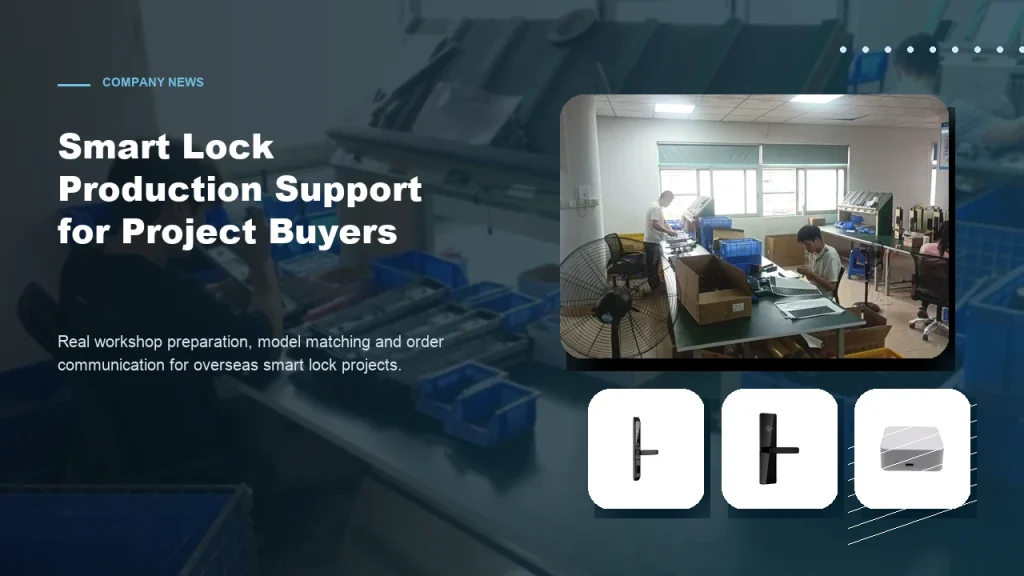
Subtitle: From workshop preparation to model selection, practical factory support helps overseas buyers order smart locks with more confidence. Introduction For overseas B2B buyers, choosing a smart lock supplier is not only about product appearance. Contractors, distributors and project buyers also care about whether the factory can support practical order preparation, model matching, packaging details […]
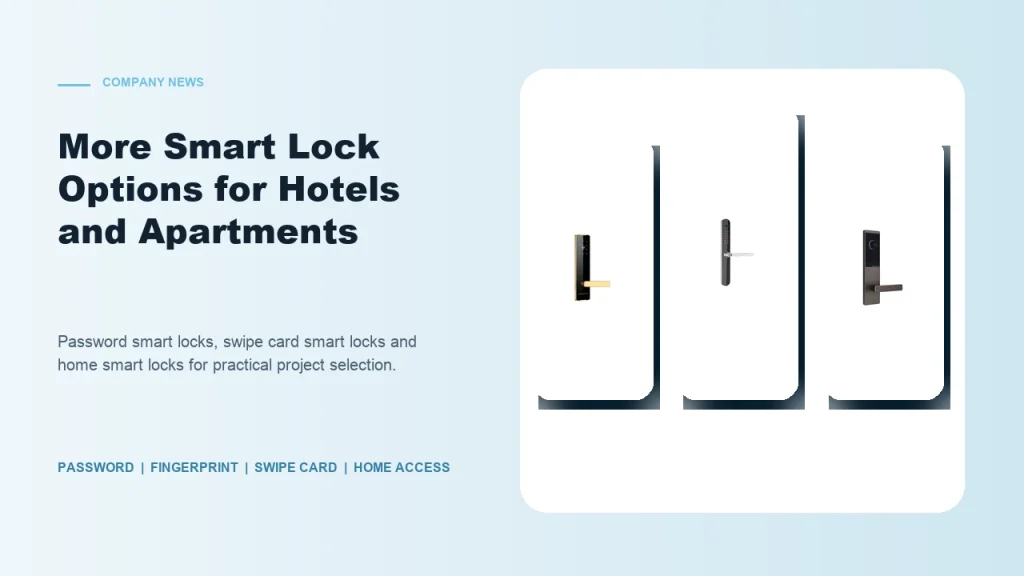
Subtitle: Password smart locks, fingerprint smart locks, swipe card locks and home smart locks help buyers match different project requirements. Introduction Smart lock buyers are no longer looking for one universal product. Hotels, apartments, schools, guesthouses, homestays and residential buildings all have different access habits and management requirements. Some projects need simple card operation. Some […]
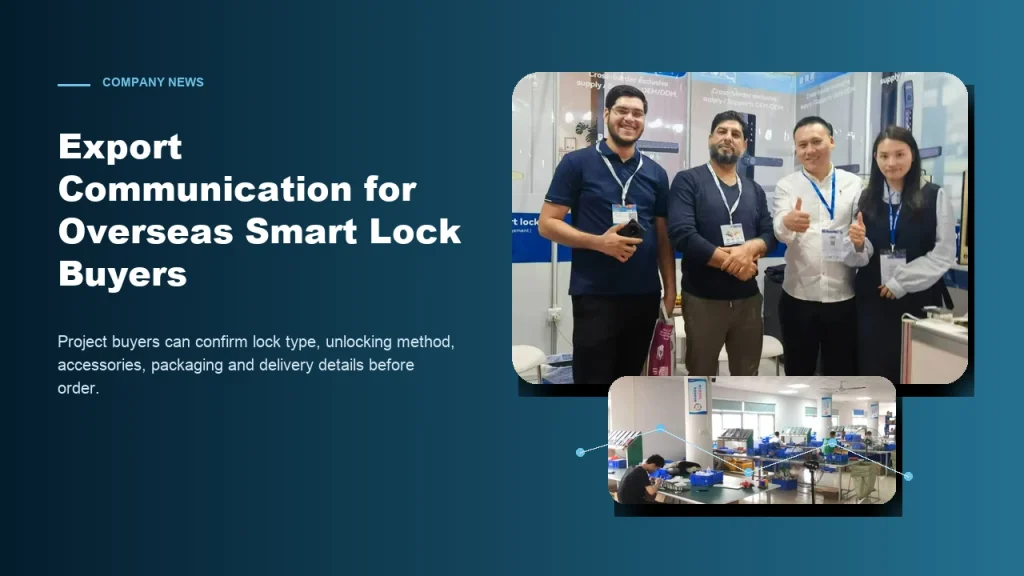
Subtitle: Clear communication helps contractors, distributors and project buyers reduce risk when sourcing smart locks from China. Introduction For global smart lock buyers, export purchasing can be challenging when product details are unclear. A buyer may see many similar lock models online, but the real project requires more information: What unlocking method is suitable? Which […]
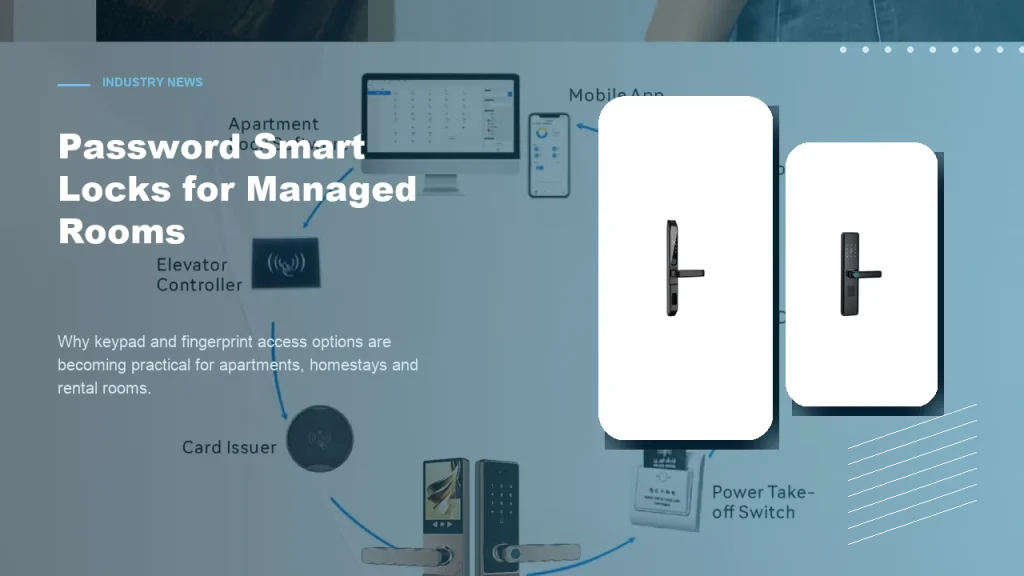
Subtitle: Keypad and fingerprint access options help apartments, homestays and rental rooms improve daily access convenience. Introduction Password smart locks are becoming a practical choice for many managed room projects. Apartments, homestays, rental rooms and small accommodation operators often need convenient access without relying only on mechanical keys. For B2B buyers, password smart locks and […]
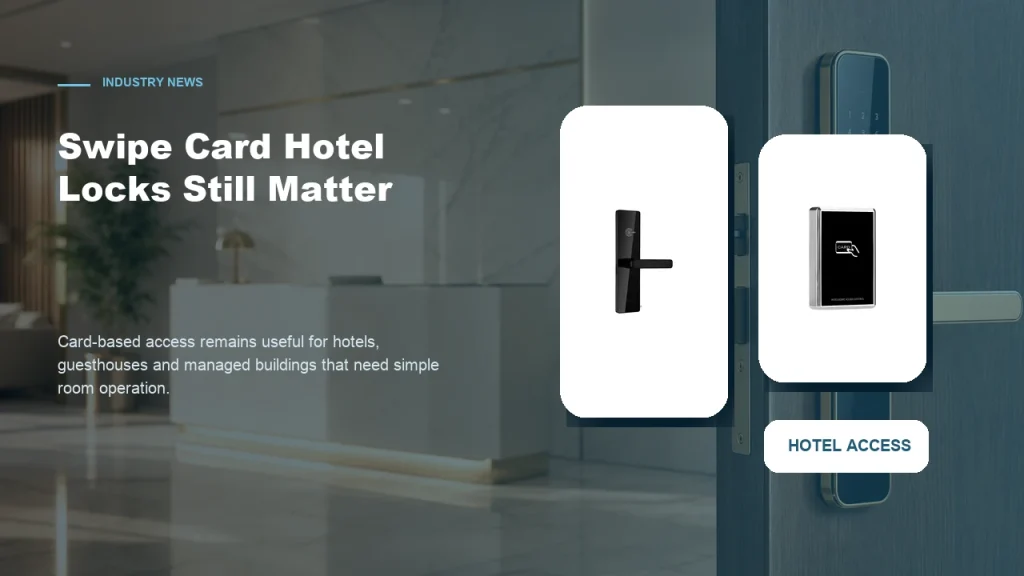
Subtitle: Card-based access remains a practical choice for properties that need simple room operation and familiar management workflows. Introduction While mobile access and password smart locks receive more attention, swipe card smart locks still have a strong role in hotel and guesthouse projects. Many accommodation operators prefer card-based access because it is familiar to staff, […]
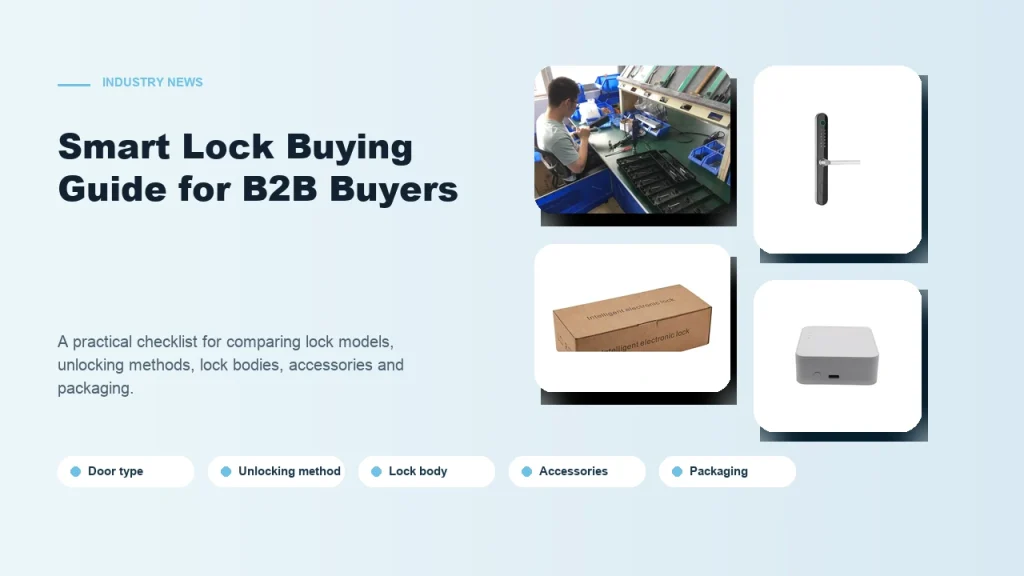
Subtitle: A practical checklist for comparing smart lock models, unlocking methods, lock bodies, accessories and packaging. Introduction Buying smart locks for a B2B project is different from buying one lock for personal use. Contractors, distributors and project buyers need to consider installation conditions, user habits, room management needs and long-term cooperation with the supplier. A […]
The buyer feedback below reflects sourcing situations similar to yours—comparing supplier options, preparing RFQs, reviewing export order needs, and organizing sample questions. Use these notes to identify specification gaps before contacting Guangdong Haolock Intelligent Technology Co., LTD.
I finally understood how to reset my Tuya smart lock without calling support. The walkthrough covered both app-side and manual button reset methods clearly.
Before placing a larger order, I tested the reset process myself using this guide. Knowing the Tuya lock could be re-paired easily gave me real confidence.
I used the reset information to ask smarter questions about lock firmware behavior during sourcing calls. It made my technical conversations with suppliers much more focused.
Managing multiple units means resetting Tuya locks between tenants regularly. This page explained the factory reset sequence in a way my whole team could follow.
Yes, Haolock can pre-configure or factory-reset Tuya smart locks before export shipment. Operations managers should specify reset state requirements in the RFQ to ensure locks arrive ready for your deployment workflow.
Haolock Tuya locks typically support button-hold resets and app-triggered resets. When preparing a bulk order, specify which reset method suits your facility management process so configurations can be aligned during production.
A full reset clears all admin codes, user fingerprints, and app bindings. For bulk purchasing, confirm with Haolock whether default admin credentials are standardized or customizable per order batch.
Yes, request that reset instructions be included in each unit's packaging. Specify language requirements in your RFQ, particularly for multi-country deployments where local operations staff will perform resets independently.
Haolock can supply OEM documentation including branded reset guides. Discuss this during supplier communication to confirm lead time for custom documentation and whether it affects overall order preparation timelines.
Include lock model, quantity, reset method preference, admin code format, app binding requirements, and documentation language. Complete RFQ details help Haolock provide accurate quotations and avoid configuration mismatches at delivery.
Use the inquiry form to submit your project details, including quantity range, destination market, required certifications, and any configuration or reset-method requirements. A specific inquiry receives a more useful response than a general catalog request.