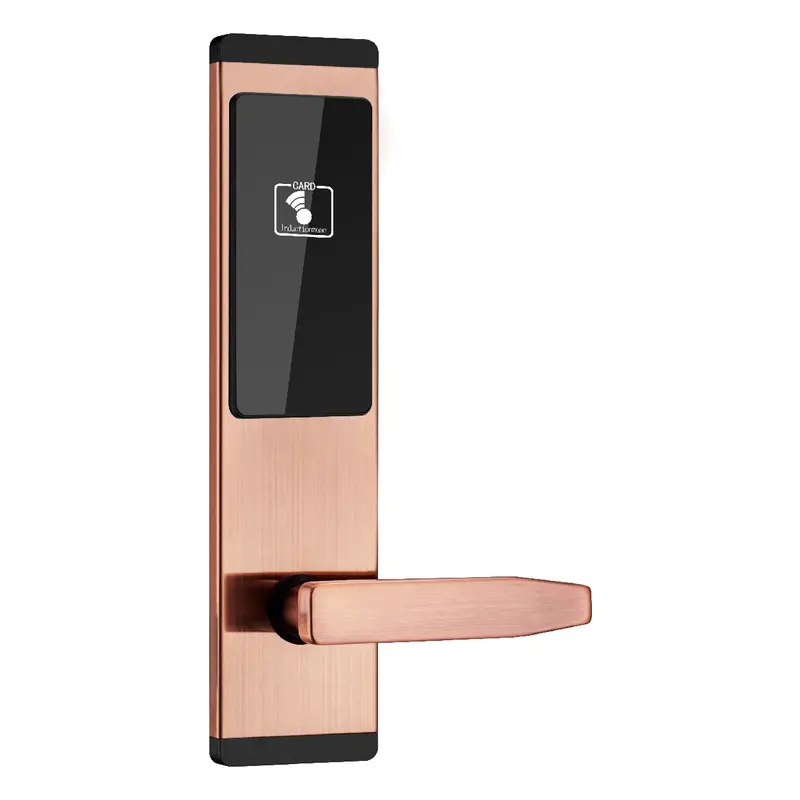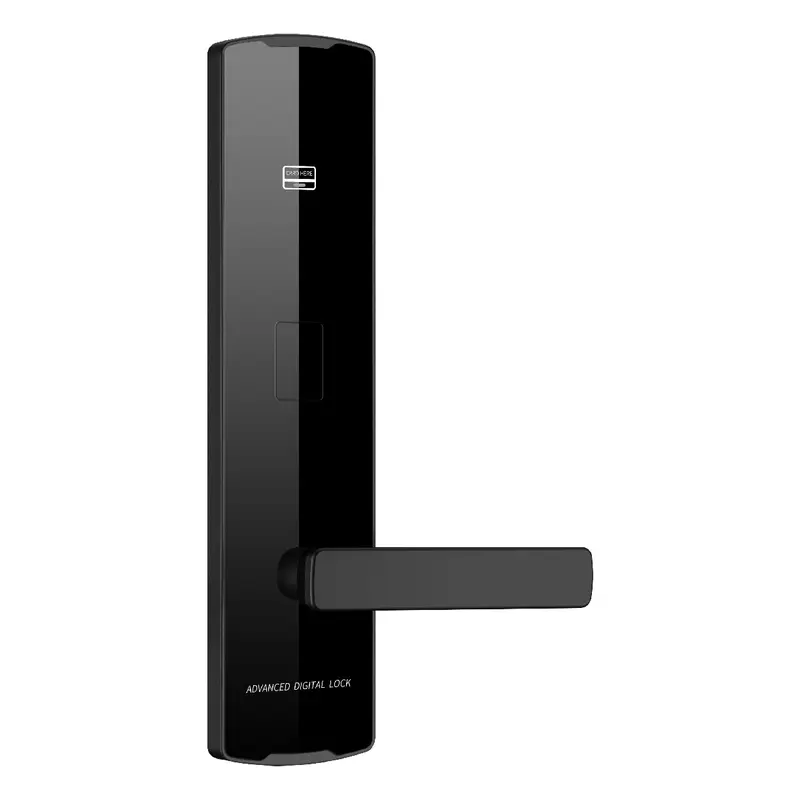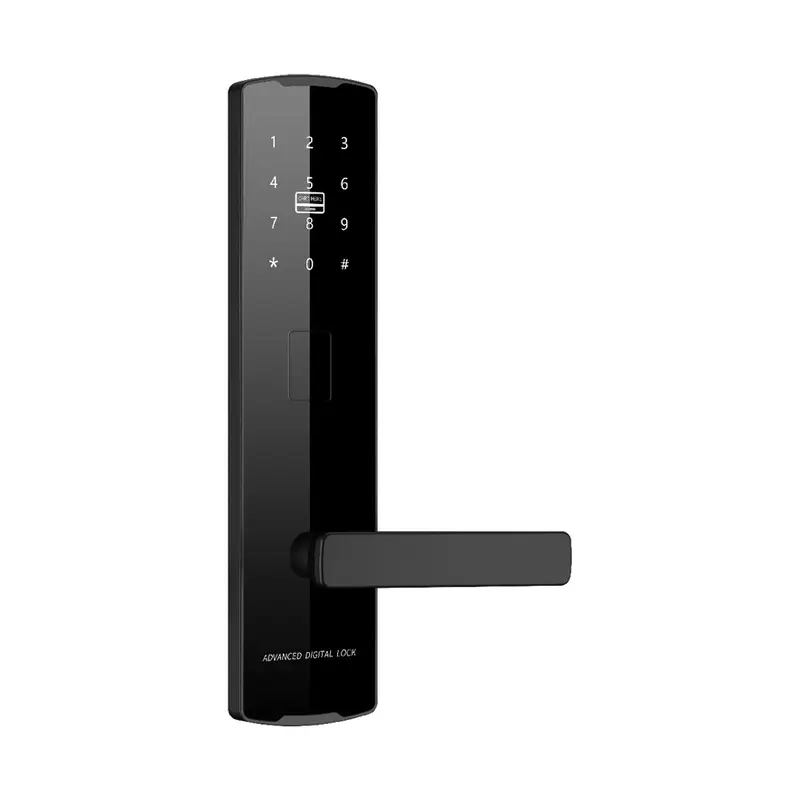
2112 Black Password Lock
Dimensions: 300x75x12mm Color: Black Material: Aluminum Oxide Profile Process: Anodized
Read More
How To Connect Smart Lock To Wifi Sourcing | Guangdong Haolock Intelligent Technology Co., LTD
Use this page to evaluate How To Connect Smart Lock To WiFi from the perspective of export order preparation. It brings together related products, practical selection checks, and buyer questions so your inquiry can be more specific from the beginning.
For a factory purchasing team, the most useful starting point is installation, usage, and after-sales questions. Review the product matches, comparison notes, FAQs, and recent buyer-style feedback before sending final requirements.
Dimensions: 300x75x12mm Color: Black Material: Aluminum Oxide Profile Process: Anodized
Read More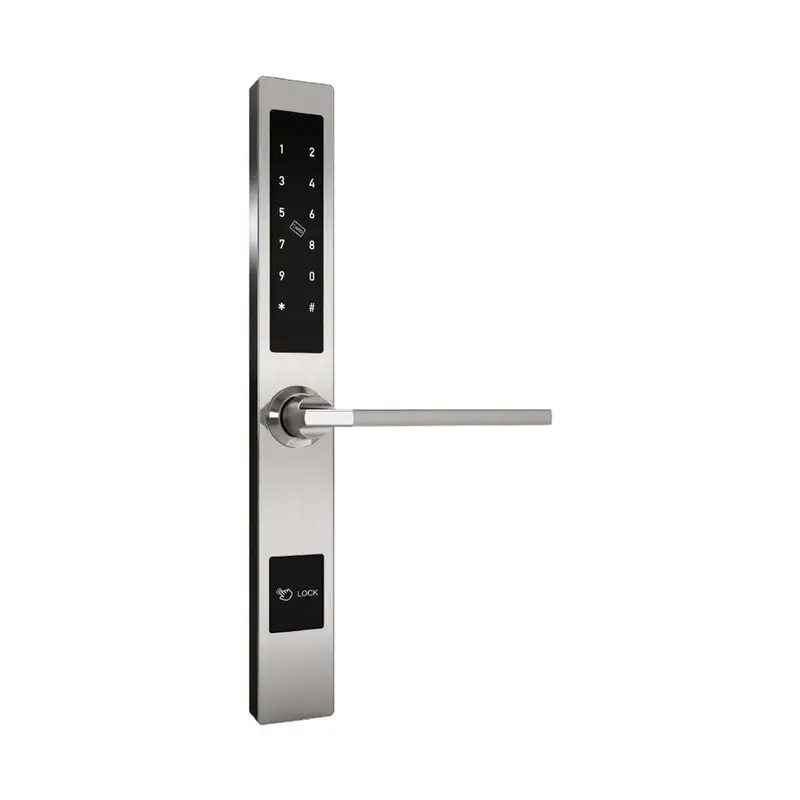
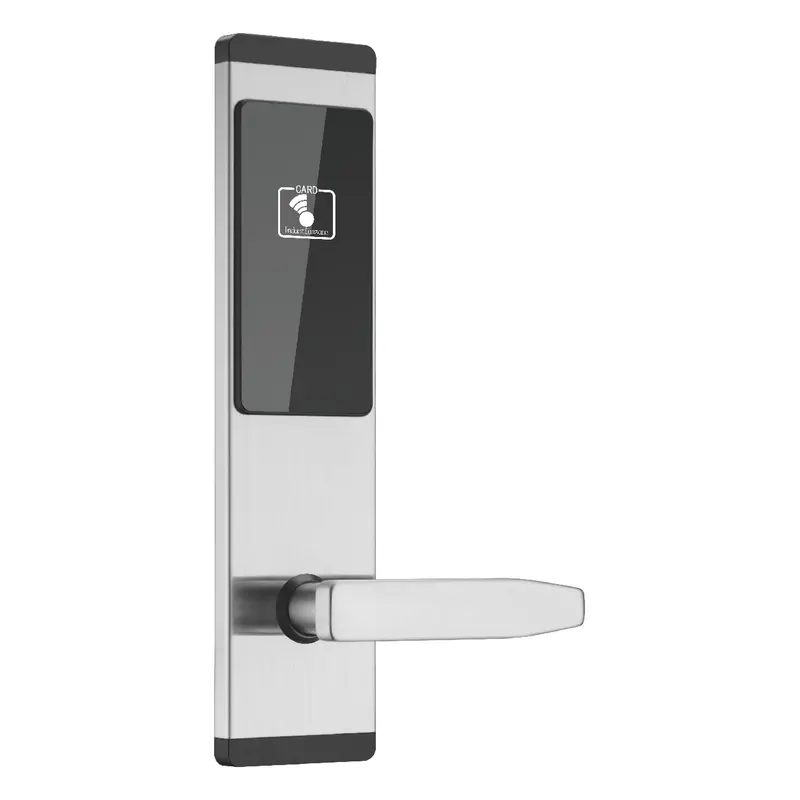
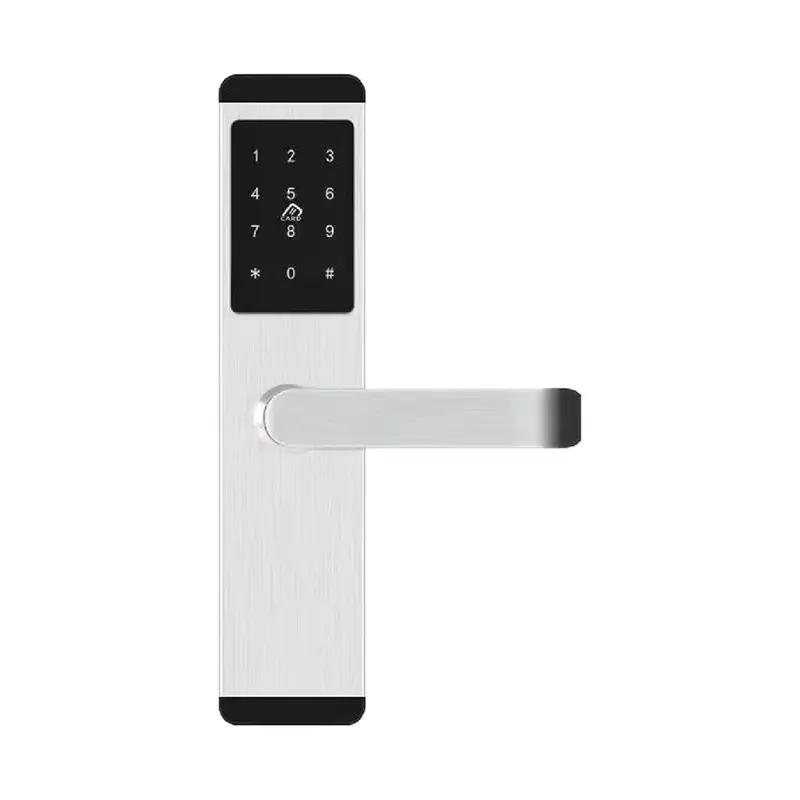
Dimensions:310x40x20mm Color:Silver Material: Aluminum alloy Process: Electroplating
Read More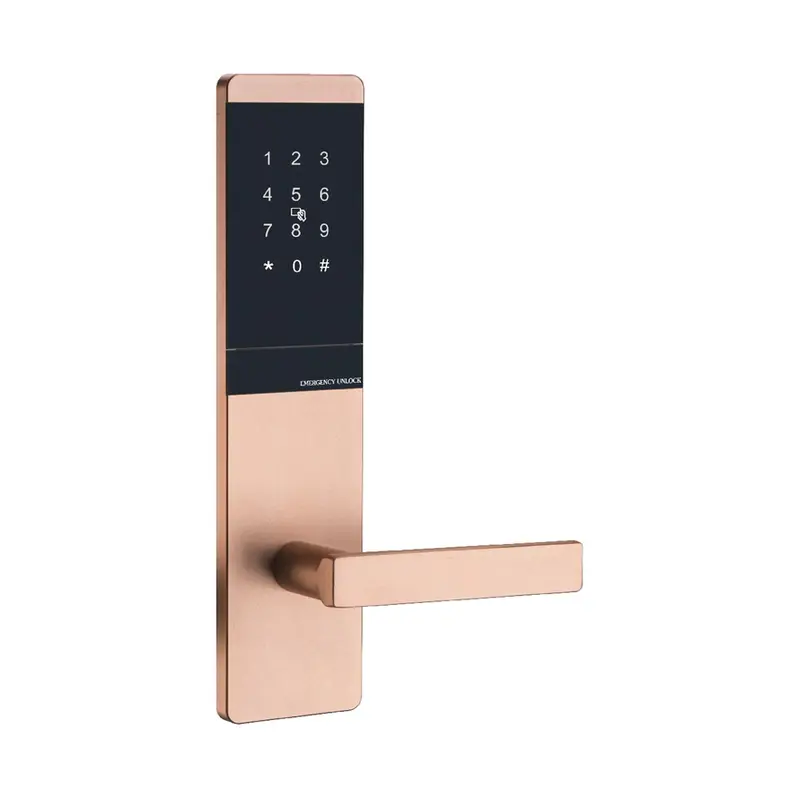
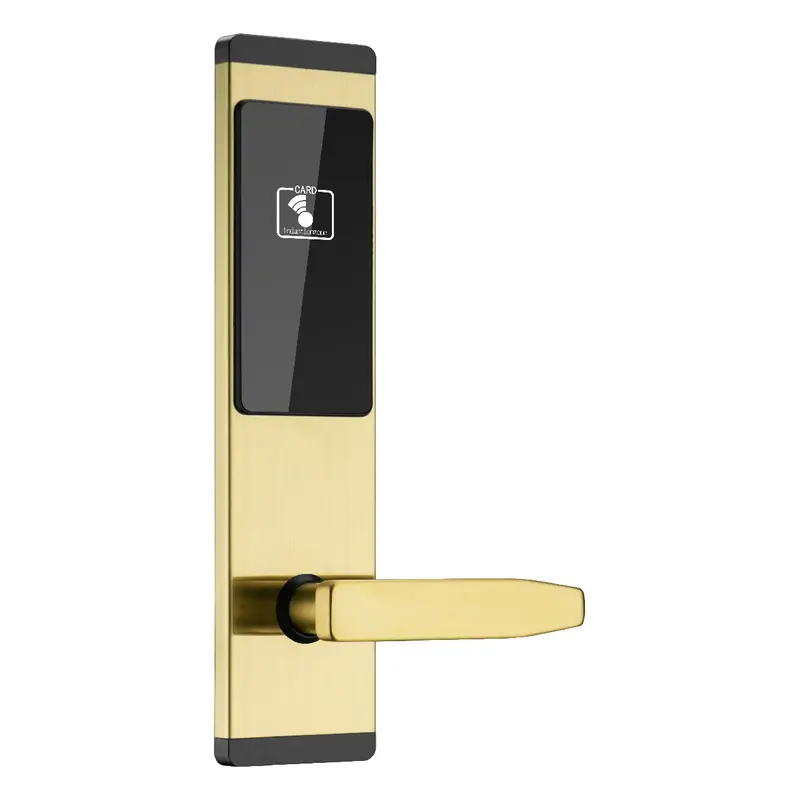
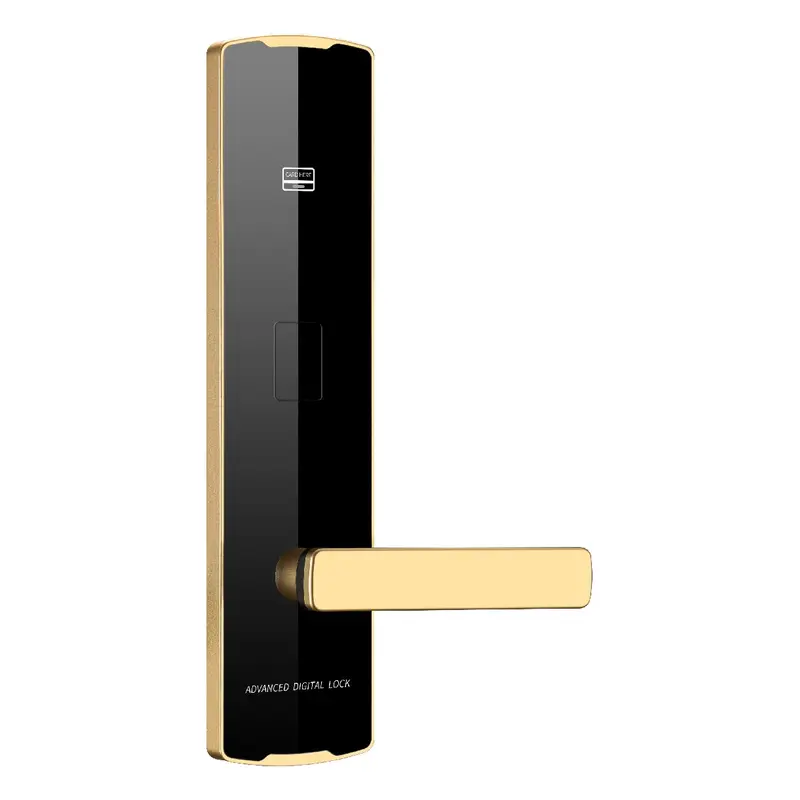
Dimensions: 300x75x10mm Color: Golden Material: Aluminum Oxide Profile Process: Anodized
Read More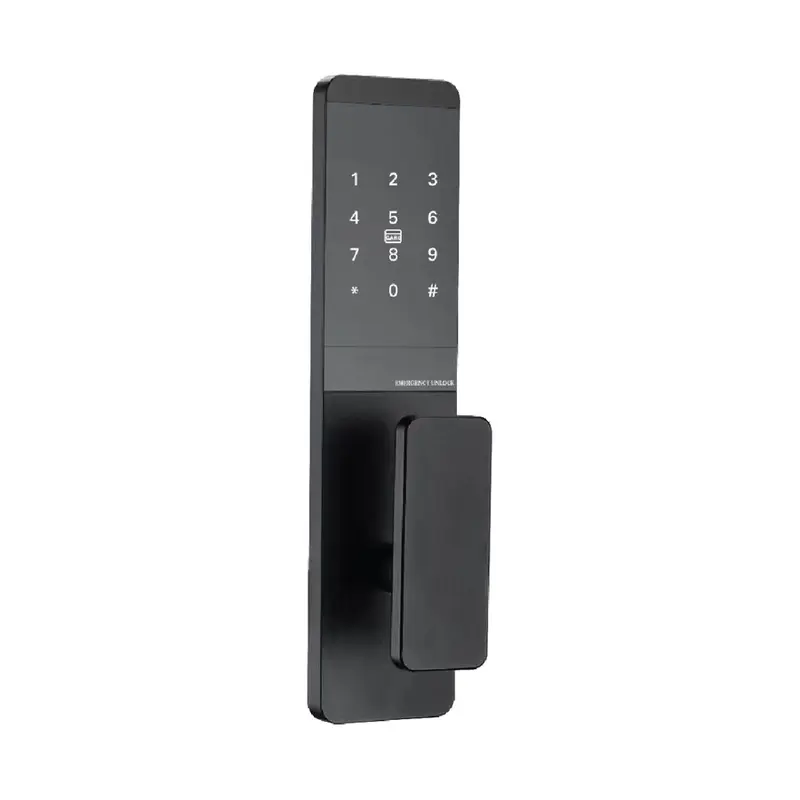
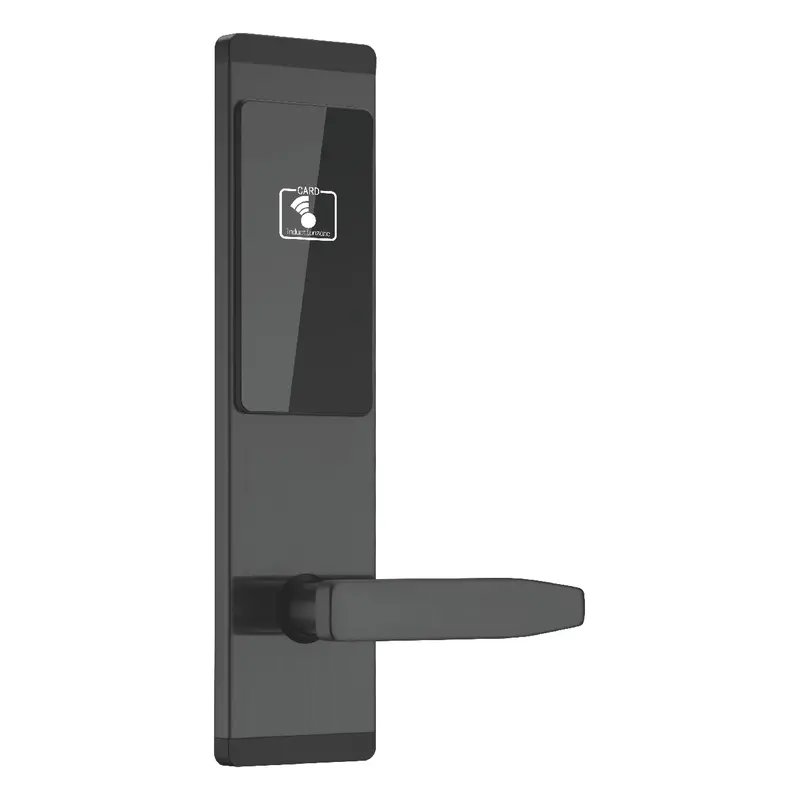
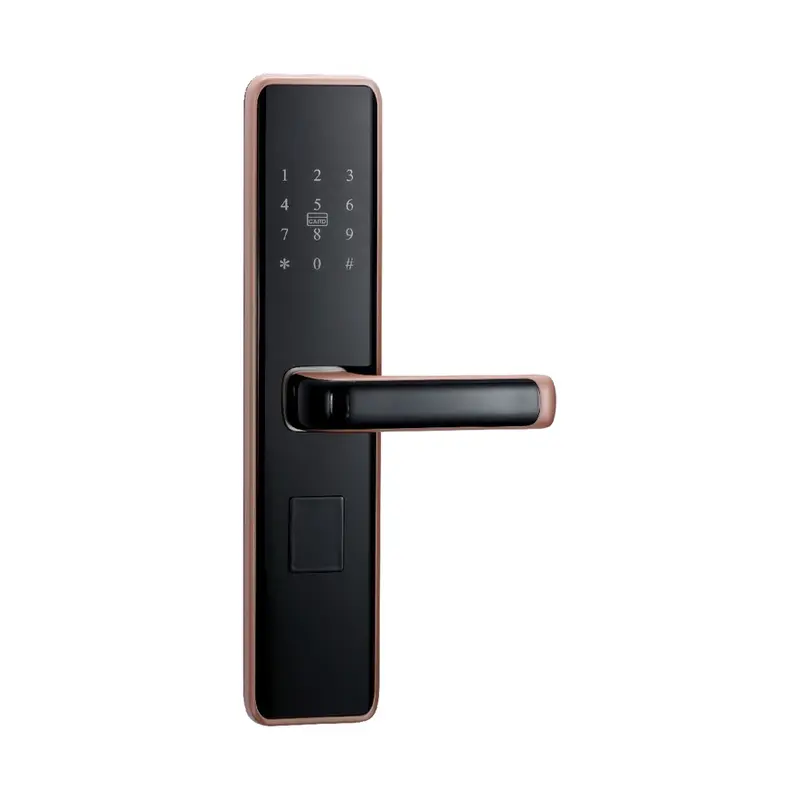
Dimensions:300x75x10mm Color:Black Material: Aluminum Oxide Profile Process: Anodizing
Read More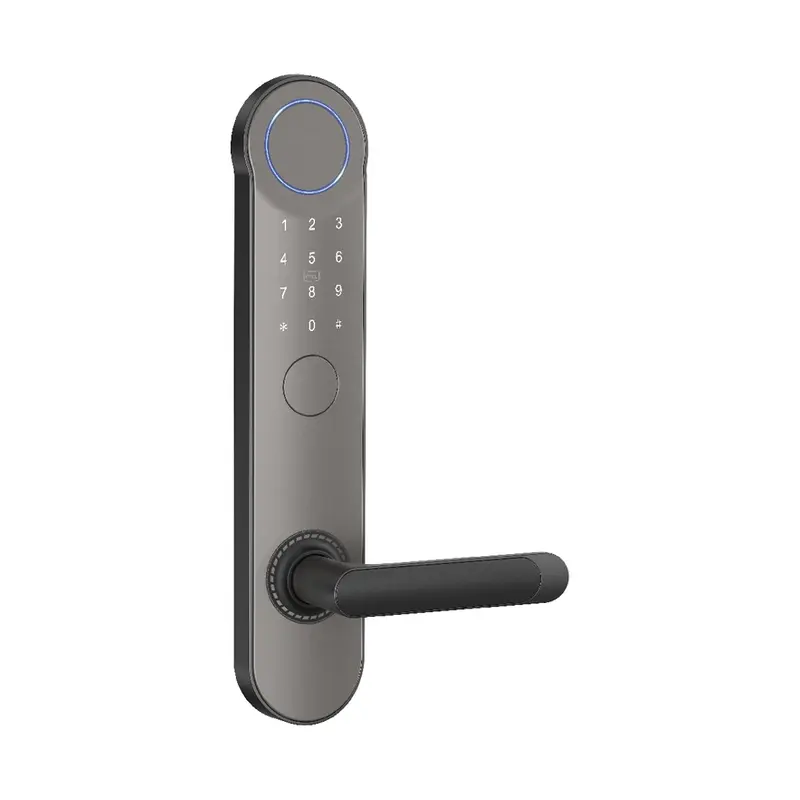
Dimensions:320x65x20mm Color: Gray Swipe card Material: Aluminum alloy Process: Spray coating
Read More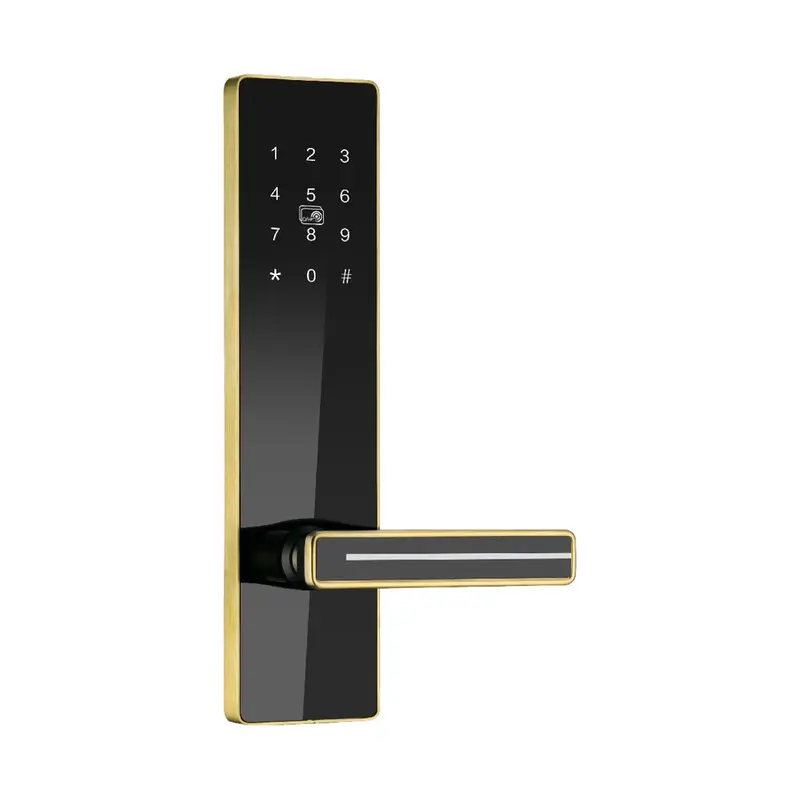
Dimensions:300x75x14.5mm Color:Golden Material: stainless steel Process: Stainless Steel Brushed Finish
Read MoreProduct Selection Guide for Export RFQ Preparation
The products listed on this page are relevant to How To Connect Smart Lock To WiFi and have been grouped to support application matching for export order preparation. Review connectivity type, supported protocols, app compatibility, and available customization options when shortlisting, and use the comparison notes to narrow your selection before requesting samples or a formal quotation.
| Criterion | What To Check | Why It Matters | Buyer Tip |
|---|---|---|---|
| WiFi Protocol Compatibility | Confirm lock supports 2.4GHz WiFi (802.11 b/g/n) | Most smart locks do not support 5GHz; mismatched protocol causes connection failure in bulk deployments | Request protocol spec sheet from supplier before placing export order |
| Gateway vs. Direct WiFi | Identify if lock uses built-in WiFi module or requires a separate gateway hub | Gateway-dependent models add per-unit cost and packaging complexity for export orders | Ask Haolock for BOM breakdown to clarify gateway inclusion in bulk quotation |
| App & Cloud Region Support | Verify companion app and cloud server support target export market regions | Region-locked apps block end-user WiFi pairing after delivery, triggering after-sales complaints | Confirm multi-region cloud support during sample confirmation stage |
| Pairing Mode Activation | Document step-by-step pairing button sequence for each SKU | Inconsistent pairing procedures across SKUs increase installer error rate in bulk projects | Request multilingual quick-start card as part of packaging requirements in RFQ |
| Signal Strength Requirement | Check minimum RSSI threshold specified by manufacturer (typically -70 dBm or better) | Weak signal causes intermittent disconnection, generating after-sales support load post-export | Include installation environment WiFi coverage spec in application matching checklist |
How To Connect Smart Lock To WiFi covers the process of pairing a smart lock with a wireless network, typically through a dedicated app, a gateway bridge, or built-in WiFi module. For export order preparation, the relevant question is whether the connectivity method matches the destination market's network standards and end-user environment.
This page is organized around RFQ preparation and application matching, helping purchasing teams translate a connectivity requirement into clear supplier questions about module type, app compatibility, firmware support, and after-sales service scope.
Begin by confirming how the smart lock will connect to WiFi in the target application. Key variables include whether the lock uses a built-in WiFi module, a Bluetooth-to-gateway bridge, or a hub-dependent protocol such as Zigbee or Z-Wave. Each path affects installation complexity, network dependency, and the after-sales support your customers will need. Define this before requesting product options.
For export order preparation, check that the connectivity standard matches destination market requirements. This includes frequency band compatibility, app language and server region, and any local certification requirements. If the end market has specific smart home ecosystems in common use, confirm whether the lock supports those platforms before shortlisting products.
When preparing your RFQ, include the intended application environment, expected quantity range, destination country, packaging requirements, and any branding or firmware customization needs. If samples are required for approval, ask the supplier to confirm lead time for samples separately from bulk production lead time, and clarify how connectivity testing is documented before shipment.
When comparing supplier responses, prioritize those that address installation, usage, and after-sales questions directly. A supplier familiar with export orders will typically ask about destination market, network environment, and app support requirements rather than sending only a general product list. That level of engagement is a practical indicator of after-sales capability.
| Criteria | Importance | Description | Example Options |
|---|---|---|---|
| WiFi Module Type | High | Built-in vs. external gateway affects installation complexity and end-user setup steps | Built-in 2.4GHz module vs. separate Zigbee gateway required |
| App Platform | High | Proprietary or Tuya-based app determines OEM flexibility and buyer branding options | Tuya Smart app vs. custom white-label OEM app |
| WiFi Frequency Band | Medium | 2.4GHz vs. dual-band support affects compatibility with destination market routers | 2.4GHz only vs. 2.4GHz + 5GHz dual-band |
| Multi-language Setup Guide | Medium | Availability of localized WiFi setup documentation for export market end-users | English + Spanish manual vs. English only |
| Remote Access Stability | High | Cloud server reliability for sustained WiFi-based remote lock control post-installation | Dedicated cloud server vs. shared third-party server |
Recommended Products
These products represent commonly reviewed options for purchasing teams evaluating How To Connect Smart Lock To WiFi in an export order context. Each listing includes specification details relevant to connectivity, installation method, and after-sales support scope, giving your team a practical starting point for sample confirmation and RFQ preparation.
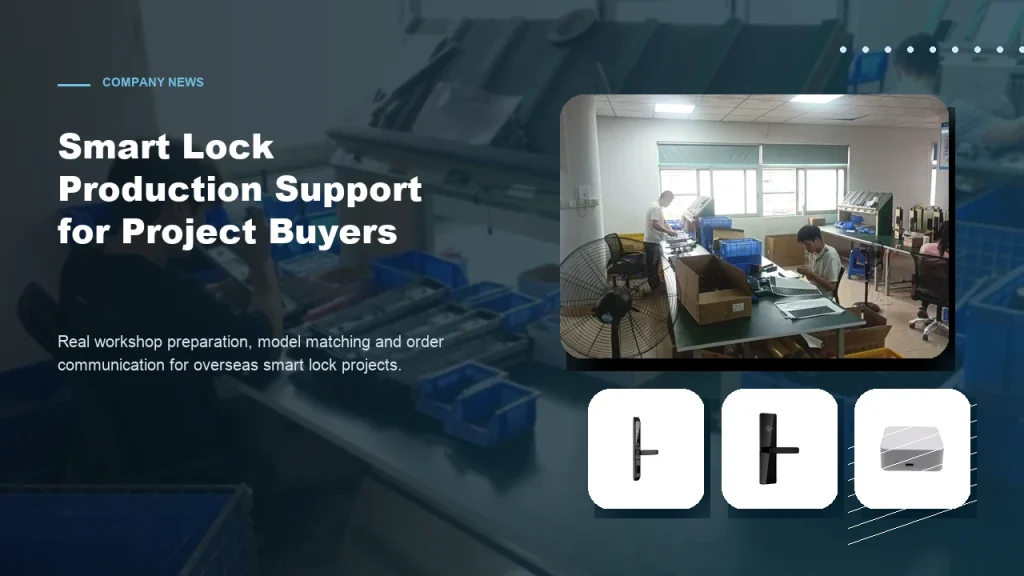
Subtitle: From workshop preparation to model selection, practical factory support helps overseas buyers order smart locks with more confidence. Introduction For overseas B2B buyers, choosing a smart lock supplier is not only about product appearance. Contractors, distributors and project buyers also care about whether the factory can support practical order preparation, model matching, packaging details […]
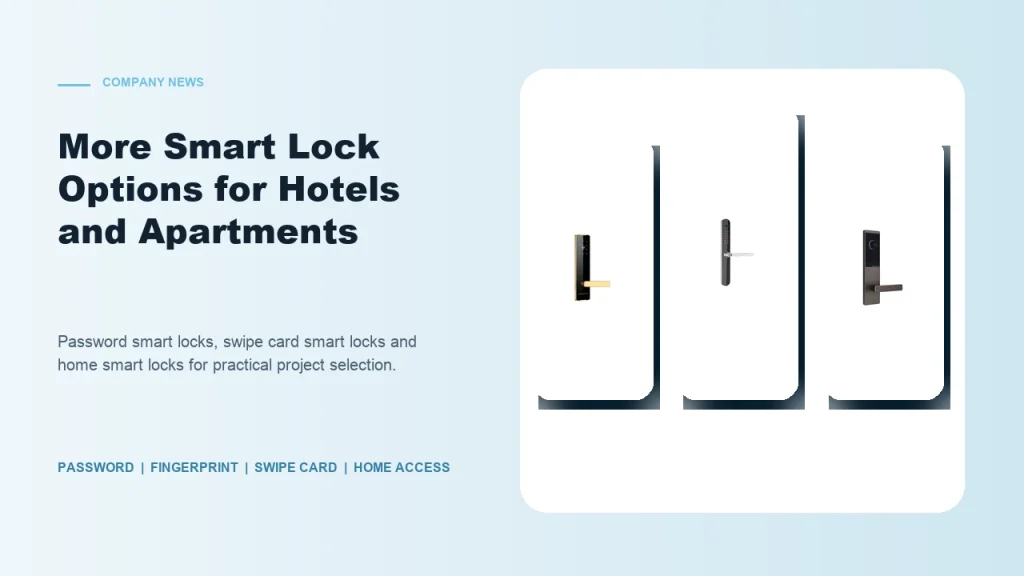
Subtitle: Password smart locks, fingerprint smart locks, swipe card locks and home smart locks help buyers match different project requirements. Introduction Smart lock buyers are no longer looking for one universal product. Hotels, apartments, schools, guesthouses, homestays and residential buildings all have different access habits and management requirements. Some projects need simple card operation. Some […]

Subtitle: Clear communication helps contractors, distributors and project buyers reduce risk when sourcing smart locks from China. Introduction For global smart lock buyers, export purchasing can be challenging when product details are unclear. A buyer may see many similar lock models online, but the real project requires more information: What unlocking method is suitable? Which […]
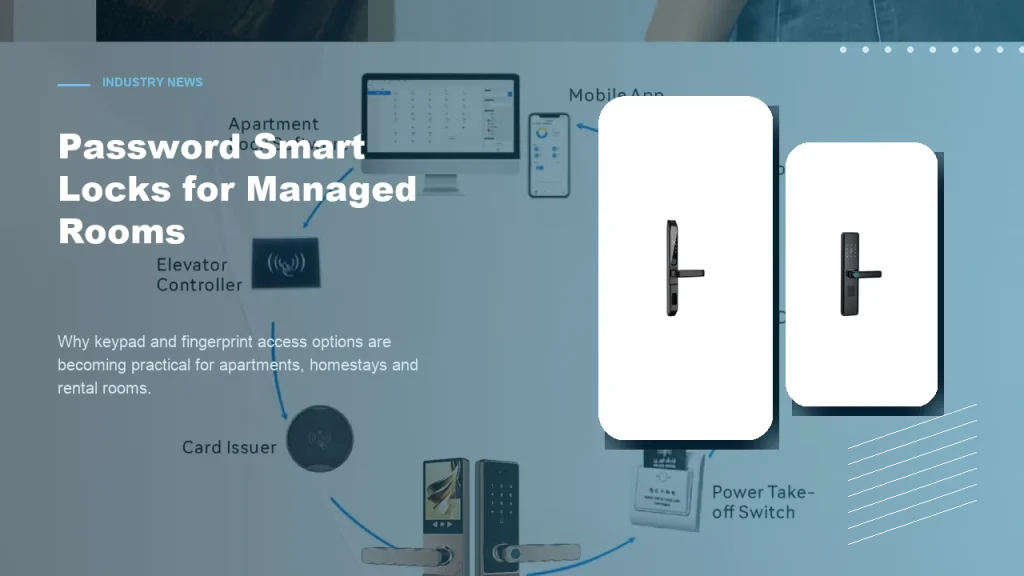
Subtitle: Keypad and fingerprint access options help apartments, homestays and rental rooms improve daily access convenience. Introduction Password smart locks are becoming a practical choice for many managed room projects. Apartments, homestays, rental rooms and small accommodation operators often need convenient access without relying only on mechanical keys. For B2B buyers, password smart locks and […]
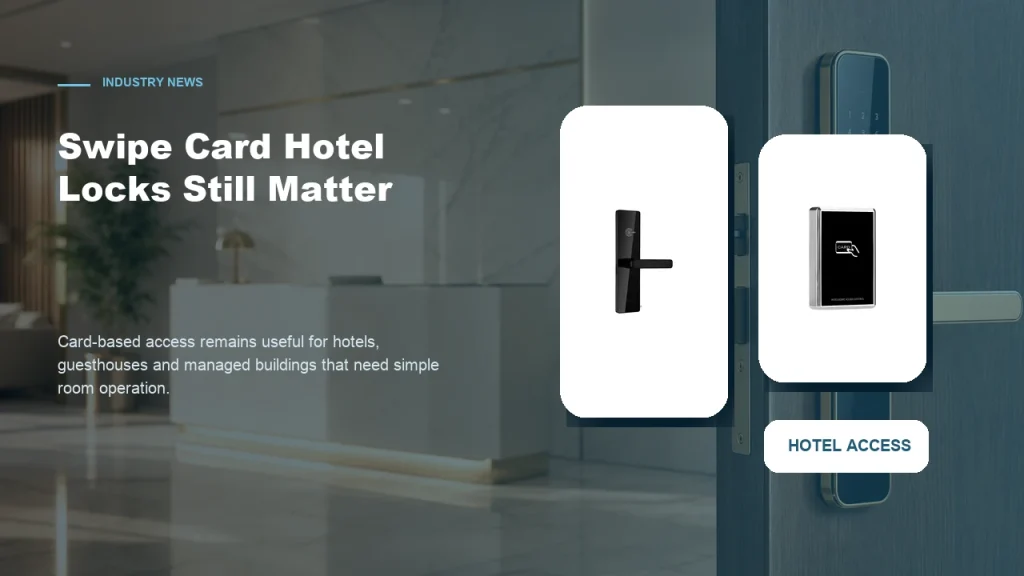
Subtitle: Card-based access remains a practical choice for properties that need simple room operation and familiar management workflows. Introduction While mobile access and password smart locks receive more attention, swipe card smart locks still have a strong role in hotel and guesthouse projects. Many accommodation operators prefer card-based access because it is familiar to staff, […]
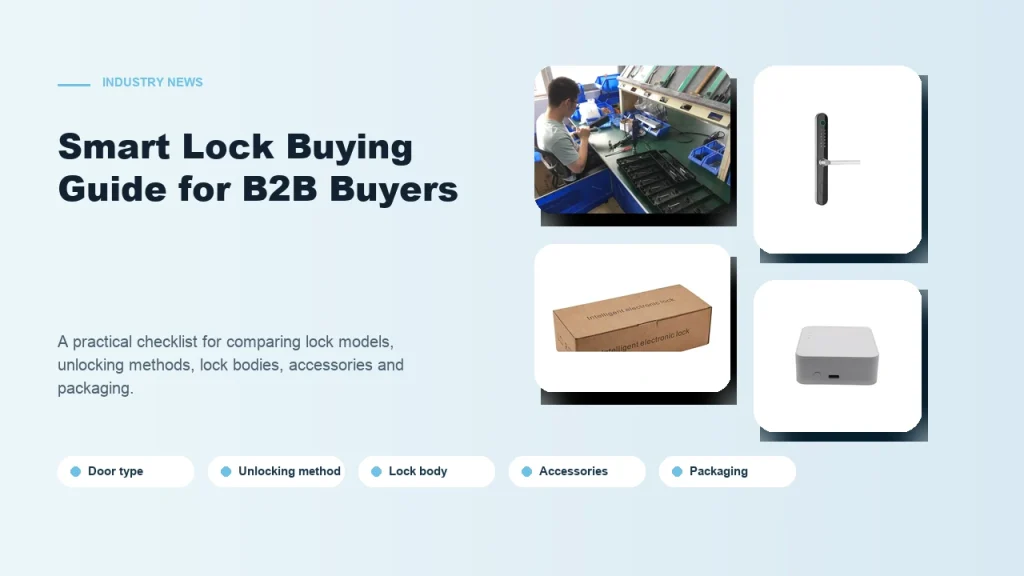
Subtitle: A practical checklist for comparing smart lock models, unlocking methods, lock bodies, accessories and packaging. Introduction Buying smart locks for a B2B project is different from buying one lock for personal use. Contractors, distributors and project buyers need to consider installation conditions, user habits, room management needs and long-term cooperation with the supplier. A […]
The feedback below reflects purchasing team experiences at the RFQ and sample confirmation stage. Use these notes to identify common questions around installation requirements, connectivity setup, and after-sales support before finalizing your inquiry.
I finally understood the pairing process after browsing this page — the step-by-step WiFi connection details answered exactly what I needed before contacting the supplier.
The articles explained router band requirements and app pairing clearly, which helped me confirm whether these smart locks would work with our existing building network setup.
Before sending my inquiry, I used this page to understand the WiFi module integration process and prepare smarter technical questions for the Haolock sales team.
Reading through the WiFi connection content here let me distinguish between Bluetooth-only and dual-network models, making my shortlist much more focused and relevant.
Haolock smart locks typically support 2.4GHz WiFi (802.11 b/g/n). Buyers should confirm protocol compatibility during sample confirmation to ensure alignment with target market router standards before placing bulk export orders.
Some models feature built-in WiFi modules while others require a gateway. Factory purchasing teams should specify direct WiFi or gateway-based connectivity in their RFQ to receive accurate product matching and quotation details.
WiFi-enabled smart locks may require additional packaging inserts for quick-start WiFi guides, QR codes, and app download cards. Confirm custom packaging requirements with Haolock during order preparation to meet destination market expectations.
Haolock smart locks typically connect via a dedicated mobile app or Tuya-based platform. Purchasing teams should request app documentation and OEM app options during sample confirmation to evaluate end-user setup experience.
Multi-language user manuals covering WiFi setup are generally available for export orders. Buyers should specify required languages in their RFQ to ensure correct documentation is included in bulk shipment packaging.
Teams should test WiFi pairing using the target market's router frequency, verify app connectivity, and confirm remote access stability. Document any setup issues during sample review to address them before finalizing bulk order specifications.
Submit your project details below to receive product recommendations matched to your connectivity requirements, destination market, and order quantity. Include application context, expected timeline, and any packaging or customization notes to help the team prepare a relevant response.