Choosing between a fingerprint door lock and a keypad lock is not simply a question of which technology is newer. The better option depends on who uses the door, how often access changes, what happens when a credential fails and how the lock will be managed over its service life.
Quick answer: A fingerprint smart lock is often the better choice when fast, non-transferable access is important. A keypad lock is usually easier for properties that regularly issue and revoke temporary access. For apartments, staff accommodation and managed rooms, a multi-access lock combining fingerprint, PIN and mechanical-key backup can provide the most practical balance.
Haolock supplies both fingerprint smart locks and password smart locks for residential and managed-room projects. The following comparison helps buyers choose a suitable access method before selecting a model.
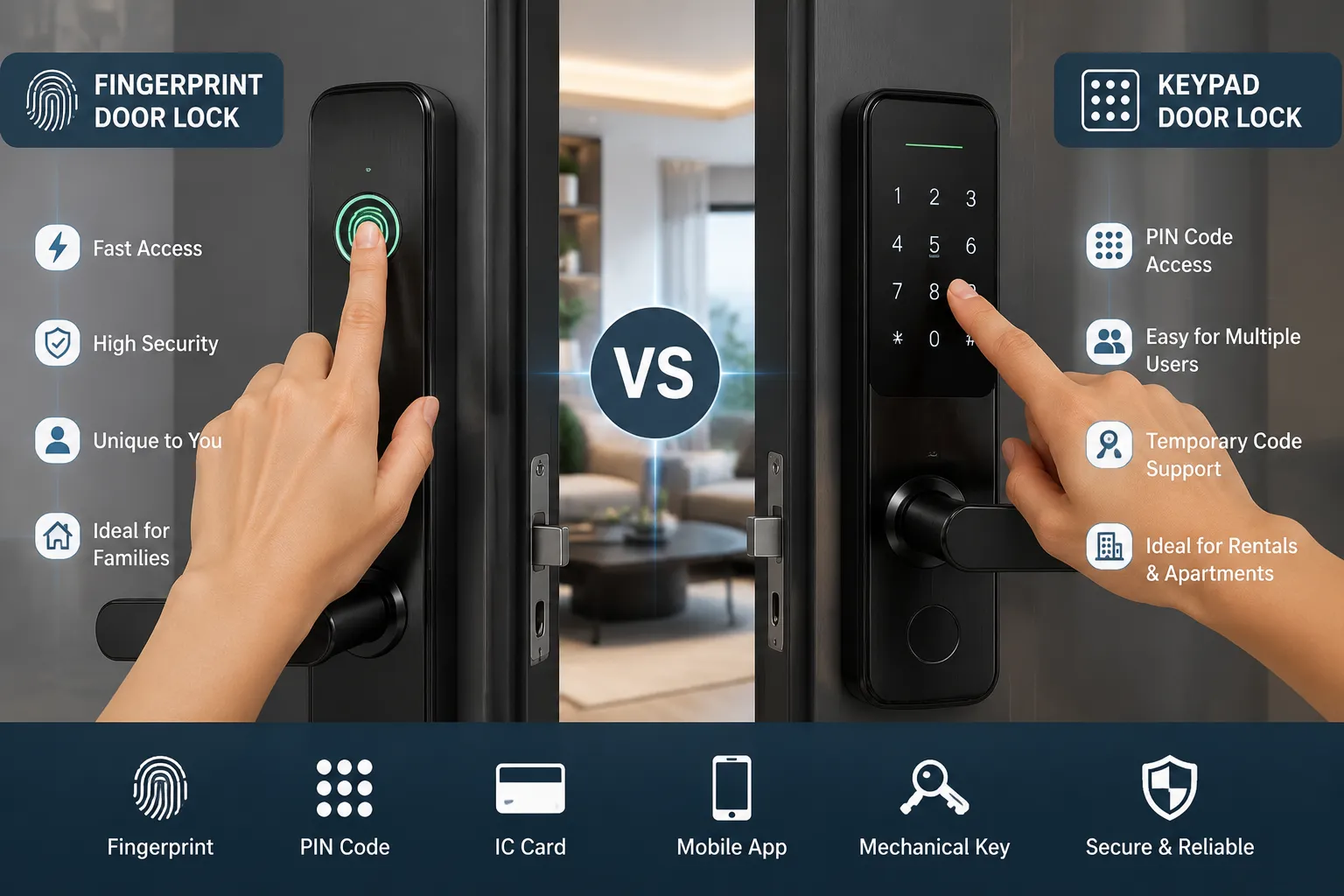
Fingerprint Door Lock vs Keypad Lock at a Glance
| Decision factor |
Fingerprint door lock |
Keypad or password lock |
| Credential |
Enrolled fingerprint |
Numeric PIN or temporary code |
| Daily entry |
Touch the sensor |
Enter a code |
| Credential sharing |
Difficult to share casually |
Codes can be shared |
| Temporary visitors |
Less convenient if enrollment is required |
Easy when the system supports temporary codes |
| Wet, dirty or worn fingers |
May reduce recognition reliability |
Usually not affected |
| Forgotten credential |
The user does not need to remember a code |
Users may forget or mistype a PIN |
| User turnover |
Fingerprints must be enrolled and removed |
Codes can usually be changed or deleted |
| Best-fit applications |
Families, private apartments, staff rooms and controlled users |
Rentals, managed rooms, service access and changing users |
| Recommended backup |
PIN and mechanical key |
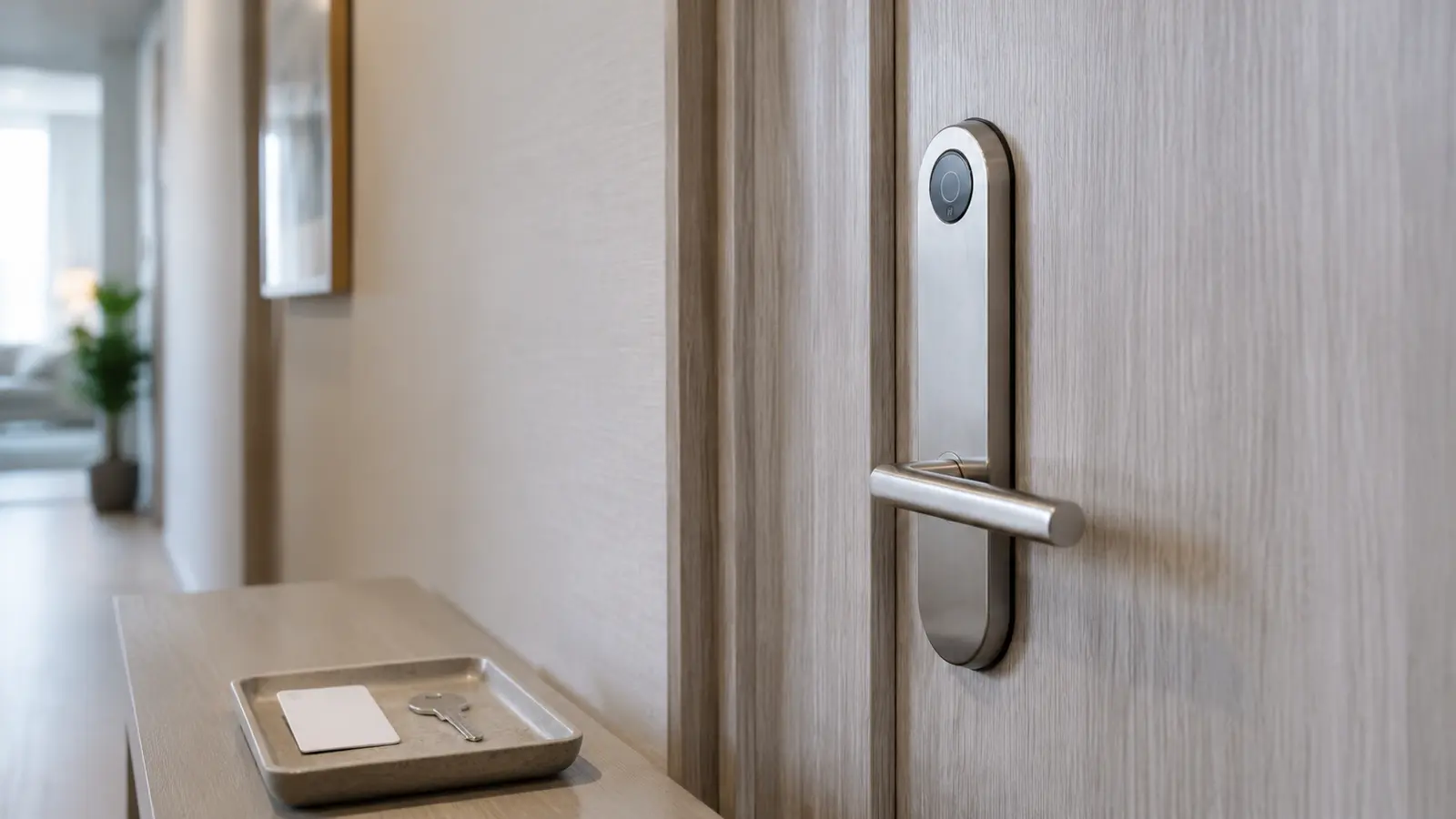
Mechanical key, card or another authorized method |
The comparison should be treated as a starting point. Sensor quality, software functions, user capacity, lock-body construction and installation conditions can change the result.
What Is a Fingerprint Door Lock?
A fingerprint door lock uses a biometric sensor to compare the presented finger with an enrolled template. If the comparison is accepted, the electronic lock activates the unlocking mechanism.
The main advantage is convenience. Authorized users do not need to carry a card or remember a code. A fingerprint also cannot be casually passed to another person in the way a PIN or key card can.
However, fingerprint recognition is probabilistic rather than perfect. Wet fingers, dust, cuts, worn fingerprints, sensor contamination and enrollment quality can affect recognition. A responsible project specification should therefore include an alternative entry method and an emergency-access procedure.
Haolock models such as the 1019 Black Password and Fingerprint Lock combine more than one entry method, allowing buyers to plan both normal access and fallback access.
What Is a Keypad Lock?
A keypad lock, also called a password smart lock or PIN-code lock, allows an authorized user to enter a numeric code. Depending on the model and management method, the code may be permanent, assigned to an individual or valid only during a defined period.
The biggest operational advantage is flexible credential distribution. A property manager can give access to a resident, cleaner, contractor or guest without enrolling a fingerprint or issuing a physical key.
The main risk is code control. Users may share PINs, reuse simple combinations or leave codes active after they are no longer needed. Keypad security therefore depends on both the lock and the property’s code-management rules.
Seven Differences That Matter in Real Projects
1. Entry Speed and Convenience
Fingerprint access can be very fast when the user is enrolled correctly and the sensor reads the finger on the first attempt. It is especially convenient for residents, employees or family members who use the same door every day.
Keypad entry requires several deliberate inputs. It may be slower, but it is familiar and does not depend on biometric recognition. This can be an advantage for occasional visitors.
Choose fingerprint access when repeat users value fast entry. Choose keypad access when the user population changes frequently.
2. Temporary and Remote Access
A PIN is easier to communicate to a visitor who is not physically present for enrollment. This makes keypad locks attractive for rental apartments, homestays, maintenance visits and managed rooms.
Before purchasing, confirm whether the model supports:
- multiple user codes;
- time-limited or temporary codes;
- code deletion without a factory reset;
- offline code operation;
- app, Bluetooth or computer management;
- access records, if required by the project.
These functions are model-specific. A lock described as a “password lock” does not automatically include every management feature.
3. Credential Sharing
A fingerprint cannot normally be sent in a message or written on paper. That reduces casual credential sharing.
A PIN can be shared within seconds. For properties using keypad access, assign individual codes where possible, remove expired users promptly and avoid one permanent code for every resident or staff member.
4. Reliability in Real Environments
Fingerprint readers should be evaluated under the conditions in which they will operate. Construction workers, kitchen staff and other users may have wet, dusty or worn fingers. Gloves also prevent ordinary fingerprint entry.
Keypads avoid those biometric issues, but they introduce different concerns:
- repeated use can leave visible wear or smudges;
- users can mistype a code;
- people nearby may observe the entry sequence;
- poor code policies can weaken security.
The correct question is not “Which method can never fail?” It is “Which failure mode can this property manage more effectively?”
5. User Enrollment and Turnover
Fingerprint locks work well for a stable group of authorized users. Each person must be enrolled, checked and removed when access ends.
Keypad locks can simplify turnover when codes can be created and deleted efficiently. This is useful for properties with short stays, rotating contractors or frequent staff changes.
6. Privacy and Data Management
Fingerprint templates require appropriate handling. Buyers should ask where templates are stored, how administrators enroll and delete users, whether data can be exported and what happens when the lock is replaced.
The NIST Digital Identity Guidelines address digital authentication rather than physical door locks, but they highlight an important security principle: biometric comparison is probabilistic, and biometric characteristics are not secrets. For a building project, this supports the practical case for controlled enrollment, limited administrator rights and a separate backup method.
PIN data also requires governance. Administrators should be able to revoke a code, prevent simple default codes and document who is responsible for changes.
7. Total Cost and Maintenance
Do not compare locks only by purchase price. Consider:
- installation and door preparation;
- batteries and replacement access;
- administrator training;
- user enrollment or code issuance;
- cleaning and inspection;
- spare parts and lock-body compatibility;
- emergency opening procedures;
- support for future rooms or doors.
A low-cost lock can become expensive if it does not fit the door, cannot support the required number of users or requires frequent manual intervention.
Which Lock Fits Each Application?
| Application |
Practical starting point |
Why |
| Private home |
Fingerprint plus PIN and key backup |
Fast daily access with alternatives for family members |
| Long-term apartment |
Fingerprint/password combination lock |
Supports residents while retaining code flexibility |
| Short-term rental |
Keypad lock with temporary-code capability |
Easier guest turnover without biometric enrollment |
| Staff accommodation |
Fingerprint or individual PINs |
Helps identify or separate authorized users |
| School accommodation |
Managed PIN or card system |
Central administration may be more important than biometric speed |
| Small office |
Fingerprint plus administrator-controlled backup |
Suitable for a relatively stable user group |
| High-turnover service door |
Individual or scheduled PINs |
Codes are easier to issue and revoke |
For projects requiring both fingerprint and password entry, the 1023 Silver Password and Fingerprint Lock is one example in Haolock’s combined-access range. Final selection should still be based on the door and management requirements.
Door Compatibility Comes Before Smart Features
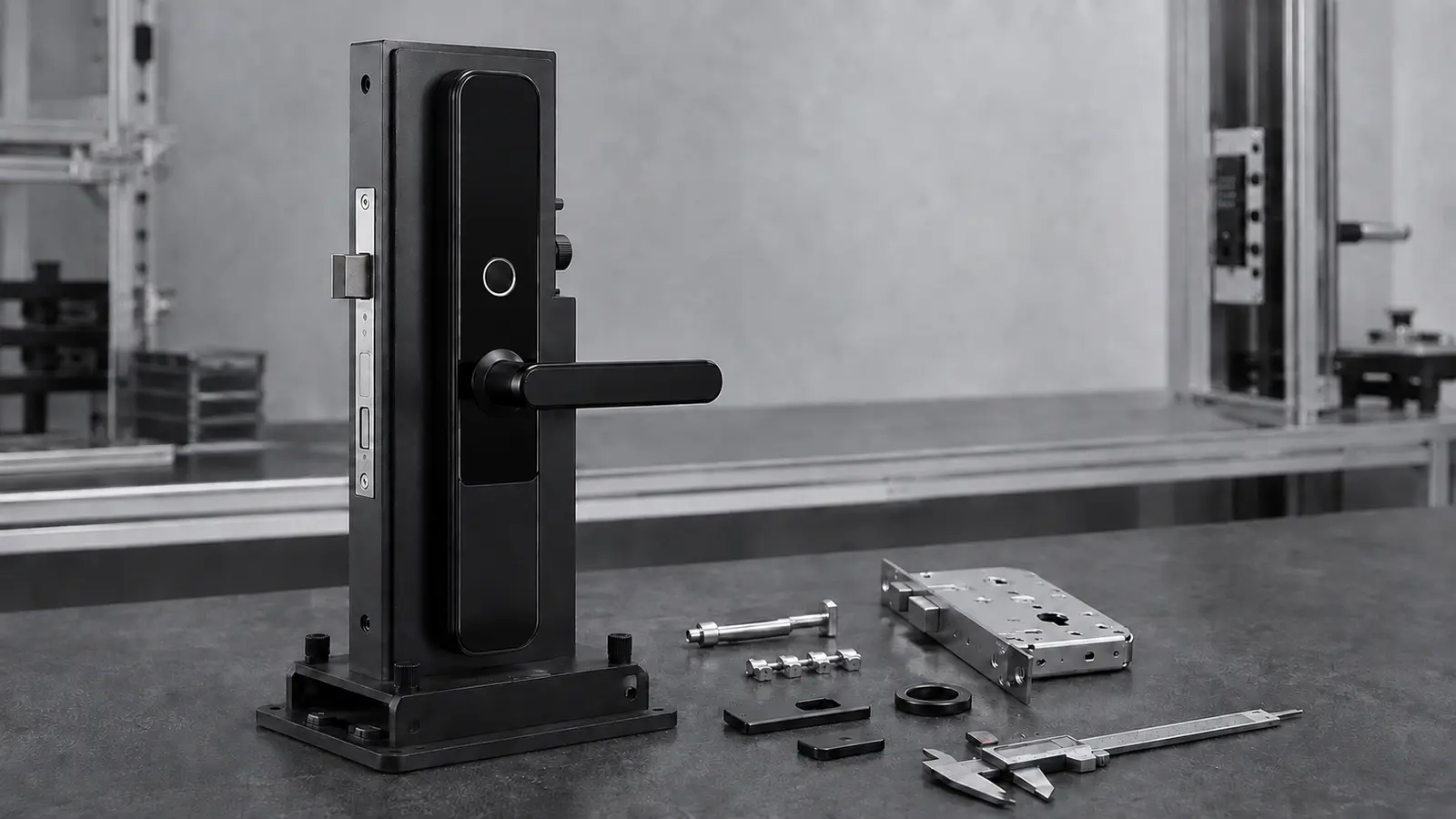
The lock must physically fit and operate the door. Before requesting a quotation, record:
- Door material, such as wood, metal or composite.
- Door thickness.
- Existing cutouts and handle position.
- Left-hand or right-hand opening direction.
- Lock-body or mortise dimensions.
- Backset and center distance, where applicable.
- Indoor, semi-outdoor or exposed installation.
- Required finish and corrosion environment.
A visually suitable smart lock may still be the wrong product if the lock body, spindle, door preparation or opening direction does not match.
A Five-Step Selection Method
Step 1: Map Every User Group
List permanent residents, temporary guests, cleaners, contractors, administrators and emergency personnel. Estimate how often each group changes.
Step 2: Define the Credential Lifecycle
Decide how a credential will be issued, changed, suspended and removed. Include the process for lost phones, forgotten codes and failed fingerprint recognition.
Step 3: Verify the Door
Supply clear door photographs and measurements. Confirm the lock body and installation requirements before approving the model.
Step 4: Confirm Model-Specific Functions
Ask for written confirmation of user capacity, entry methods, battery type, low-battery warning, emergency power, mechanical-key override, management method and environmental limitations.
Step 5: Test Before a Large Rollout
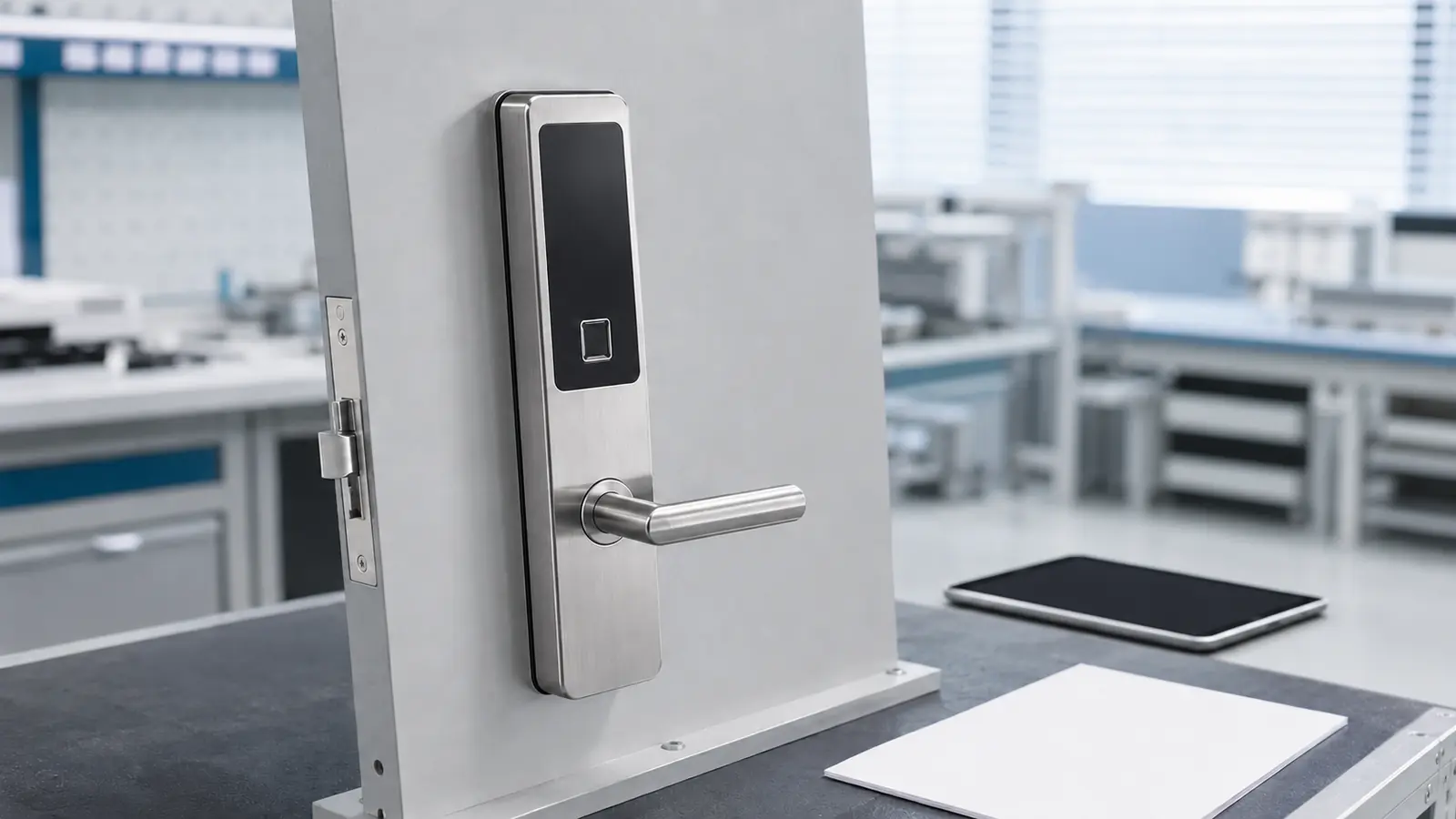
For a multi-door project, test a sample on the actual door. Enroll representative users, simulate a low-battery condition and check the backup-opening process.
Common Buying Mistakes
Assuming Every Fingerprint Lock Has the Same Accuracy
Recognition performance depends on the sensor, software, enrollment and environment. Request model-specific information and conduct a sample test.
Choosing Features Before Checking the Door
Door incompatibility can create more project risk than the choice between fingerprint and PIN entry.
Using One Shared PIN
A shared code is difficult to control and difficult to investigate after unauthorized entry. Use separate credentials when the system permits.
Ignoring Backup Access
Every electronic lock needs a defined response to battery depletion, sensor failure and administrator error.
Forgetting Offboarding
Credential removal should be part of resident checkout, employee departure and contractor completion.
Frequently Asked Questions
Is a fingerprint door lock more secure than a keypad lock?
Not automatically. Security depends on the complete product, lock body, credential management, installation and backup process. Fingerprints reduce casual credential sharing, while individual PINs can be easier to revoke.
What happens if a fingerprint is not recognized?
The user should retry with a clean, correctly enrolled finger and then use an approved backup method. Confirm the available backup methods before ordering.
Are keypad locks suitable for apartments?
Yes, especially when access changes regularly. Property managers should use individual or temporary codes where supported and remove expired credentials promptly.
Should a smart lock have a mechanical key?
A mechanical override can be a useful emergency option, but the key must be controlled securely. Some projects use other emergency-access methods. Confirm local requirements and the operating plan.
Can one lock support fingerprint and password access?
Yes. Haolock offers combined password and fingerprint models. Capacity and management functions vary, so buyers should confirm the exact specification.
Final Recommendation
Choose a fingerprint door lock for stable user groups that prioritize fast, non-transferable daily access. Choose a keypad lock when temporary users and frequent credential changes are the primary concern. For many apartments, staff rooms and managed residential projects, a combined fingerprint and password lock with a controlled backup method offers the most flexible solution.
For a model recommendation, send Haolock the door material, dimensions, opening direction, project quantity, user groups and preferred access methods. Contact Haolock for smart lock selection and quotation support.