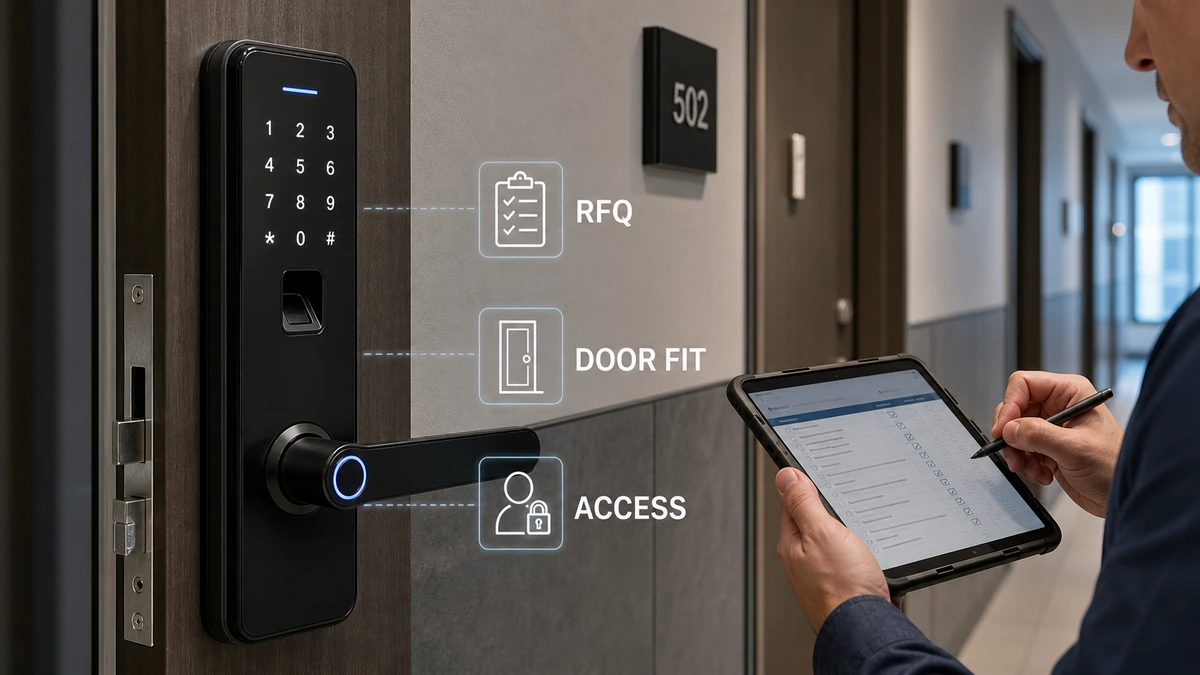
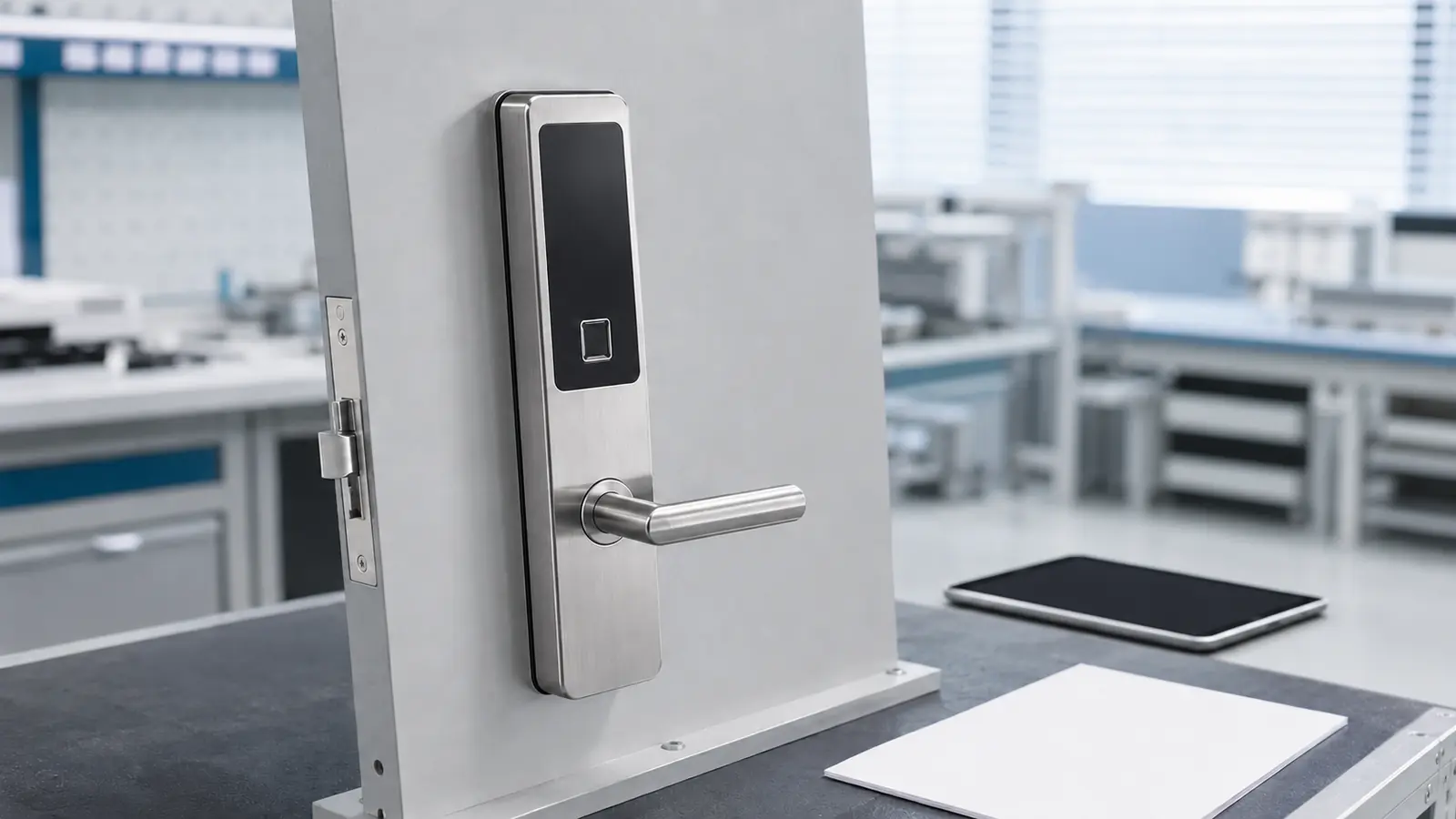
Before requesting a quote, property managers should define the door, mortise, opening direction, access method, user roles, credential lifecycle, offline and emergency behavior, audit needs, installation scope, quantity, finish, and rollout schedule. A supplier can quote an apartment smart lock accurately only when these fields are complete and every requested function is tied to a confirmed model rather than assumed from a product family.
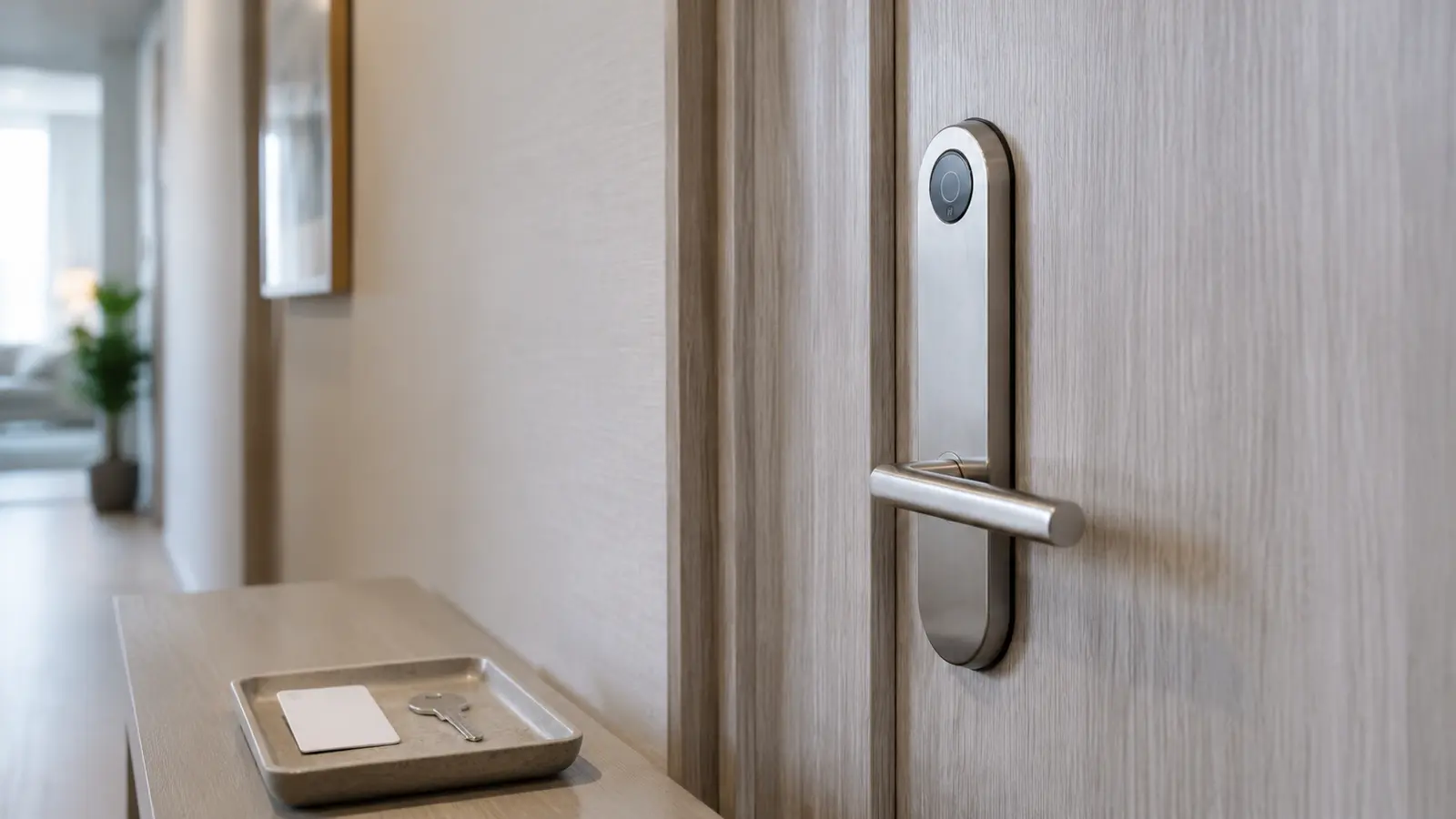
An apartment lock project is not simply a hardware purchase. The lock must fit the existing door, support daily resident and staff workflows, and remain manageable during tenant turnover, maintenance visits, power loss, network interruption, or staff changes.
If these conditions are missing from the request for quotation (RFQ), two suppliers may appear to quote the same product while actually pricing different lock bodies, access methods, software scopes, accessories, installation responsibilities, or support packages.
This guide gives property managers, importers, project contractors, and access-control integrators a practical framework for preparing a complete and comparable apartment smart lock RFQ.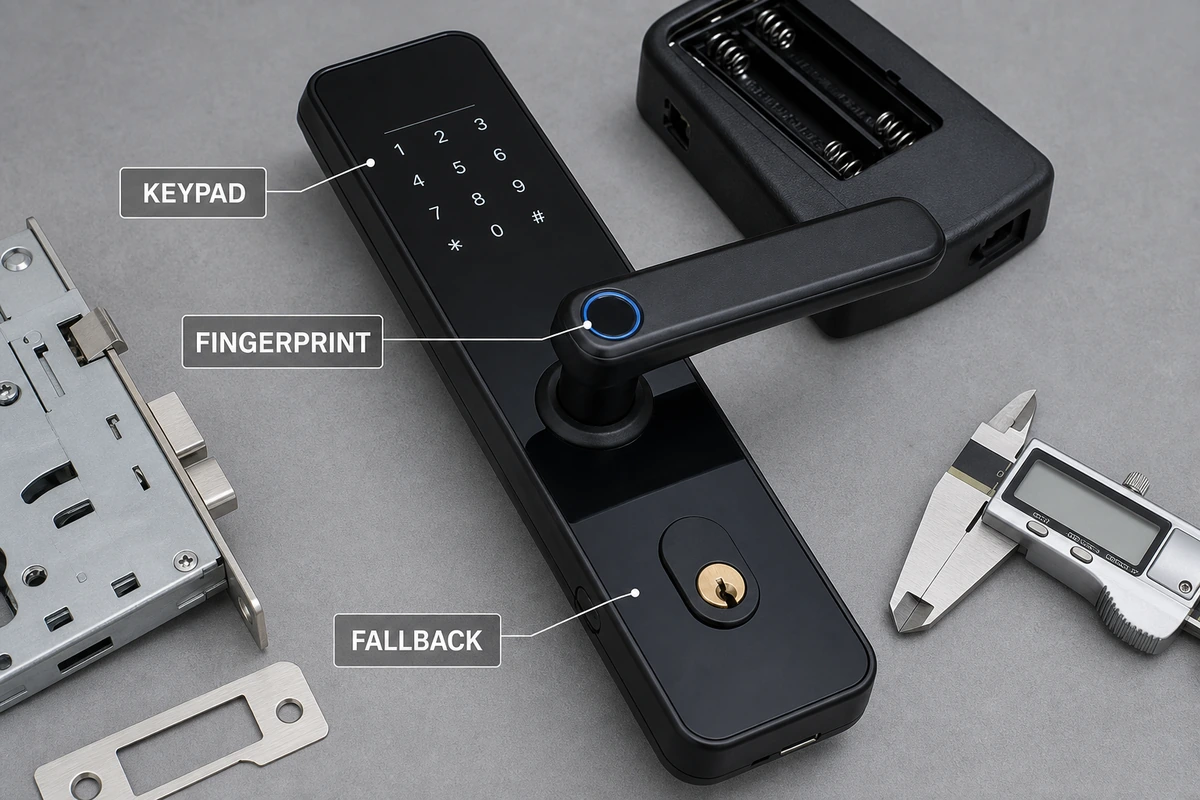
Start With the Property Workflow, Not a Feature List
The first decision is not whether the lock should have an app, fingerprint reader, card reader, or keypad. It is how access should work for each person who enters the property.
Map the users before selecting the technology:
- Residents may need long-term access that can be changed at lease renewal or move-out.
- Property managers may need controlled access across multiple units.
- Maintenance staff may need temporary or scheduled entry.
- Cleaners and contractors may need time-limited access to specific doors.
- Emergency personnel may require a documented fallback procedure.
- Installers and commissioning teams may need temporary setup credentials.
The RFQ should state who may create, change, suspend, and delete each credential. It should also explain whether management is performed at each lock, through a mobile device, or through a computer-based system. Do not assume that every model supports every workflow.
Apartment Smart Lock Specification Table
Use the following table to turn operational requirements into fields a supplier can quote.
| Specification area |
What the buyer should provide |
Why it changes the quotation |
| Property scope |
Number of buildings, floors, units, common doors, and management offices |
Defines hardware quantities and whether different lock types may be needed |
| Door details |
Door material, thickness, edge preparation, existing bore pattern, mortise or lock-body dimensions, and photos |
Determines physical compatibility and modification requirements |
| Door operation |
Left/right handing and inward/outward opening direction |
Prevents incorrect lock orientation or installation planning |
| Access methods |
PIN, fingerprint, card, mechanical key, Bluetooth, app, or computer management |
Changes model selection and may change accessories or software scope |
| User roles |
Resident, manager, maintenance, cleaner, contractor, and emergency roles |
Defines the credential and permission workflow that must be confirmed |
| Turnover process |
How access is issued, revoked, and reassigned between residents |
Reveals whether the proposed management method fits daily operations |
| Connectivity |
Offline, Bluetooth, gateway, Wi-Fi, or other required architecture |
Affects deployment, infrastructure, and failure behavior |
| Fallback |
Response to low battery, dead battery, lost credentials, network loss, and staff lockout |
Identifies required emergency procedures and accessories |
| Records |
Required event history, export format, retention period, and authorized viewers |
Determines whether audit capability must be included and demonstrated |
| Appearance |
Material, color, finish, handle style, and project design requirements |
Affects the product variant and sample approval |
| Installation |
New doors or retrofit, installer responsibility, site location, and pilot scope |
Changes preparation, documentation, and rollout risk |
| Commercial terms |
Sample quantity, total quantity, packaging, delivery destination, and schedule |
Enables a realistic product and delivery quotation |
1. Document the Door and Mortise Before Selecting a Lock
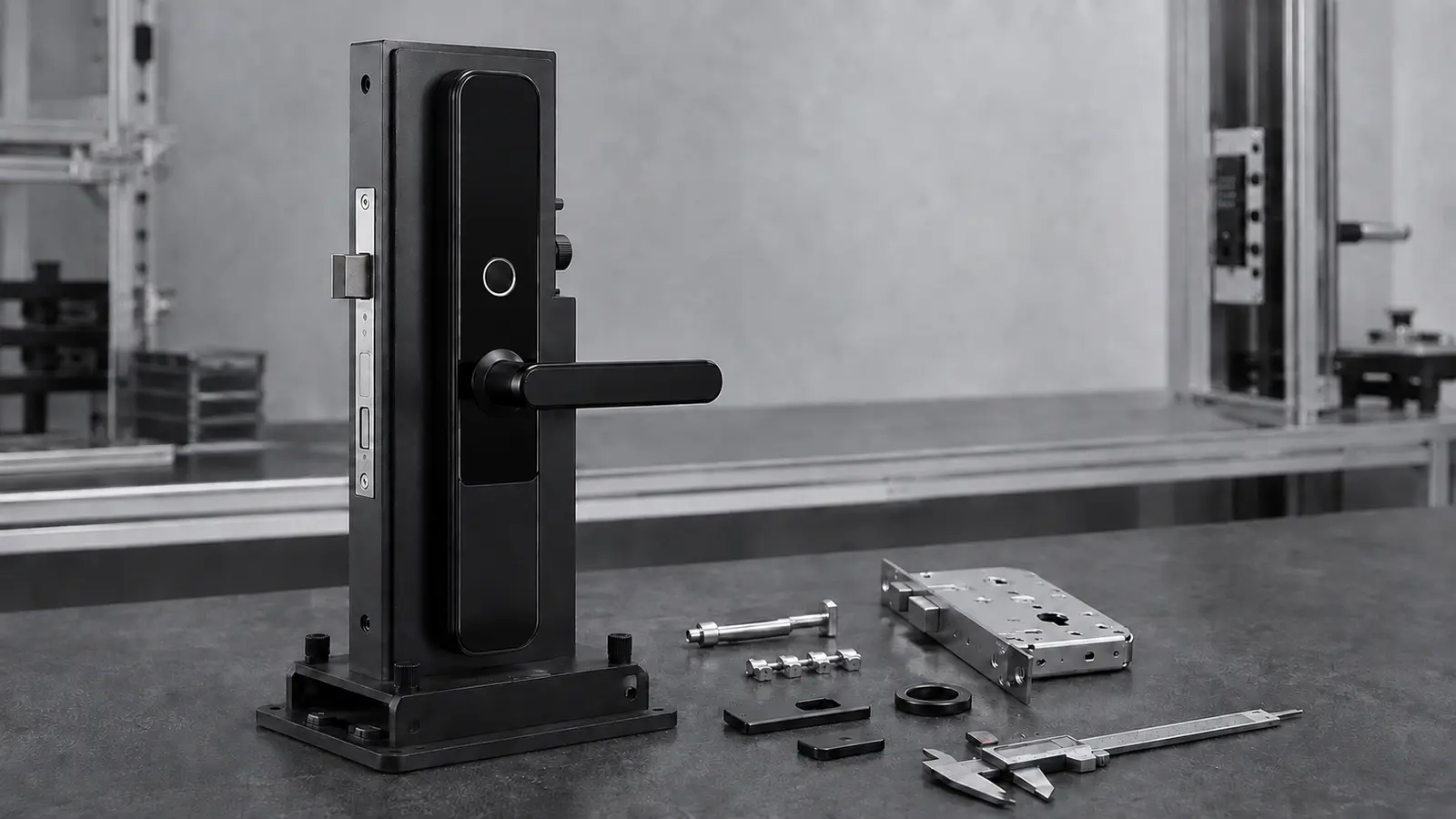
Door compatibility is the first technical filter. A suitable access workflow cannot compensate for a lock that does not match the door.
For each door type, provide:
- Door material, such as wood or metal.
- Door thickness.
- Door edge and face photographs with a scale or ruler visible.
- Existing bore positions and dimensions.
- Mortise or lock-body dimensions, if an existing lock will be replaced.
- Backset and handle-to-cylinder spacing where applicable.
- Opening direction and handing.
- Whether the door is new, pre-drilled, or already installed.
- Any restrictions on drilling, cutting, or covering the existing preparation.
For a retrofit project, group identical doors instead of sending one average measurement for the entire property. Older buildings often contain more than one door or mortise condition. A door schedule showing each group and its quantity allows the supplier to identify exceptions before mass production or shipment.
Property managers should also identify doors subject to local fire, egress, accessibility, insurance, or building-code requirements. The buyer and relevant local professionals must verify the required evidence for the specific project. A product should not be treated as compliant merely because it is described as a smart lock.
2. Define Credential Management From Move-In to Move-Out
Credential management is where an apartment smart lock either reduces work or creates new work.
Describe the complete lifecycle:
- How is a resident enrolled?
- Who can issue a PIN, fingerprint, card, or digital credential?
- Can access start and expire at defined times?
- How is a lost credential disabled?
- What happens when a resident moves out?
- Can maintenance access be limited to one unit and one time window?
- Can a manager access several doors without sharing a resident credential?
- How are permissions handled when a staff member leaves?
The answers should be written as required outcomes, not as assumed product functions. For example, write “maintenance access must expire after the scheduled visit” rather than “temporary codes included.” The supplier can then confirm whether a specific model and management method meet that outcome.
Choosing the access method
| Access method |
Where it may fit |
Questions to confirm before ordering |
| Password/PIN |
Resident units, rental rooms, and managed access where physical credentials are undesirable |
Capacity, code-change process, temporary-code behavior, and administrator control |
| Fingerprint |
Projects seeking credential-free resident access |
Enrollment process, user capacity, deletion process, and fallback method |
| Card |
Properties with established credential-issuing workflows |
Card type, encoder or issuer requirements, loss handling, and staff permissions |
| Bluetooth or app |
Projects that want mobile interaction |
Phone requirements, account ownership, offline behavior, gateway needs, and data responsibility |
| Computer management |
Multi-room operations requiring centralized administration |
Software scope, supported operating environment, database ownership, training, and recovery procedure |
| Mechanical key |
Emergency or management fallback where permitted |
Key-control plan, override procedure, and replacement policy |
Feature availability varies by model and configuration. Ask the supplier to mark every requirement as included, optional, not supported, or requires another product.
3. Specify Offline, Battery, and Emergency Behavior
“Smart” should not mean “unavailable when the network fails.” The RFQ should describe what must continue to work during predictable failure conditions.
Ask the supplier to explain and demonstrate:
- Which credentials continue to work without a network connection.
- How authorized changes reach a lock after connectivity returns.
- How low-battery warnings are presented and who receives them.
- The battery-replacement procedure and required battery type.
- The authorized response to a fully depleted battery.
- The procedure for a lost phone, lost card, forgotten PIN, or unavailable fingerprint.
- Whether a mechanical or external-power fallback exists on the quoted model.
- How administrators recover access if the normal management device or computer is unavailable.
Do not accept a general statement such as “emergency access supported.” Request the exact sequence for the quoted configuration and include it in the pilot test.
4. Treat Audit and Data Requirements as Separate Specifications
An “audit trail” can mean very different things. A useful requirement defines what is recorded, where it is stored, who can view it, and how it can be exported.
If access records are required, specify:
- Events that must be recorded.
- Whether users are identified by name, credential number, role, or another ID.
- Whether unsuccessful attempts or administrative changes are included.
- Storage location and retention period.
- Export format and reporting frequency.
- Time synchronization and time-zone handling.
- Administrator permissions.
- Procedure after a lock, phone, gateway, or management computer is replaced.
- Applicable privacy, labor, housing, or data-protection obligations in the destination market.
The supplier should confirm these points for the proposed system. Buyers should not infer recordkeeping capability from the presence of a keypad, fingerprint reader, Bluetooth connection, or app.
5. Shortlist Models Using Verified Physical and Access Differences
Haolock’s current product data identifies several options for apartments, homes, rental rooms, homestays, and managed-access projects. The following examples show how a buyer can begin a shortlist without assuming unverified system functions.
| Example model |
Verified access options in current product data |
Verified material and finish |
Possible reason to shortlist |
| 1019 Black Password & Fingerprint Lock |
Password and fingerprint |
Aluminum alloy; electroplating |
A black password-and-fingerprint option for an apartment sample comparison |
| 1021 Black Password & Fingerprint Lock |
Password and fingerprint |
Aluminum alloy; spray-painted finish |
An alternative black finish and construction route for design review |
| 1023 Silver Password & Fingerprint Lock |
Password and fingerprint |
Stainless steel; brushed finish |
A silver brushed-stainless option for projects with a different material or appearance requirement |
Password-only variants are also listed within the 1019, 1021, and 1023 families. Buyers can review Haolock’s apartment and home smart lock range and password smart lock range when preparing a shortlist.
This table is not a final compatibility decision. Door fit, dimensions, credential capacity, management method, fallback behavior, accessories, and project-specific requirements still need written confirmation for the exact quoted model.
6. Use a Pilot to Validate the Whole Workflow
A sample that unlocks on a desk is not yet a successful apartment deployment. The pilot should test the lock on a representative door and follow the same operational process planned for rollout.
Include at least:
- One example of every significant door type.
- Resident enrollment and move-out.
- Staff and maintenance access.
- Lost or revoked credentials.
- Low-battery and depleted-battery procedures.
- Offline or network-interruption behavior, if connectivity is part of the design.
- Emergency access under the property’s approved procedure.
- Record review and export, if required.
- Installation time, tools, door modifications, and installer feedback.
- Training and handover for property staff.
Record the approved hardware, finish, lock body, firmware or software scope where relevant, accessories, packaging, and configuration after the pilot. The production quotation and purchase order should refer to this approved configuration.
Apartment Smart Lock RFQ Checklist
Copy the following fields into the RFQ:
Project and quantity
- Project country and city:
- Property type:
- Number of buildings:
- Number of apartment units:
- Number of unit-entry doors:
- Number and type of common-area doors:
- Sample quantity:
- Estimated production quantity:
- Required delivery date:
- Delivery destination and trade terms:
Door schedule
- Door material:
- Door thickness:
- Opening direction and handing:
- Existing lock or mortise model:
- Mortise, backset, and hole-pattern dimensions:
- Door and lock-edge photos attached:
- New installation or retrofit:
- Number of each door type:
- Local project requirements and evidence requested:
Access workflow
- Required access methods:
- Resident credential process:
- Manager credential process:
- Maintenance/contractor process:
- Temporary-access rules:
- Move-in and move-out procedure:
- Credential capacity required:
- Required management method:
- Offline operation required:
- Network or gateway architecture required:
Fallback and records
- Low-battery warning requirement:
- Depleted-battery procedure:
- Lost-credential procedure:
- Emergency-access requirement:
- Mechanical-key or external-power requirement:
- Events to be recorded:
- Retention and export requirement:
- Authorized record viewers:
Product and delivery
- Preferred material, color, and finish:
- Required accessories:
- Packaging or labeling requirement:
- Product documents required:
- Installation responsibility:
- Training requirement:
- Pilot acceptance tests:
- Spare units or replacement parts requested:
- After-sales response information requested:
What Should a Comparable Supplier Quote Include?
A useful quotation should identify the exact model and variant, lock body or mortise, access methods, management method, included accessories, optional items, sample terms, unit quantity, packaging, delivery basis, lead-time assumptions, and exclusions.
Request a requirement-response matrix with the quotation. Each RFQ line should receive one of four answers:
- Confirmed as included.
- Available as an option.
- Requires a different model or system.
- Not supported.
This format exposes scope differences before price comparison. It also creates a clearer basis for the sample, pilot, purchase order, and final inspection.
Confirm the Commercial Supply Scope
Ask the supplier to separate sample and production quantities, state the minimum order quantity for each approved model and finish, and confirm whether logo, packaging, credential media, software, gateways, spare parts, installation tools, training, or commissioning are included. Lead time should be quoted only after door compatibility and the pilot configuration are approved. The quotation should also list the requested standards or certification evidence, warranty scope, replacement-part support, packing method, trade terms, and every factor that can change the unit or project price.
Frequently Asked Questions
What information does a supplier need to quote an apartment smart lock?
At minimum, provide door material and dimensions, mortise or existing lock details, opening direction, required access methods, user and credential workflows, offline and emergency requirements, quantity, finish, installation scope, delivery destination, and schedule. Photos and a door schedule reduce ambiguity.
Is a password lock or fingerprint lock better for apartments?
Neither is universally better. Password access may simplify credential distribution, while fingerprint access can reduce reliance on remembered or shared codes. The correct choice depends on resident enrollment, turnover, user capacity, fallback, privacy requirements, and staff administration. Compare both methods in a pilot.
Do apartment smart locks need an internet connection?
That depends on the selected product and management architecture. Buyers should state which functions must work offline, which changes may require synchronization, and how the system should behave during an outage. The supplier must confirm this for the exact quoted configuration.
Should property managers request an audit trail?
Request one only after defining the operational and legal need. Specify which events are required, how long records must be retained, who may view them, how they are exported, and what happens after device replacement. Confirm local privacy and housing obligations separately.
How many locks should be included in a pilot?
There is no universal number. The pilot should cover every materially different door, lock body, access workflow, and management condition. A property with several door types may need more samples than a larger property with one standardized door schedule.
Prepare a Field-Complete RFQ
Haolock develops and supplies password, fingerprint, swipe-card, hotel-lock, and access-control products for overseas B2B buyers. Model suitability and feature availability depend on the door, configuration, and project requirements.
To request a project quotation, send the completed checklist, door photographs and dimensions, required access workflow, preferred material and finish, quantities, destination, and rollout schedule through the Haolock . Haolock can then review the requirement against available models and identify the details that still need confirmation before sampling or bulk ordering.