Before delivery, buyers should define who owns the administrator account, who may authorize a reset, what evidence is required, and who recommissions each lock afterward. A reset should never be treated as a shortcut for gaining access. The exact recovery and factory-reset procedures must be confirmed for the quoted lock and management platform, documented during handover, and tested before bulk acceptance.
Searches such as “reset Tuya smart lock” often lead to consumer instructions, but a hotel, apartment, homestay, or managed-room project has a different problem. The project may contain many doors, several operational roles, installer accounts, and records that must remain under the buyer’s control. Reset governance therefore belongs in the purchase specification and delivery checklist, not only in a troubleshooting manual.
A Reset Is a Change of Control, Not Just a Technical Step
Resetting a connected smart lock may affect administrator ownership, enrolled users, passwords, fingerprints, room assignments, local settings, or the connection to a management interface. The actual result depends on the model and configuration. Buyers should not assume that an account recovery, an administrator change, and a factory reset perform the same action.
The distinction matters because an incomplete reset can leave an old administrator in control, while an unnecessary factory reset can remove valid credentials and create avoidable recommissioning work. A maintenance team trying to restore one user’s access should not automatically receive authority to erase or reassign the device. The project should treat reset authority as a restricted operational role with a documented approval path.
Separate Three Different Recovery Events
The RFQ and handover documents should use precise event names. “Reset the lock” is too vague for a supplier, installer, or property operator to execute safely. At minimum, the project should distinguish the following situations:
- Account recovery: the authorized administrator cannot sign in or no longer has access to the registered phone or account.
- Administrator transfer: control must move from an installer, employee, property owner, or outgoing operator to a new authorized owner.
- Device or factory reset: the lock must return to a defined initial state and then be configured again.
For each event, the supplier should explain what is retained, what is removed, what physical access is required, and which credentials or documents are needed. If a gateway, app, local administrator, mechanical key, or supplier-assisted process is involved, that dependency should appear in the quoted configuration. Generic Tuya smart lock reset instructions should not replace model-specific documentation.
Assign Ownership Before the Installer Opens the First Box
The buyer should name the permanent account owner before commissioning begins. This may be a property-level role, an authorized corporate account, or another structure supported by the selected system. It should not default to an installer’s personal phone number or to a temporary employee whose departure could leave the project without administrative control.
Four responsibilities need separate names: the person who requests a reset, the person who approves it, the person who performs it, and the person who verifies recommissioning. One person may hold more than one responsibility in a small property, but the decision should be deliberate. For a multi-site portfolio, the project may also need a central recovery contact and a local person who can provide physical access to the affected door.
Buyers comparing smart lock configurations for managed properties should ask how ownership is created and transferred for the exact management arrangement. An app option, password function, or fingerprint reader does not by itself explain who controls recovery.
Define Evidence for Reset Requests Without Normal Credentials
A request to perform a Tuya smart lock factory reset without a password should be treated as an ownership-verification issue, not merely as a request for button instructions. The buyer and supplier should agree on the evidence required when the normal administrator credential is unavailable. The rule should protect legitimate recovery without creating an informal bypass procedure.
Suitable project evidence may include the property or device record, purchase documentation, the approved administrator list, the door schedule, device identifiers, or another verification method defined by the buyer and supported by the supplier. The article does not prescribe a universal proof package because account recovery and reset behavior vary by model and platform. The RFQ should require the supplier to describe the applicable process before shipment.
Telephone or messaging approval alone may be difficult to audit later. A reset record should identify the affected lock, the reason, the requestor, the approver, the person performing the work, and the completion result. This becomes especially useful when a property changes operators or when several doors require recovery at the same time.
Use a Reset Decision Table During Handover
| Reset Situation |
Risk of Acting Too Quickly |
What the Buyer Should Verify |
Required Completion Evidence |
| An administrator forgot a password |
A full device reset may remove valid settings when account recovery would have been sufficient. |
Confirm whether the issue concerns an account, a local administrator credential, or the lock itself. |
Recovery record and confirmation that existing authorized users still operate as intended. |
| An installer’s account still owns the lock |
The property may accept delivery without permanent administrative control. |
Confirm the supported ownership-transfer procedure and the buyer’s final account. |
Buyer login verification and removal of unauthorized installation access. |
| A staff member or tenant has left |
Resetting the entire device may create unnecessary work when credential deletion is sufficient. |
Identify the specific user or credential that must be revoked. |
Revocation test at the affected door and confirmation that unrelated users remain valid. |
| The lock is being reassigned to another room or operator |
Old room, user, or ownership data may remain associated with the device. |
Confirm which data is cleared and how the new room and administrator are assigned. |
Updated door schedule, administrator record, and functional test under the new assignment. |
| A factory reset is required |
The door may be left without a tested credential or approved fallback method. |
Confirm the exact model procedure, required physical access, retained data, and recommissioning sequence. |
Completed setup checklist, permitted-access test, denied-access test, and fallback verification. |
This table should be adapted to the property’s own operating roles. It is a decision aid rather than proof that every proposed lock supports remote recovery, record export, or the same reset sequence.
Recommissioning Must Be Included in the Reset Procedure
A reset is not complete when the lock powers on or reconnects. The affected door must return to the approved operating state. The handover package should define the recommissioning sequence and identify who signs off each step.
- Confirm the lock identity, room assignment, and authorized administrator owner.
- Restore only the settings and connection method approved for that door.
- Create or restore the required operational roles and credentials.
- Verify one permitted action and one prohibited action for each critical role.
- Test the agreed local or offline fallback method.
- Remove temporary installer access and update the reset record.
Where the project requires logs or access records, the buyer should also confirm how a reset affects their availability. No retention behavior should be assumed unless the supplier’s documentation for the quoted configuration supports it.
Do Not Treat the Product Name as Proof of Tuya Reset Behavior
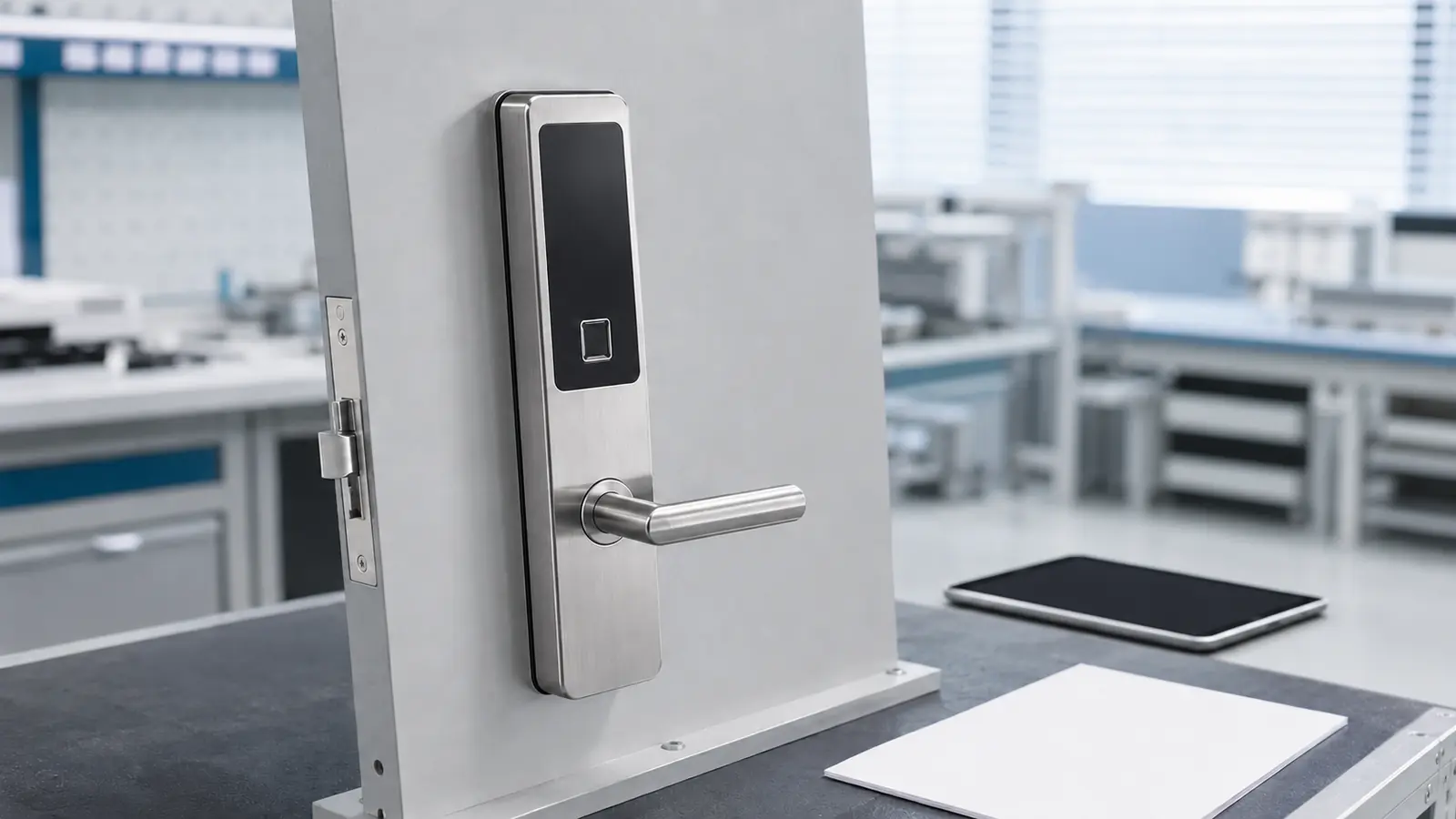
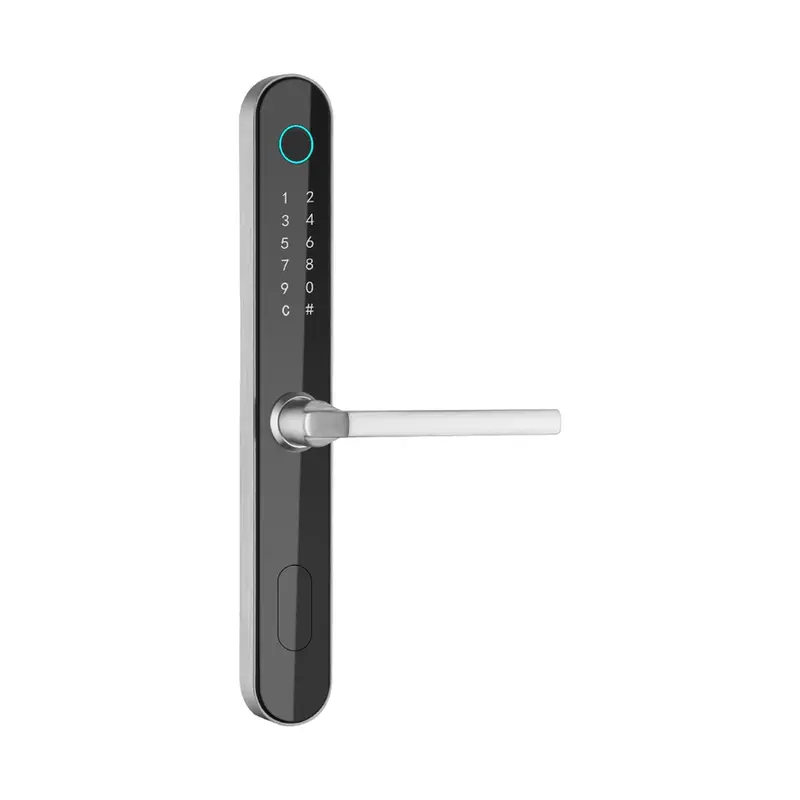
The related product for this reset-governance topic is the 1023 Silver Password & Fingerprint Lock. Available product data identifies a silver stainless-steel lock with a brushed finish, dimensions of 330 × 42 × 22 mm, and applications including apartments, homes, rental rooms, homestays, and managed-access projects.
Those verified details do not establish that every 1023 configuration uses Tuya, supports remote factory reset, or follows a particular app procedure. If Tuya compatibility or app-connected recovery is required, the quotation should identify the exact variant and supporting configuration. Buyers should request the relevant setup, administrator-transfer, reset, and recommissioning documents before approving the sample.
This fact boundary also applies to the broader password smart lock range. A password-and-fingerprint model can be suitable for managed access without necessarily providing the same remote functions as another model.
Freeze the Reset Workflow at Sample Approval
The sample stage should test the buyer’s real recovery workflow, not a supplier demonstration using temporary accounts. Record the sample model, management configuration, administrator owner, reset path, fallback method, and recommissioning result. That record becomes the acceptance reference for the delivered batch.
The RFQ should also state how configuration changes will be controlled after sample approval. If the app, gateway, firmware, lock variant, or account structure changes, the supplier should identify the change and repeat the affected acceptance steps. This prevents a working sample from becoming irrelevant to the bulk configuration.
Information to Provide With the Smart Lock RFQ
Prepare the door schedule, property structure, requested unlocking methods, proposed administrator owner, recovery contact, reset-approval roles, accepted fallback method, required handover documents, and sample acceptance criteria. Also identify whether the project specifically requires Tuya or another app-connected arrangement instead of using “smart lock app” as a general requirement.
Haolock can use this information to discuss model selection, door compatibility, unlocking options, and management configuration, with functions confirmed by model. The completed reset and handover requirements can be submitted through the smart lock project quotation channel so the proposed product and its administrative workflow can be reviewed together.